network. This option is available in 11b/g/n mixed mode with channel bandwidth of 20/40.
Channel Lockout: Once this option is enabled, you can’t modify the country, channel,
channel bandwidth and extension channel manually.
SSID Isolation: Configure the AP’s different SSIDs’ isolation status. Once disabled, clients
connect to different SSIDs can’t communicate with each other. This will enhance your
network security. Once enabled, clients connect to different SSIDs can communicate with
each other.
WMM Capable: WMM is QoS for your wireless network. Enabling this option may ensure
better online stream wireless multimedia data such as video or audio (recommended).
APSD Capable: Automatic power save delivery. This function will be activated only when
WMM Capable is enabled. It is advisable to keep the default value unchanged.
Ageing Time: When the client connects to the AP successfully, and if there’s no data
transmission between the client and the AP within the set ageing time, the client will be
disconnected. If there’s data transmission within the set ageing time, the ageing time stops.
Channel Scan
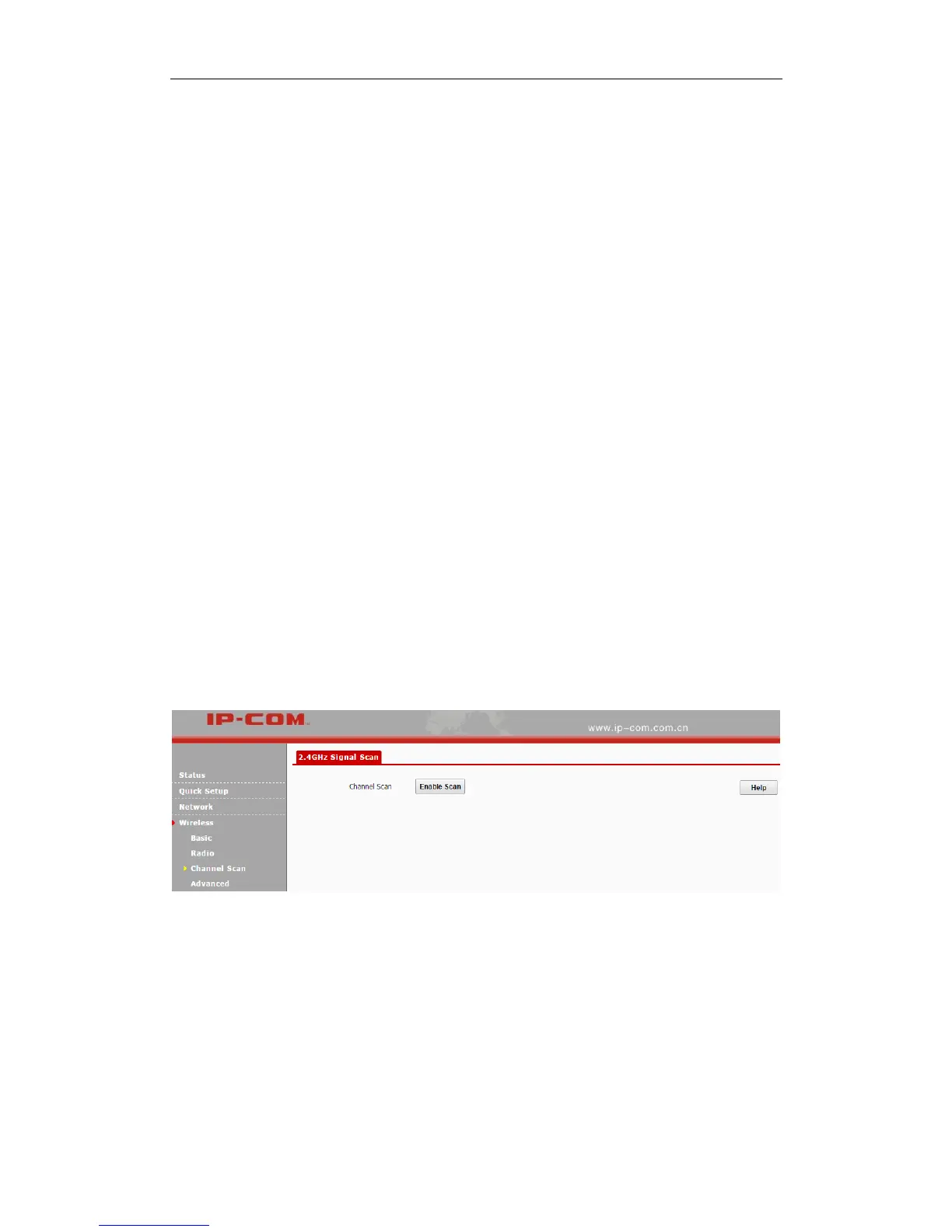
Click Wireless > Channel Scan to enter page below:
Click Enable Scan to view wireless signals nearby. And then you can select a channel which is
the least used by neighboring networks (i.e. the channel with least interference) for your device for
better network performance.



 To Next Page