Upgrading Steps:
❶ Launch a web browser and go to http://www.ip-com.com.cn to download the latest firmware.
❷ Direct to the Firmware Upgrade page.
❸ Click Choose File (in Google browser) to locate and select the upgrade file in the
corresponding directory on your hard disk.
❹ Click Upgrade.
When the upgrading completes, view the current firmware version to judge that whether you’ve
upgraded your AP successfully or not.
Note:
Do not disconnect power supply of the AP. If the power supply is interrupted, the upload may fail
and you need to re-upgrade it. If you are unable to log in to its web UI after cutting off its power
supply during the upgrading, cousult our technical stuff for assitance.
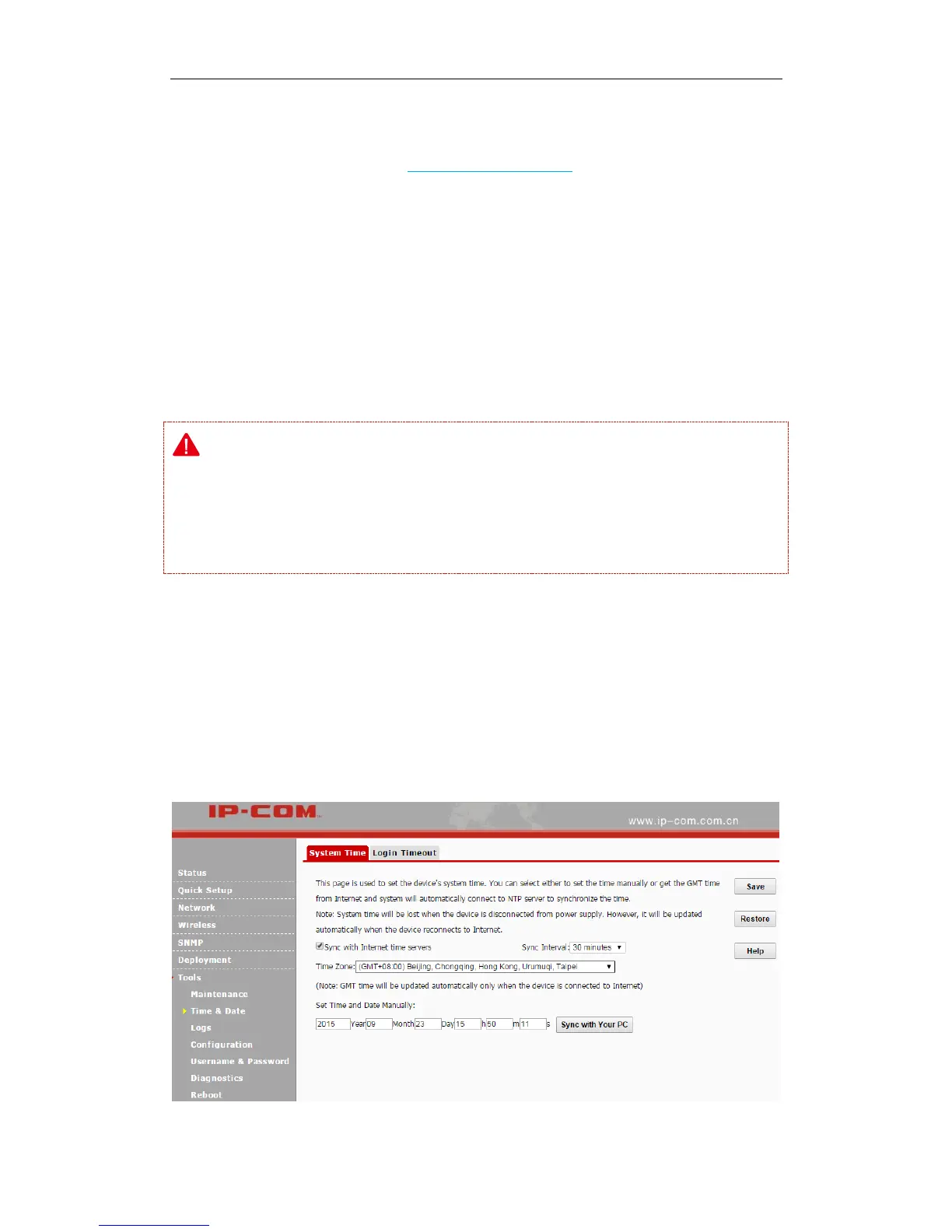
Time & Date
System Time
Click Tools > Time & Date > System Time to enter page below. This page is used to set the
device’s system time.



 To Next Page