Uplink Detection
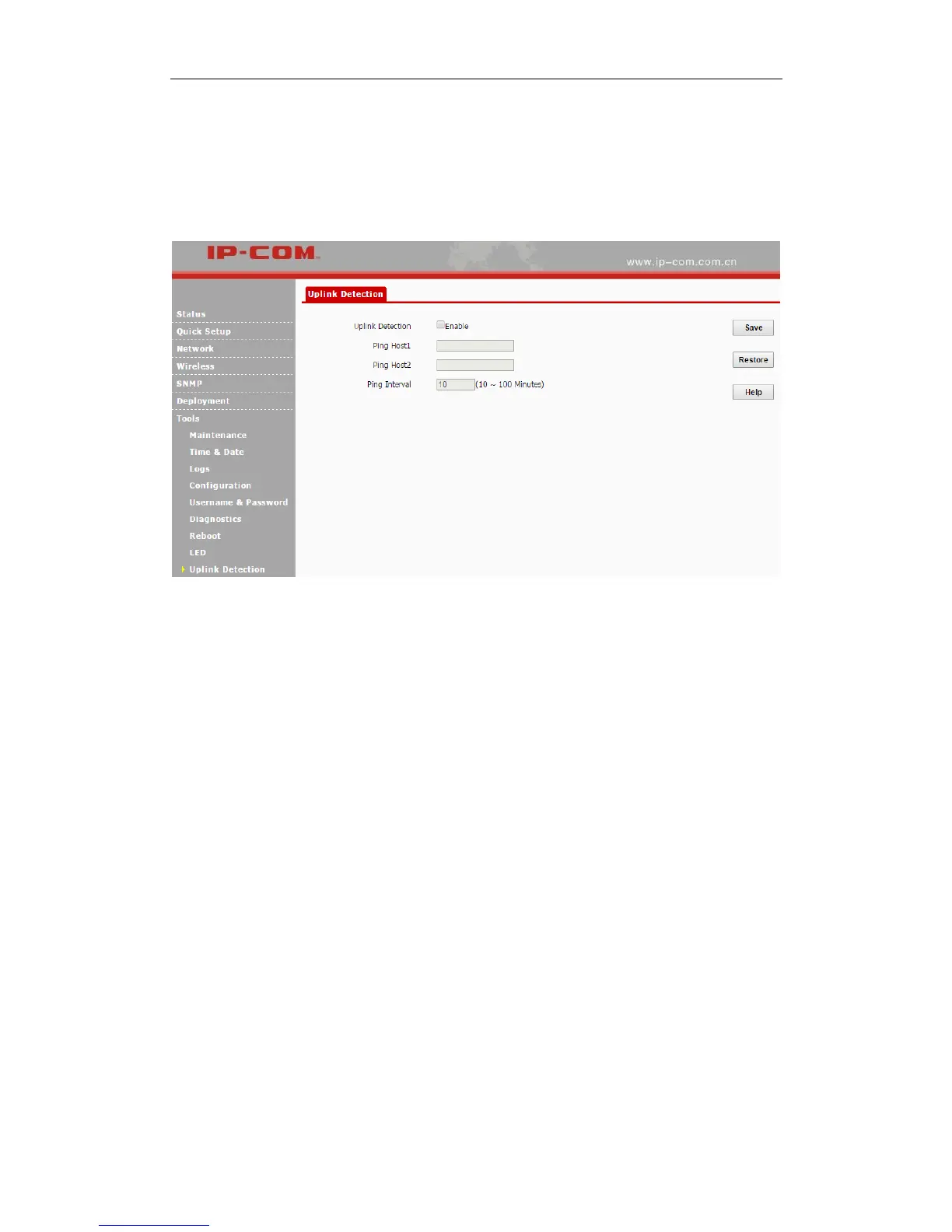
This function allows you to test the link between the AP and its uplink device. It is disabled by
default. Click Tools > Uplink Detection to enter page below:
Configuration Steps:
❶ Check the Enable box to enable the uplink detection function.
❷ Ping Host1/Host2: Enter the IP address of uplink device (s).
❸ Ping Interval: Specify the ping interval. Leave the default value unchanged if not necessary.
❹ Click Save.
When complete settings configured above, the AP will Ping the configured host within the set
Ping interval. If the configured host is unreachable, the WiFi feature of the AP will be disabled.



 To Next Page