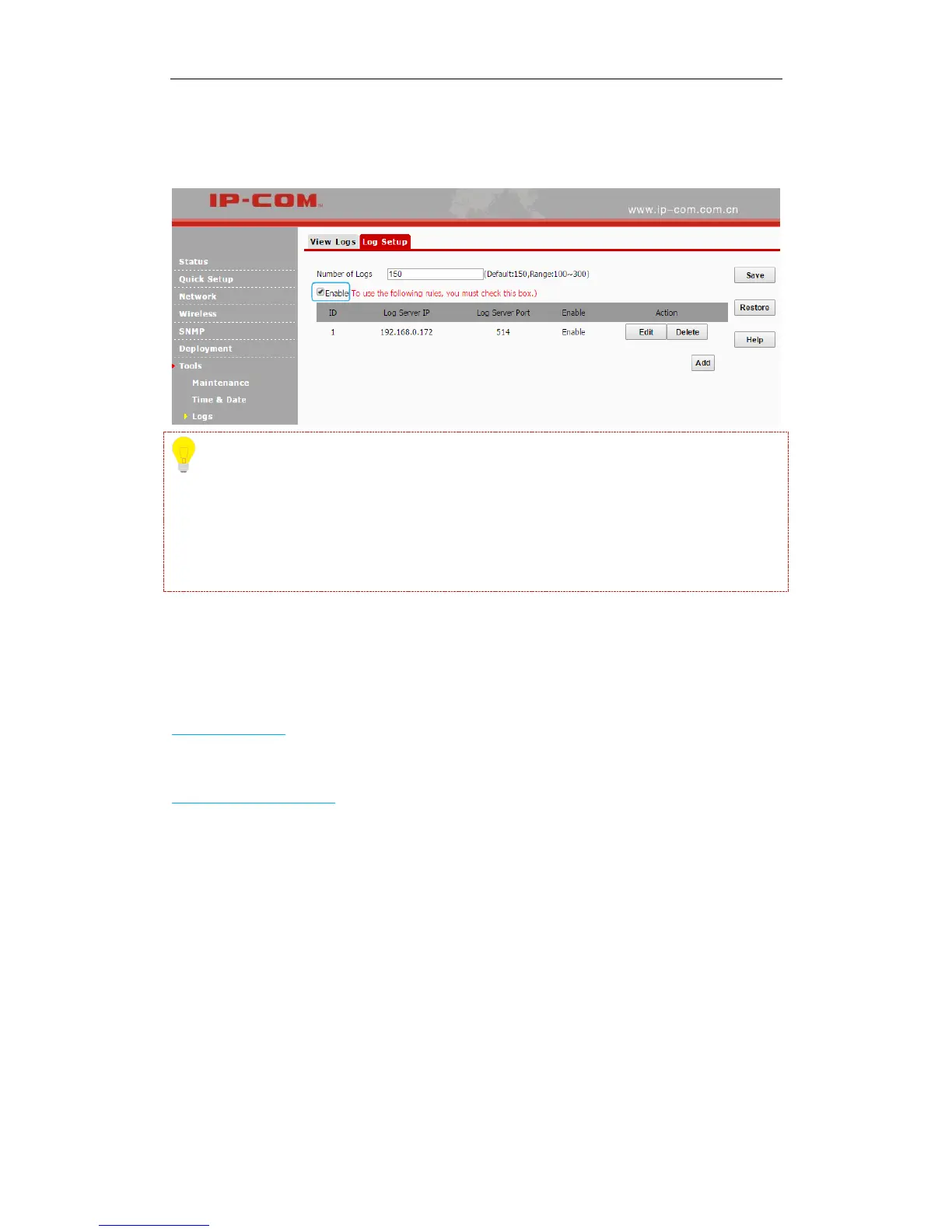
❻ Check the "To use the following rules, you must check this box." Option to activate your
settings.
Tip
To make sure that system logs can be sent to the server successfully, you need to go to Network >
LAN Setup to set your AP’s IP address, subnet mask and gateway so that the route between the
AP and the log serve is reachable.
Configuration
The following two parts are included:
Backup & Restore: Backup current configurations to your local PC and restore previous
configurations to your AP.
Restore to Factory Default: Restore your AP to its factory defaults.
Backup & Restore
Click Tools > Configuration to enter page below:



 To Next Page