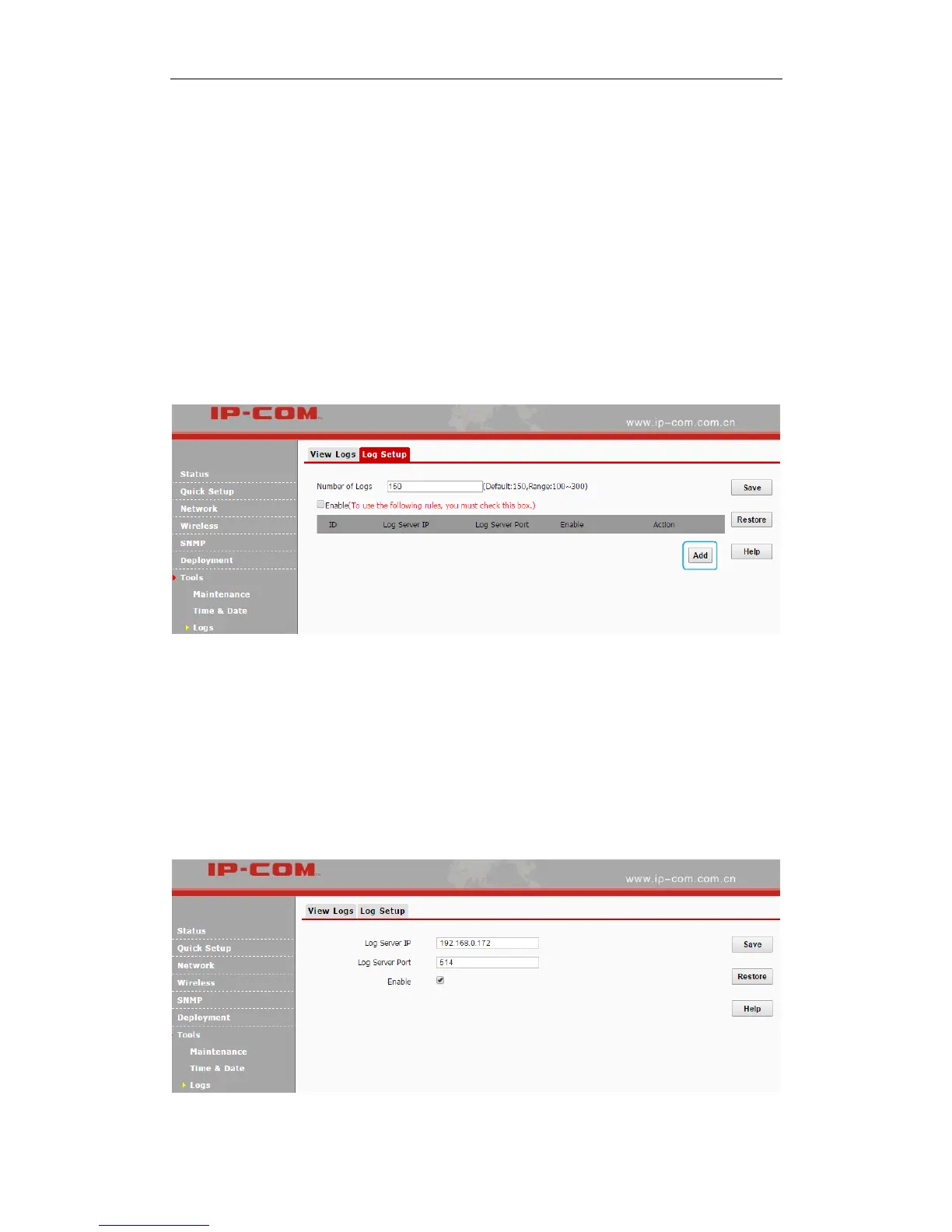
Number of Logs
Up to 300 entries can be logged. The default is 150.
Log Server
If configured successfully, the system will begin to log events and simultaneously send them to the
specified log server in your LAN. You can view all logs there.
Configuration Steps:
❶ Click Add.
❷ Log Server IP: Specify the IP address of the syslog server in your LAN.
❸ Log Server Port: Specify the port of the syslog server in your LAN (If not allowed to
configure a port on your server, enter the default value 514).
❹ Check the Enable box to enable the log server.
❺ Click Save.



 To Next Page