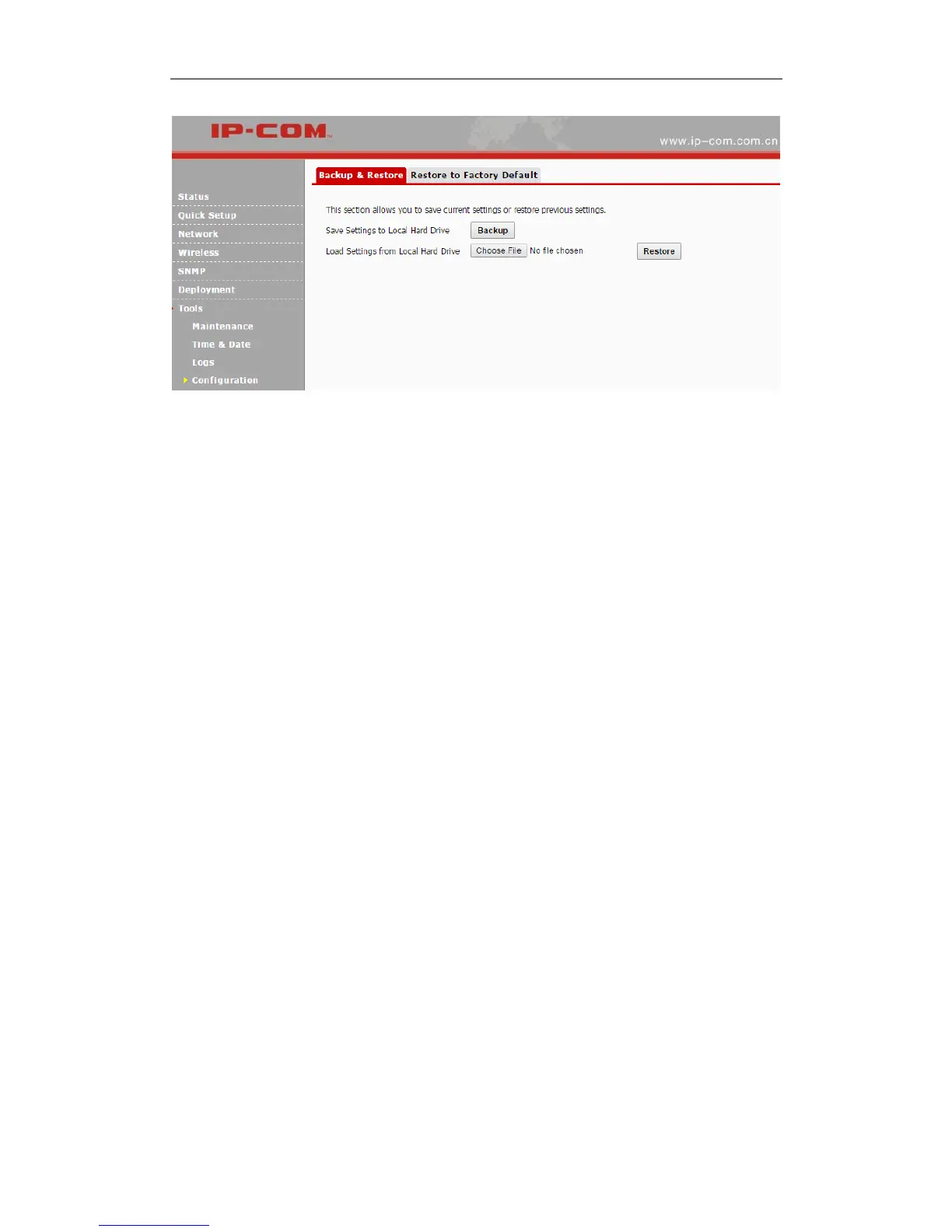
Backup
If you configure many settings on this device, which will make this device work in good status
and suitable environment, it’s suggested to backup settings for this device, which will be
convenient for troubleshooting and saving time for next time’s configuration.
Method: Click Backup and then follow onscreen prompts.
Restore
If you need to configure the same settings for multiple APs, or if your AP works improperly, you
can restore your AP to its previous configurations which you’ve backed up.
Method: Click Choose File (in Google browser) to download your previous configurations, click
Restore and then follow onscreen prompts.
Restore to Factory Default
If the device or client connected to the device fails to access the Internet due to incorrect
configurations and you cannot solve the problem, click Tools > Configuration > Restore to
Factory Default to reset the device and then reconfigure it.



 To Next Page