Sensor Installation
24
Rev. L6 Feb 2017 Modline 5
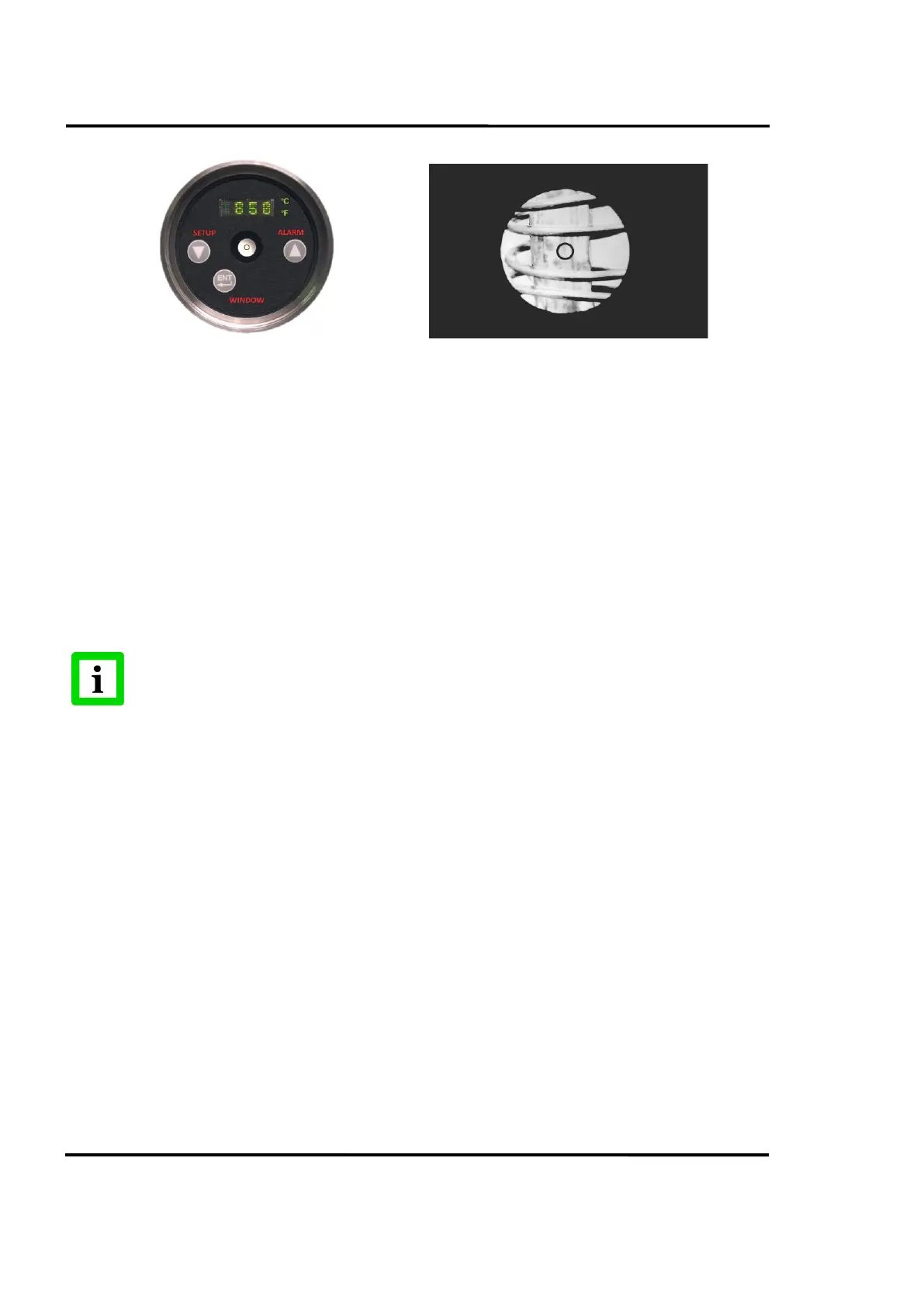
Figure 6: Visible Sight Figure 7: Reticle
When properly focused, the area of the target within the reticle will be measured. The Sensor infrared
detector will “see” the same image seen defined by the reticle. Approximately 97% of the measured
energy will come from the area defined by the reticle.
To check or adjust focus, slowly move your head slightly from side to side or up and down. Note
whether the target appears to move with respect to the reticle. If it does, adjust the lens focusing section,
until there is no perceived motion between the reticle and target (hence eliminating parallax between
the two). The instrument is then in sharp focus. Lock the lens rear focusing section in place using the
locking thumbscrew on the bottom of the Sensor.
If looking through a sight tube or sight hole, position, align and rotate the Sensor and Sight tube to
center the reticle in the field of view.
For Modline 56 sensors: occasionally, a calibration flag that operates during the Sensor
Calibrate test may move into the viewing area during shipment. If this occurs, the
viewing area will be dark and appear obstructed. This flag will be positioned correctly
when power is applied to the Sensor.
3.3.3 Laser Sight
With the optional Laser sight, a laser light spot is projected onto the target and used to aim the Sensor.
The same rear focusing method applies and is to be used to adjust for the smallest laser light spot. The
projected focused laser image will be approximately the same diameter “spot” as measured by the
detector. See Section 3.4 Sensor Optical Characteristics, page 26 for determining spot size.
The Laser image is reflected from the target surface. The image can easily be seen on most targets at
distances of 10 feet and further. The visibility of the reflected image is dependent on the reflection
characteristics of the target material as well as the intensity of the ambient lighting. When viewing hot
glowing targets, the visibility of the image also depends upon its temperature. The color and intensity
of a hot glowing object may override the reflected Laser image.
Use of the laser on distant targets or poorly reflecting targets may require some white paint on the target
or a white substitute target such as a sheet of paper to accomplish focusing. Ambient light dimming
may be required for targets that reflect poorly. For difficult conditions, pre-focus the Sensor optics while
aiming the laser at a white reflective target. Then use the Laser to aim the pre-focused Sensor on to the
target.


 To Next Page