Sensor Installation
54
Rev. L6 Feb 2017 Modline 5
3.11 Installation Drawings and Illustrations
3.11.1 Installation Drawing for the UAA – Universal Adapter for Tripod or Custom
Mounting
Required Accessories. See Individual Accessory
Descriptions and Dimensions.
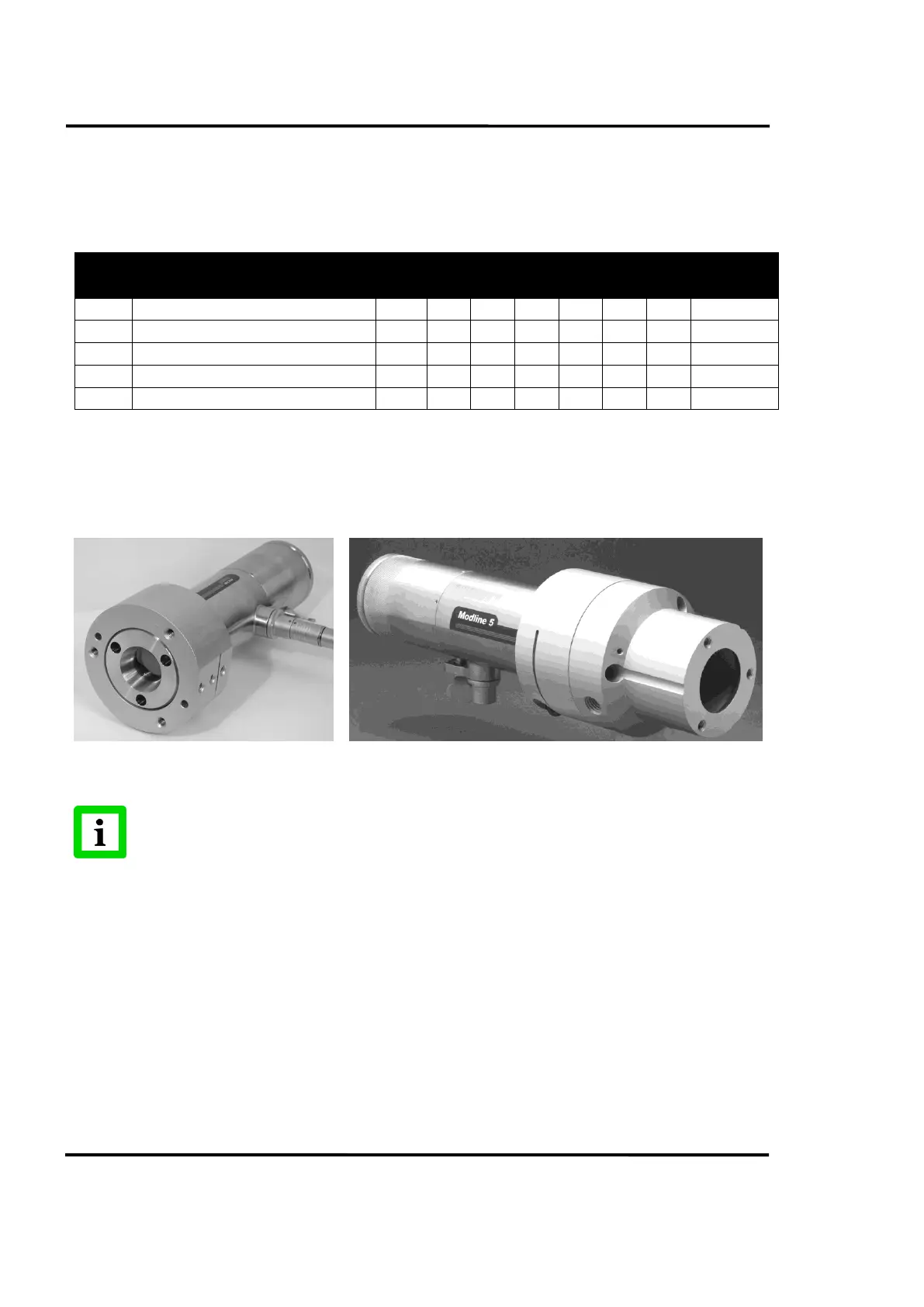
Large Flange Interface Mount
Air Purge with ¼-20 Bolt Pattern Mount
Air Purge with Small Flange Mount
Air Purge with Large Flange Mount
DWD is Dirty Window Detector Option. Refer to notes with grouping table in Section 3.10 Accessory Combinations with
Break-out Drawings. The ESA adds 1.82 in. (46.2 mm) to length of the assembled group.
Table 8: Recommended Accessory Groupings UAA
Sensor front surface will be positioned at the back end of the APA or MFL. To determine working
distance (D) for spot size formula d=D/F, measure or calculate from that point.
When using the MFL (Group 2) or APA (Group 3, 4, 5), assemble these accessories to
the UAA first. Place Sensor fully into assembly and rotate Sensor to desired position.
Tighten clamping screw.


 To Next Page