Chapter 2: OPERATION MODE
UNI-3 User’s Manual 2-5
2.3.3 ISSUING LABELS FOR FIXED PRICE PRODUCTS
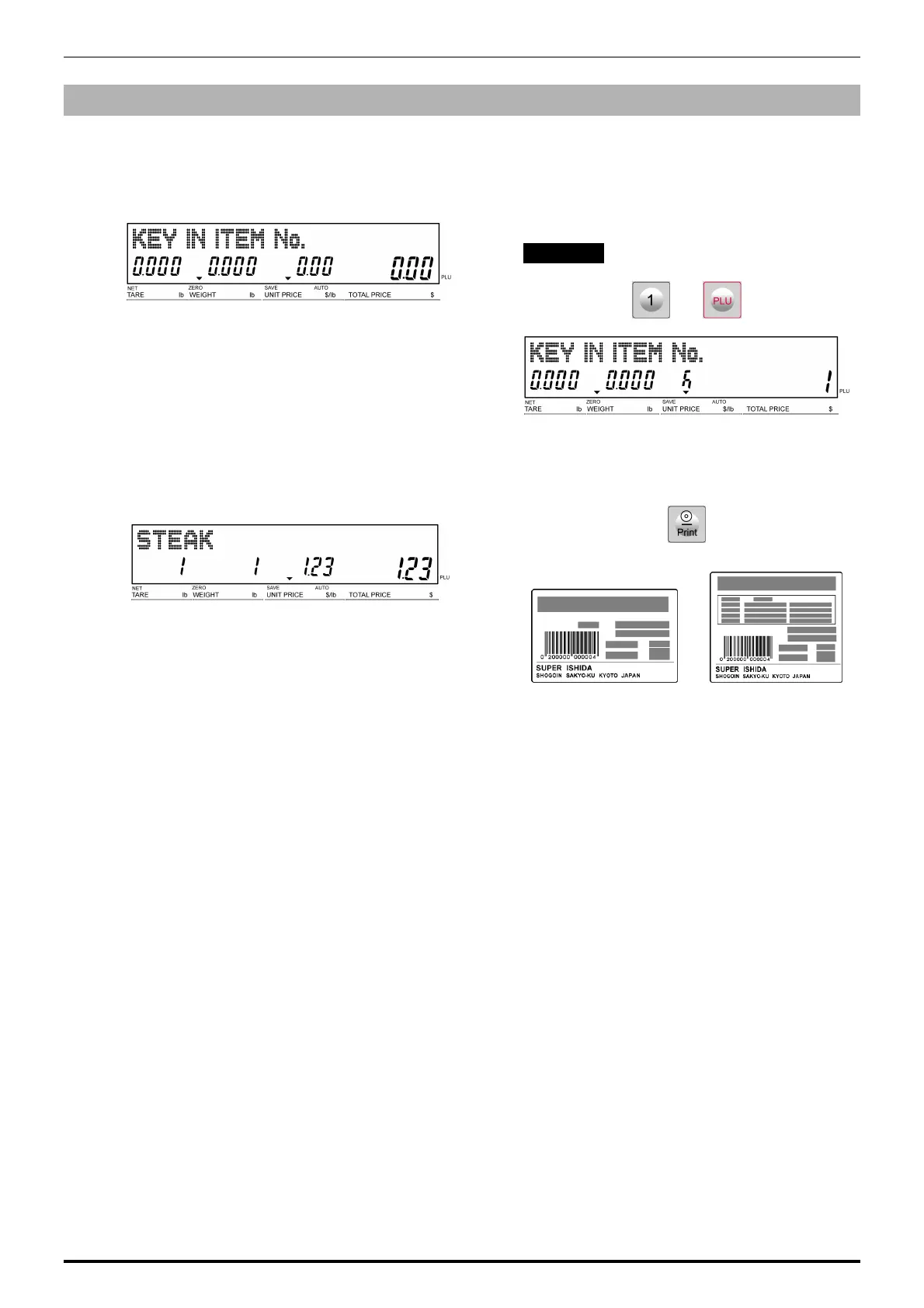
1.
The initial screen is displayed.
Note: The contents of the initial screen may differ
depending on the settings on your machine.
2.
Enter a PLU number and press the [PLU] key
on the keypad.
Note: If “ZERO” is not indicated on the screen, press
[0] on the keypad.
EXAMPLE PLU No.1
3.
The designated non-weighing PLU screen is
displayed.
4.
Press the [PRINT] key to issue labels.
Non-traceable products Traceable products
Note: To stop printing, press the [PRINT] key again.



 To Next Page