Chapter 5 MACHINE DISASSEMBLY
UNI-5 Service Manual 5-11
Note:
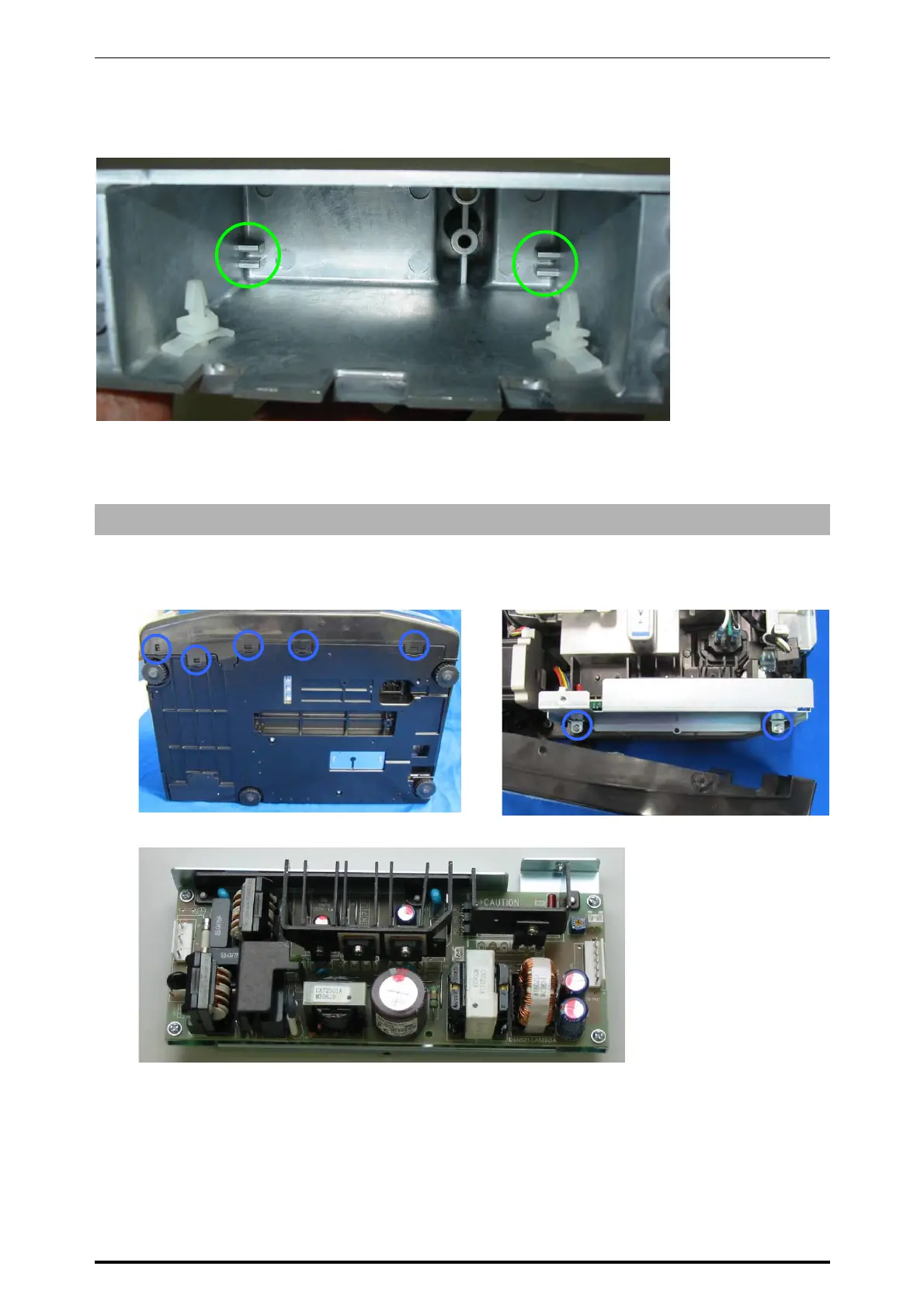
When inserting the A/D board, be sure to hold it with two hooks inside.
* Reverse this procedure for assembly.
5.1.10 POWER SUPPLY UNIT
1.
Disengage the five hooks at the bottom of
the machine using a slotted screwdriver.
2.
Detach the customer display unit and remove
the two screws fixing the power supply unit.
3.
Remove the power supply unit.
* Reverse this procedure for assembly.



 To Next Page