#31
www.istorage-uk.com
iStorage datAshur SD
®
User Manual v1.0.8
41. How to check KeyWriter cloning configuration
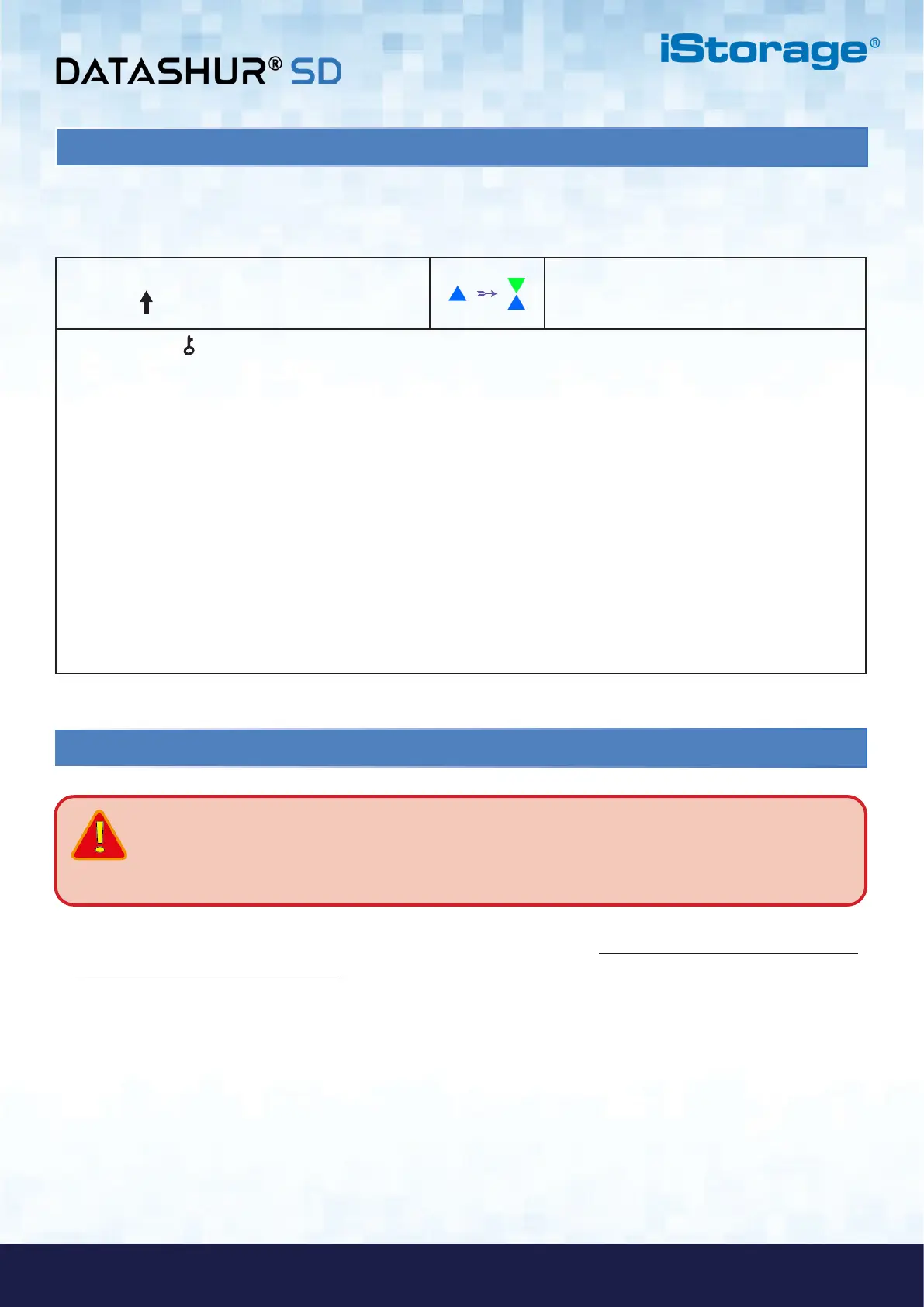
To check the datAshur SD KeyWriter configuration, first enter the Admin Mode as described in section 5. Once the
datAshur SD is in Admin Mode (solid BLUE LED) proceed with the following steps.
1. In Admin Mode press and hold down both
‘SHIFT ( ) + 8’ buttons
Solid BLUE LED will change to blinking GREEN
and BLUE LEDs
2. Press the KEY ( ) button and the following happens:
• If datAshur SD is set to enable KeyWriter cloning, the following happens:
a. All LED’s (RED, GREEN & BLUE) become solid for 1 second.
b. GREEN LED blinks once.
c. All LED’s (RED, GREEN & BLUE) become solid for 1 second.
d. LEDs return to solid BLUE
• If KeyWriter cloning is disabled, the following happens:
a. All LED’s (RED, GREEN & BLUE) become solid for 1 second.
b. All LEDs are off
c. All LED’s (RED, GREEN & BLUE) become solid for 1 second.
d. LEDs return to solid BLUE
42. How to Configure datAshur SD Encryption Mode
Perform the following steps to configure the datAshur SD encryption mode to either AES-ECB indicated by the number ‘01’,
or AES-XTS indicated by the number ‘02’,or AES-CBC indicated by the number ‘03’. This feature is set as AES-XTS (02)
by default. Please note all critical parameters will be sanitised when switching to a different encryption mode, therefore the
user will not be able to unlock the drive with old PINs. The drive will be enter reset state at the next boot.
To set the datAshur SD encryption mode, first enter the Admin Mode as described in section 5. Once the datAshur SD is in
Admin Mode (solid BLUE LED) proceed with the following steps.
WARNING: Changing the encryption mode from AES-XTS (default state) to AES-ECB or AES-CBC will delete
the encryption key and cause the datAshur SD to reset and render all data as inaccessible and lost forever!
Unless you have cloned another datAshur SD as a backup drive, changing the encryption mode will also ren-
der data on other microSD cards that have been encrypted by this drive as inaccessible and lost forever too!















 To Next Page