#36
iStorage datAshur SD
®
User Manual v1.0.8
www.istorage-uk.com
46. Formatting the datAshur SD (microSD card) for Linux
To format your datAshur SD on Linux, please follow the below steps:
1. Insert the micro SD card in the datAshur SD drive and unlock and attach the drive to the Linux machine.
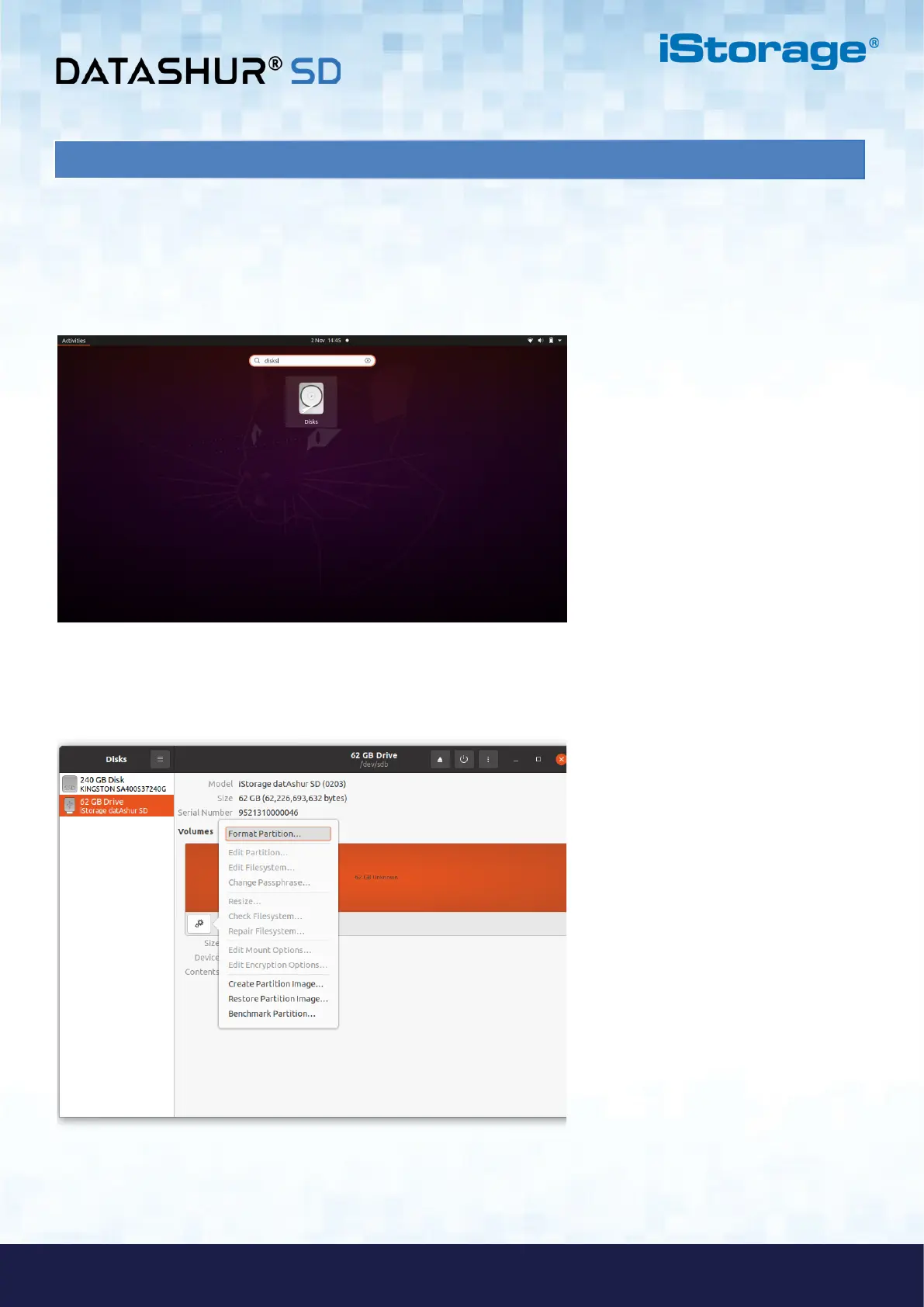
2. Open ‘Show Application’ and type ‘Disks’ in the search box. Click on the ‘Disks’ utility when displayed.
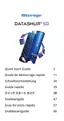
3. Click to select the drive under ‘Devices’. Next click on the gear icon under ‘Volumes’ and then click
on ‘Format Partitions’.















 To Next Page