#34
iStorage datAshur SD
®
User Manual v1.0.8
www.istorage-uk.com
45. Formatting the datAshur SD (microSD card) for macOS
To format your datAshur SD on macOS, please follow the below steps:
1. Insert the microSD card in the datAshur SD, unlock the drive and attach the to the macOS machine.
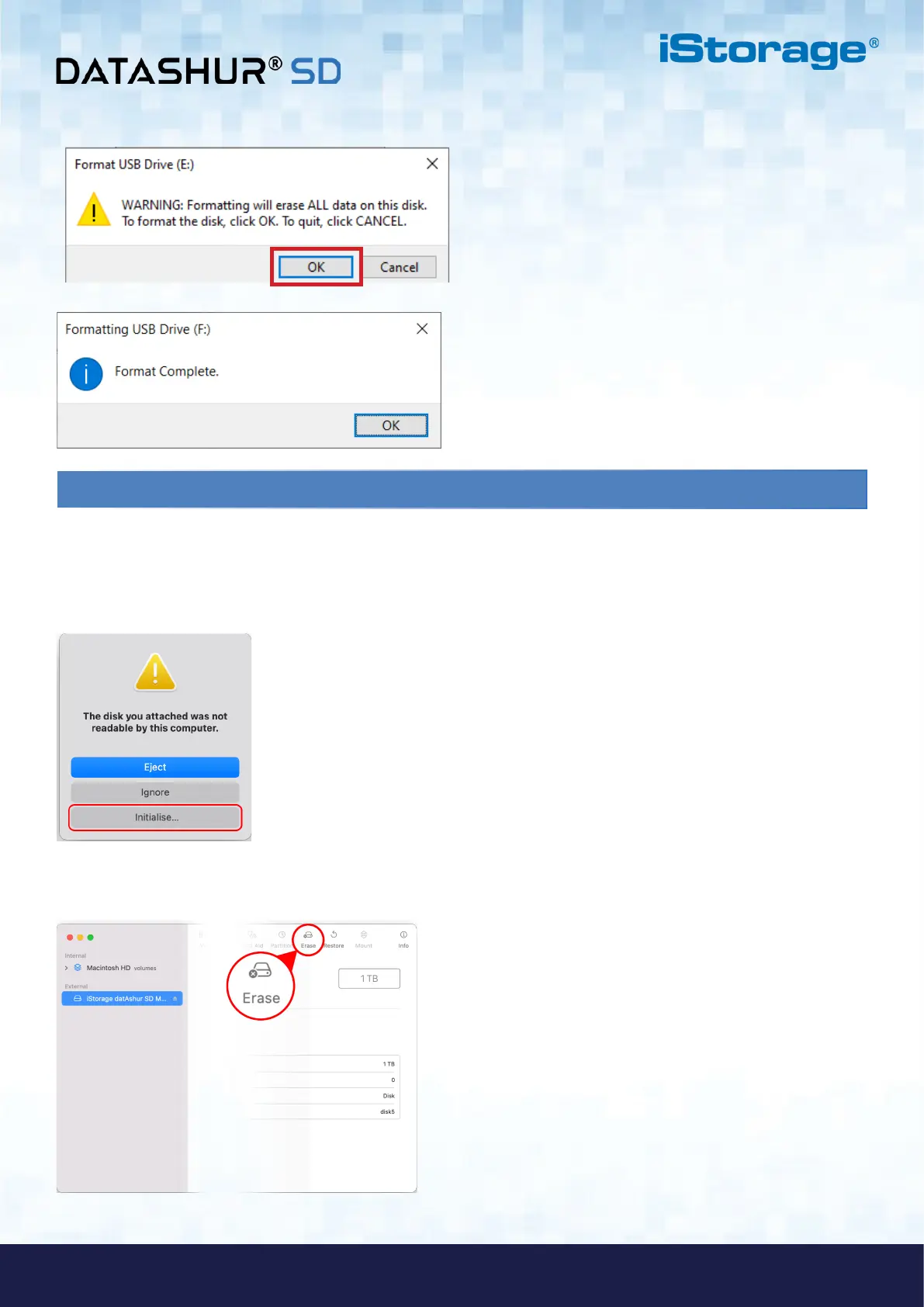
2. A warning message will pop up (Image 1). Press “Initialise”.
Image 1
Image 2
6. Click OK and the procedure will finish formatting the drive and will then confirm that formatting has been completed.
3. Select the external volume (Image 2) labelled “iStorage datAshur SD M…” and press “Erase”.















 To Next Page