#38
iStorage datAshur SD
®
User Manual v1.0.8
www.istorage-uk.com
48. How to check Firmware in Admin Mode
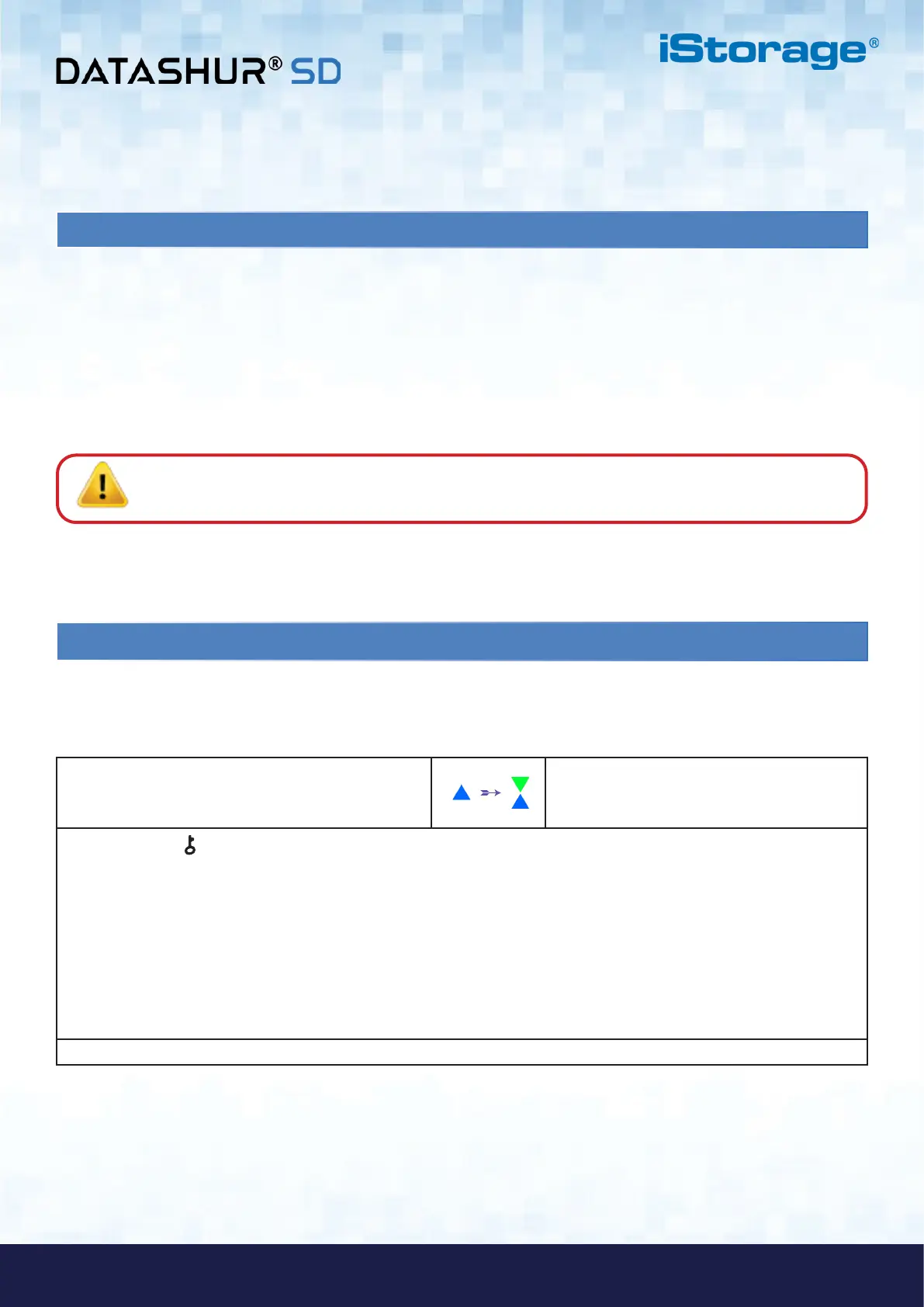
1. In Admin Mode press and hold down both “3 + 8”
buttons
Solid BLUE LED will change to blinking GREEN
and BLUE LEDs
2. Press the KEY ( ) button once and the following happens:
a. All LED’s (RED, GREEN & BLUE) become solid for 1 second.
b. RED LED blinks indicating the integral part of the firmware revision number.
c. GREEN LED blinks indicating the fractional part.
d BLUE LED blinks indicating the last digit of the firmware revision number
e. All LED’s (RED, GREEN & BLUE) become solid for 1 second.
f. RED, GREEN & BLUE LEDs switch to a solid BLUE LED
To check the firmware revision number, first enter the Admin Mode as described in section 5. Once the drive is in Admin
Mode (solid BLUE LED) proceed with the following steps.
For example, if the firmware revision number is ‘6.2’, the RED LED will blink twice (6) and the GREEN LED will blink three (2)
times. Once the sequence has ended the RED, GREEN & BLUE LED’s will blink together once and then return to Admin Mode,
a solid BLUE LED.
47. Hibernating, suspending, or logging off from the operating system
Be sure to save and close all the files on your datAshur SD before hibernating, suspending, or logging off from the
operating system.
It is recommended that you lock the datAshur SD manually before hibernating, suspending, or logging off from your
system.
To lock, simply click the ‘Safely Remove Hardware/Eject’ icon within your operating system and unplug the datAshur SD.
Attention: To ensure your data is secure, be sure to lock your datAshur SD if you are away from your
computer.















 To Next Page