Digital Network Public Address & Voice Alarm System
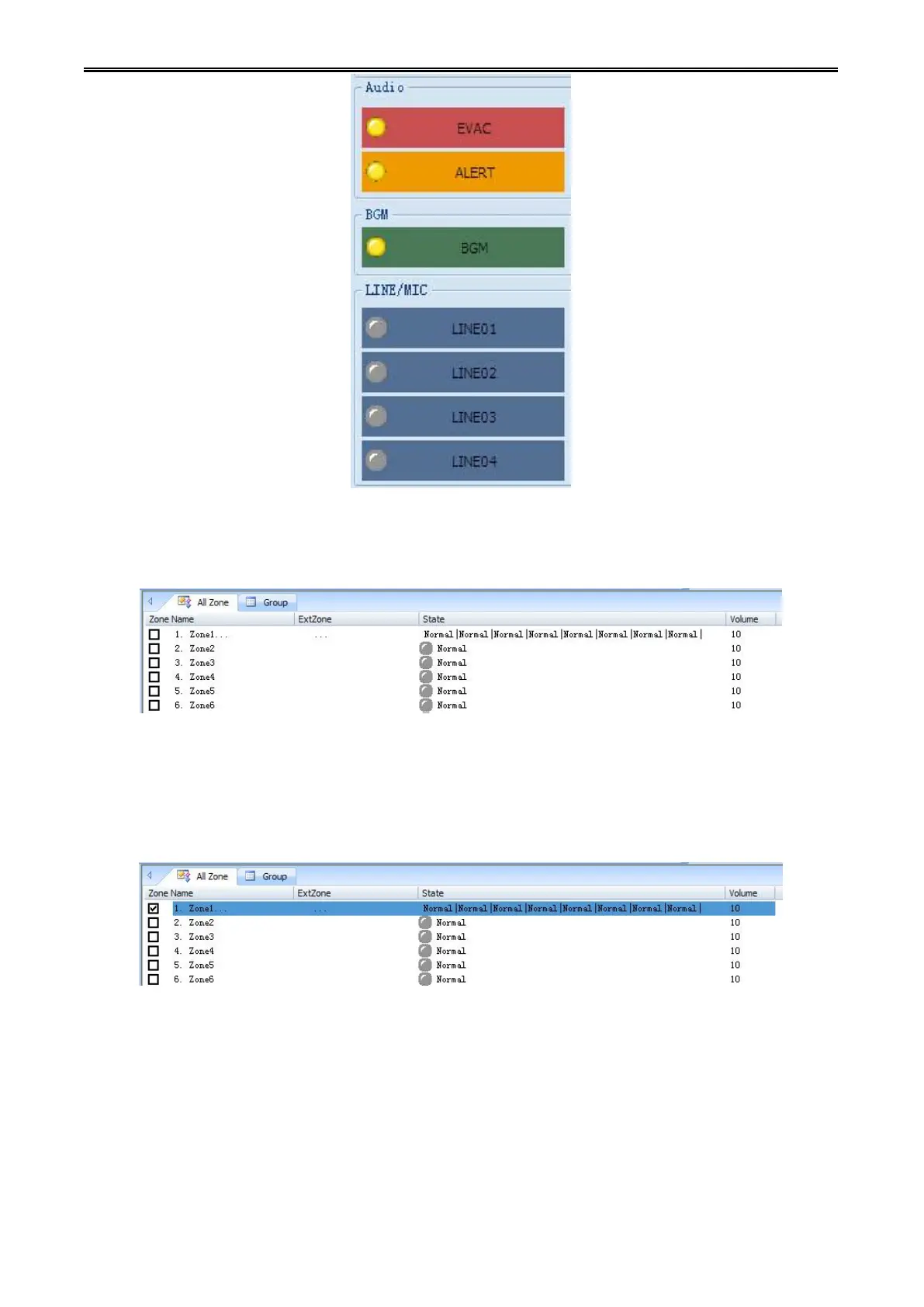
Step 6: Play the audio source on selected group, the color of the audio source LED will change
accordingly. At the same time, on the partition list, you could see the LED of related partition from same
group will change accordingly.
Volume control is used to change the volume of the selected partition.
First, select the partition which you want to change its volume.
Then right click the menu to choose the required volume.



 To Next Page