Programming the Input
• Off Delay is from the time that a command to turn off the input is received
until the input actually turns off.
The procedures to set the input delay time are as follows.
1. Press [Shift]+[V-set] (Config) to enter into the configuration menu interface.
2. Rotate the knob to select On Delay or Off Delay and prese [Enter] to
confirm.
3. Use the left and right keys and knob to set the delay time and press [Enter]
to confirm.
4. Press [Esc] to exit.
4.7 Enable the Input
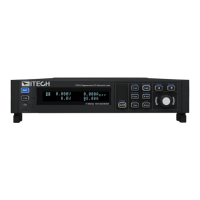
User can press [On/Off] key on the front panel to control the instrument input.
When receive the On/Off command, the instrument enable or disable the input
according to the On/Off delay time. If the On/Off delay time set to 0, the load
enable or disable input immediately. Detailed information of On/Off delay time
refers to 4.6 Set the Input-On/Input-Off Delay Time。
• When [On/Off] key is lit, indicates the input is enabled, the VFD displays
load present run mode.
• When [On/Off] key is lit, indicates the input is disabled, the VFD displays
load state is OFF.
Except front panel and SCPI OUTPut ON /OUTPut OFF, you also can control
the On/Off state through the 8th–pin of analog interface ( optional ) .
Copyright © Itech Electronic Co., Ltd.
48


 To Next Page