8
Exit Extension
Note: In UL Listed systems, this feature is disabled.
Your system may be set up so that the delay time is
restarted if you re-open the delay door during the initial
delay time.
This is useful if, after arming the system, you walk out the
door, then remember something you forgot inside. You
can re-enter and exit through the delay door without dis-
arming and re-arming the system.
Note: The Exit Extension will work on the first re-entry
only.
If your system is not using this feature, you must disarm
the system when you re-enter the armed premises to
avoid setting off an alarm.
No Delay—For Instant Alarm
You can choose to turn off the Entry and Exit
Delays, causing the delay doors to arm imme-
diately. Anyone entering the house through
the delay door when the system is set to No
Delay would immediately cause an alarm.
No Delay is normally used:
• When you’re staying at home, after you’ve armed the
system.
• When you’re arming your house from the outside.
(You must have a wireless touchpad in order to do this.)
Arming to Level 2 or 3 with No Delay, using a touch-
pad:
1. Close all perimeter doors and windows.
2. Enter
2
+
CODE
or
3
+
CODE
.
The system sounds two or three short beeps.
3. Immediately after hearing the beeps, press
4
for
No Delay.
Touchpads display, “ARMED TO STAY NO DELAY”
or “ARMED TO AWAY NO DELAY,” for example.
Note: If Quick Arm feature is on, an access code is not
required. See page 6 for more information.
Changing the arming level will restore delay doors to their
normal Exit and Entry Delay times.
Auto STAY Arming Feature
The Auto STAY Arming feature helps cut down on false
alarms in the event that you arm the system to 3—AWAY,
but fail to leave during the Exit Delay time. Here’s how it
works:
The dealer can turn this feature on or off for you. See
Appendix A “System Features” on page 36 to see if this
feature is available to you.
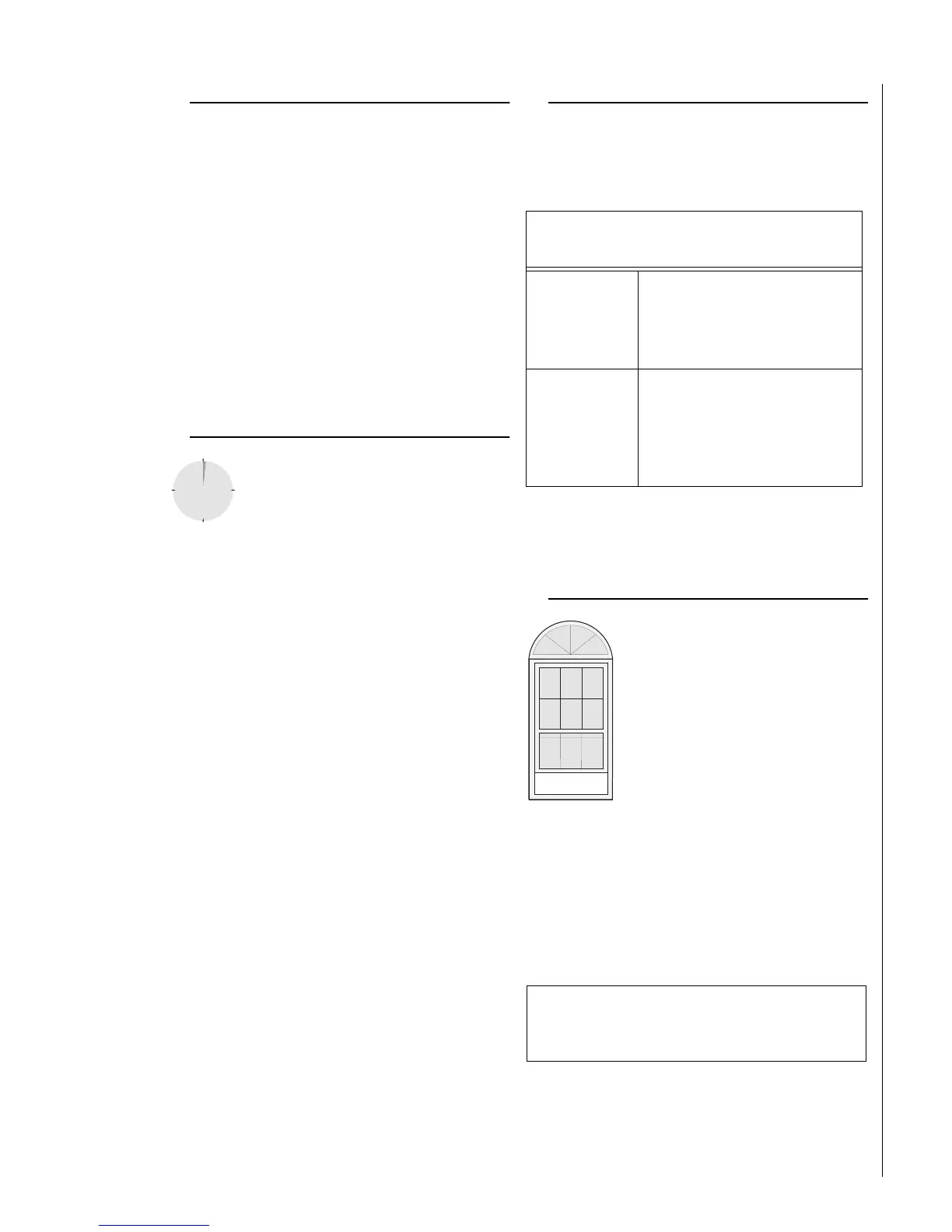
Arming While a Door or Window is Open
It is possible to arm your system while
leaving a door or window open. This is
useful if, for example, you like to sleep at
night with the window open.
If the door or window has a sensor
installed on it, the system must be told to
ignore, or bypass, that sensor when it’s
open. All other sensors will remain
active.
There are two methods for bypassing a
sensor:
• Directly — After arming the system, bypass
door/window sensors before you open them. You
must know the sensor number of the door or window
you wish to bypass. Your installer can include the zone
number as part of the sensor text.
• Indirectly — As you are arming, bypass sensors on
already-open doors and window. This method should
not be used in UL Listed installations.
If you arm the system to Level 3—AWAY,
and do not leave the premises within the Exit Delay
time—
If feature
turned on
The system can tell that no one
opened and closed a delay door
within the delay time. It assumes
that someone is still inside and the
panel will arm to 2—STAY to avoid
a false alarm.
If feature
turned off
The system arms to Level 3—AWAY
regardless of whether or not a
delay door has been opened and
closed.
Your movement inside the pre-
mises could activate a motion
detector, causing an alarm.
REMEMBER:
When a sensor is bypassed, you are allowing that
door or window to go unprotected.



 To Next Page