2
S
ECTION
2:
C
OMMUNICATING
WITH
THE
P
ANEL
Touchpads allow you to communicate with the panel. In
turn, the system can be set up to communicate with you
through:
• status beeps from touchpads and speakers,
• alarm sirens,
• scrolling text on touchpads,
• display text on fixed display touchpads,
• voice feedback over Touchtone phones or
interior speakers, and
• system information over pagers.
Instructing the Panel
Most of your instructions to the panel consist of this basic
pattern:
Not just anyone can walk up to a touchpad and operate
your security system. Before the system will process most
commands, users are required to enter a pre-programmed
4-digit access code.
Keychain touchpads that are enrolled as part of the sys-
tem do not require an access code, but are usually kept in
an individual’s pocket or purse.
If you would rather use an actual
key to arm and disarm the system,
your security dealer can install a
special key and keyswitch in your
home.
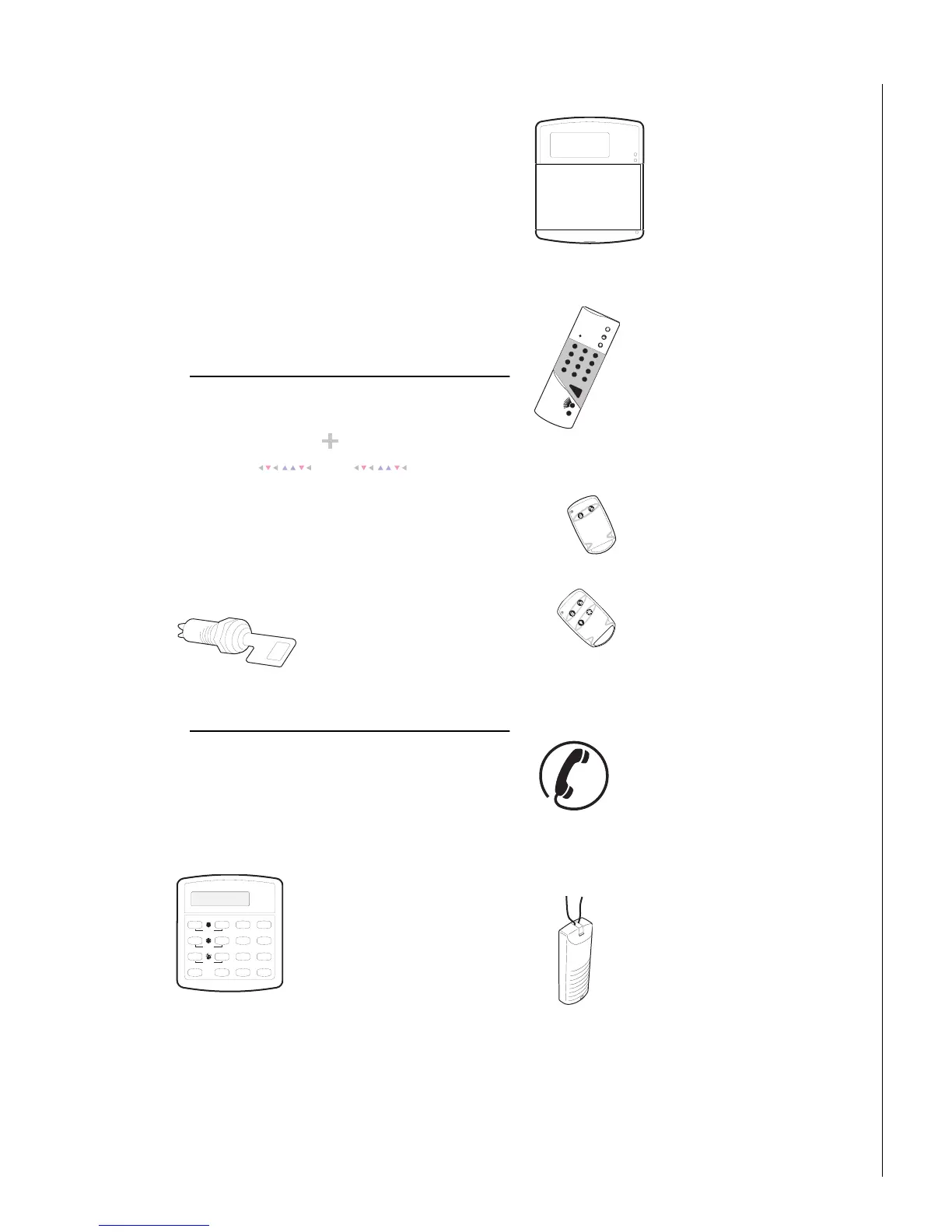
Touchpads—Your System Interface
There is a broad range of touchpads that can be used
with your panel—from a single-button panic sensor which
sends only panic alarms, to an alphanumeric touchpad
that displays text and allows extensive user programming.
Alphanumeric Touchpads
Alphanumeric touchpads are
mounted on a wall and communi-
cate by displaying text on a two-line
display.
Fixed Display Touchpads
Fixed English (display) touchpads
communicate using lighted text,
LEDs, and an 11 character display.
Wireless Handheld Touchpad
This touchpad is wireless and can be
carried from room to room. Users
can even turn on and off system
controlled lights from anywhere in
the home.
Keychain Touchpads
Keychain touchpads are handy for
simple arming and disarming func-
tions. They are wireless and can be
carried off-site in a purse or pocket.
The installer can program specific but-
tons or button combinations to oper-
ate a gate or garage door, or to send a
Police or Auxiliary panic alarm.
Touchtone Phones
Your system can be set up to allow sys-
tem operation from a Touchtone phone
on- or off-site. This includes arming and
disarming, plus system features such as
checking the system status and turning
on and off lights.
Panic Buttons
Panic button touchpads are dedicated to
sending only one signal— usually a
Police or Auxiliary panic alarm. These
touchpads are wireless and usually kept
near or on the user.
Command A ccess C ode
Status
Features
press both
Lights
System
Away
Pager
Off
No Delay
press both
press both
Test System Weekly
Silent
Stay
D
*
7
0#
8
B
A
4
1
5
6
2
3
Bypass
Menu
C
9
System is O K
Status
Features
press both
Ligh ts
System
Away
Pager
Off
No Delay
press both
press both
Test System W eekly
S ile n t
Stay
D
*
7
0
#
8
B
A
4
1
56
23
Bypass
Menu
C
9
Arm ed
Ready
1
2
3
6
9
8
5
4
7
ST
0
BY
OFF
STAY
AW AY
NO DELAY
CHIME
STATUS
BYPASS
COMM AND



 To Next Page