ii
Commands at a Glance
Disarm the system.
Cancel an accidental alarm.
1 + CODE
Arm to Level 2—STAY.*
2 + CODE
Arm to Level 3—AWAY.*
3 + CODE
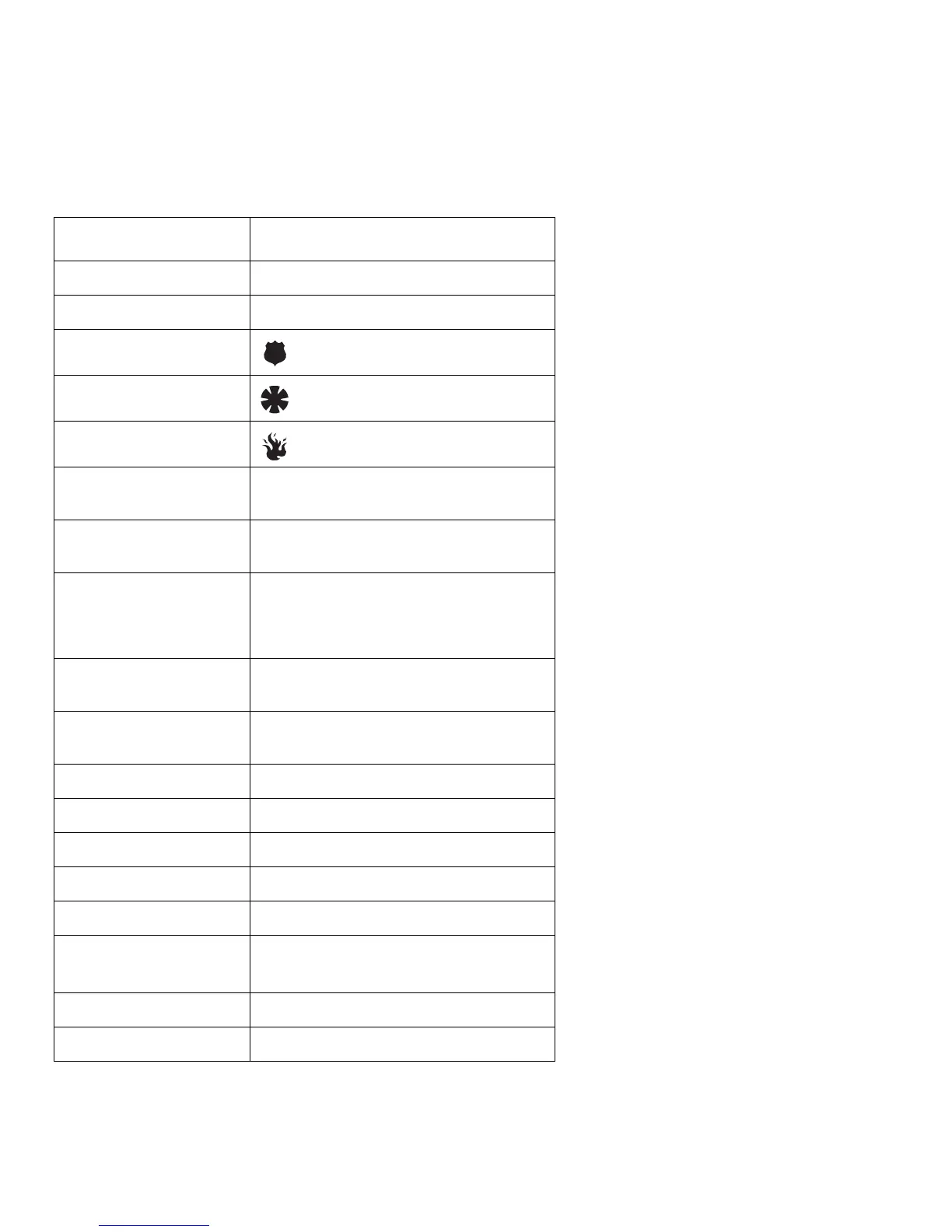
Send a police alarm. Press and hold both POLICE
buttons for 2 seconds.
Send an auxiliary alarm. Press and hold both AUXILIARY
buttons for 2 seconds.
Send a fire alarm. Press and hold both FIRE
buttons for 2 seconds.
Arm system with No Delay.*
2 + CODE + 4 or
3 + CODE + 4
Arm system for Latchkey.*
2 + CODE + 6 or
3 + CODE + 6
Bypass a sensor.*
Indirectly:
2 + CODE + ƒ or
3 + CODE + ƒ
Directly:
ƒ + CODE + Sensor Number
Arm system silently.*
5 + 2 + CODE or
5 + 3 + CODE
Arm system with
exit lights off.*
2 + CODE + 0 or
3 + CODE + 0
Turn all lights on/off.
0 + 0
Turn specific lights on/off.
0 + Light number
Check the system status.
‚ for Short status or ‚ + ‚ for Full status
Turn Chime on/off.
7 + 1
Turn Energy Saver on/off.
7 + 2
Disable local phone access.**
(This is a phone
command only.)
ƒ + 7 + 3
or wait 5 seconds after picking up the phone
Check alarm memory.
7 + 6
Activate Output.***
7 + 7 + Output number (1–6)
*If Quick Arm feature is on, access code is not required. See page 6 for more information.
**Installer can disable local phone control if desired.
***Must be set up by installer.



 To Next Page