30
Phone Communication Test
The purpose of this weekly test is to verify that the con-
nection between the central monitoring station and your
system are working properly.
Most phone tests take only a few minutes, however, your
system will try for up to 15 minutes to establish a connec-
tion.
To perform a phone communication test:
1. Disarm the system.
2. Press
8
+ System or Partition Master
CODE
+
2
.
• touchpads display, “✽PHONE TEST” or “System
Armed to PHONE TEST.”
3. If the phone test is successful:
• the optional voice module will announce,
“Phone Test OK.”
Within a few minutes, the display should return to the
Level 1 display. If it does not return in three minutes, note
how long before the Level 1 display returns and contact
the installer.
After the test has started, the arming level can be changed
to 1—Off, then to 2—Stay or 3—AWAY, if you wish.
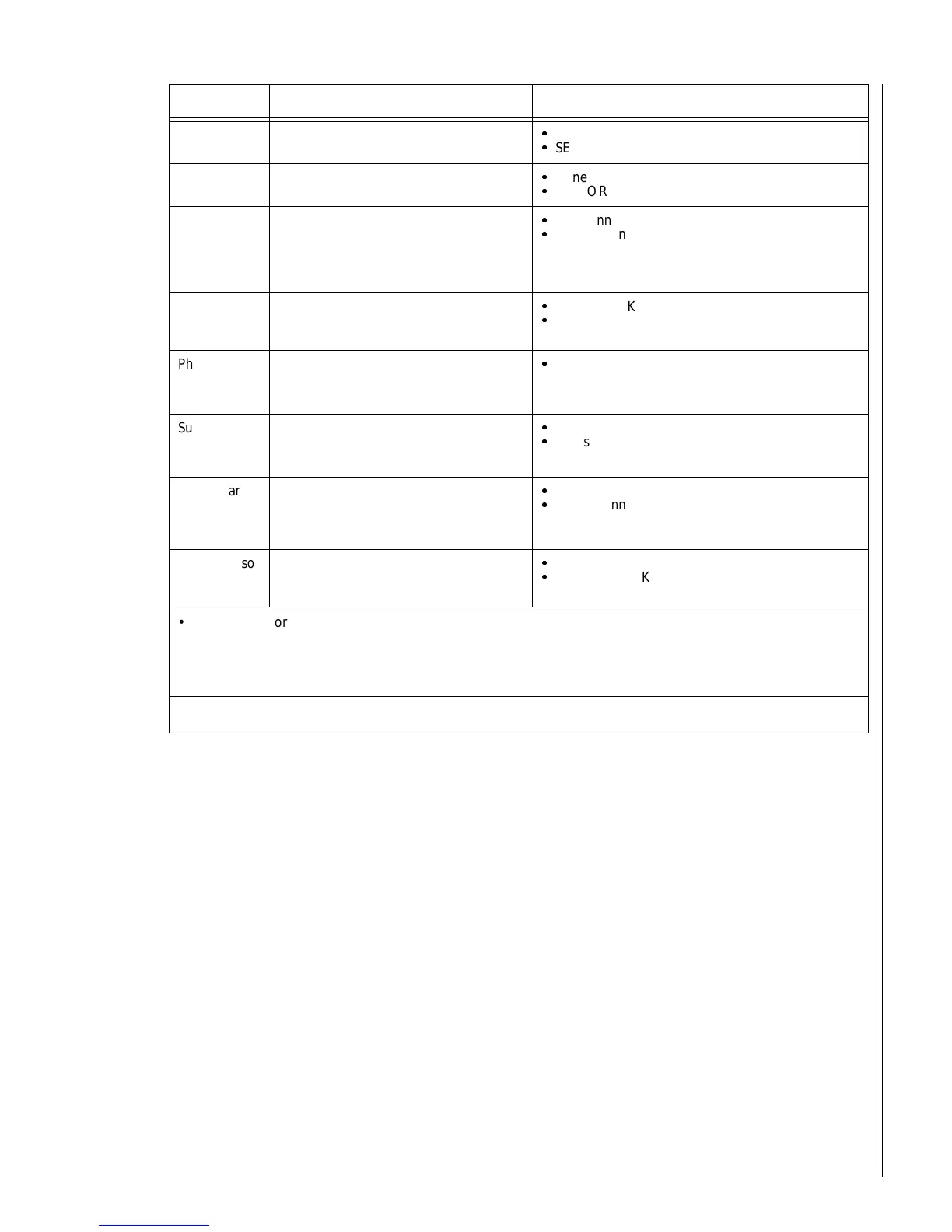
Smoke
detector
Press and hold the test button until the
system sounds transmission beeps.
Zones nn OK
SENSOR nn OK
Motion
detector
Avoid the motion detector view for 5 min-
utes, then enter its view.
Zones nn OK
SENSOR nn OK
Rate-of-Rise
Heat
Detector
(Not UL
investigated)
Rub your hands together until warm, then
place one hand on the detector for 30
seconds.
Zones nn OK
SENSOR nn OK
Shock sensor
(Not UL
investigated)
Tap the glass twice, away from the sensor.
Wait at least 30 seconds before testing
again.
Zones nn OK
SENSOR nn OK
Phone Inter-
face and Voice
Module
Activate a Police panic by accessing the
system using the phone and pressing
‚
+
‚
+
‚
+
‚
+
‚
+
‚
.
POLICE PANIC OK
Supervised
wireless siren
1. Unplug the siren and check the
touchpad display.
2. Plug the siren in.
SENSOR nn OK
Zones nn OK
Glass guard
sensor
(Not UL
investigated)
Tap the glass 3 or 4 inches from the sen-
sor.
Zones nn OK
SENSOR nn OK
Freeze sensor
(Not UL
investigated)
Apply an ice cube wrapped in plastic to
the sensor. Do not allow the sensor to get
wet.
Zones nn OK
SENSOR nn OK
• If you need more time to complete testing, restart the timer by pressing
8
+
CODE
+
3
.
• Check to see that all sensors have been tested by pressing
‚
. Touchpads display a list of untested sensors.
• You will know that you have finished testing when touchpads display, “SENSOR TEST OK” or “ZONES ALL
TESTED.”
3. Disarm to Level 1 to exit Test Mode.
Device Test procedure Touchpad Result(s)



 To Next Page