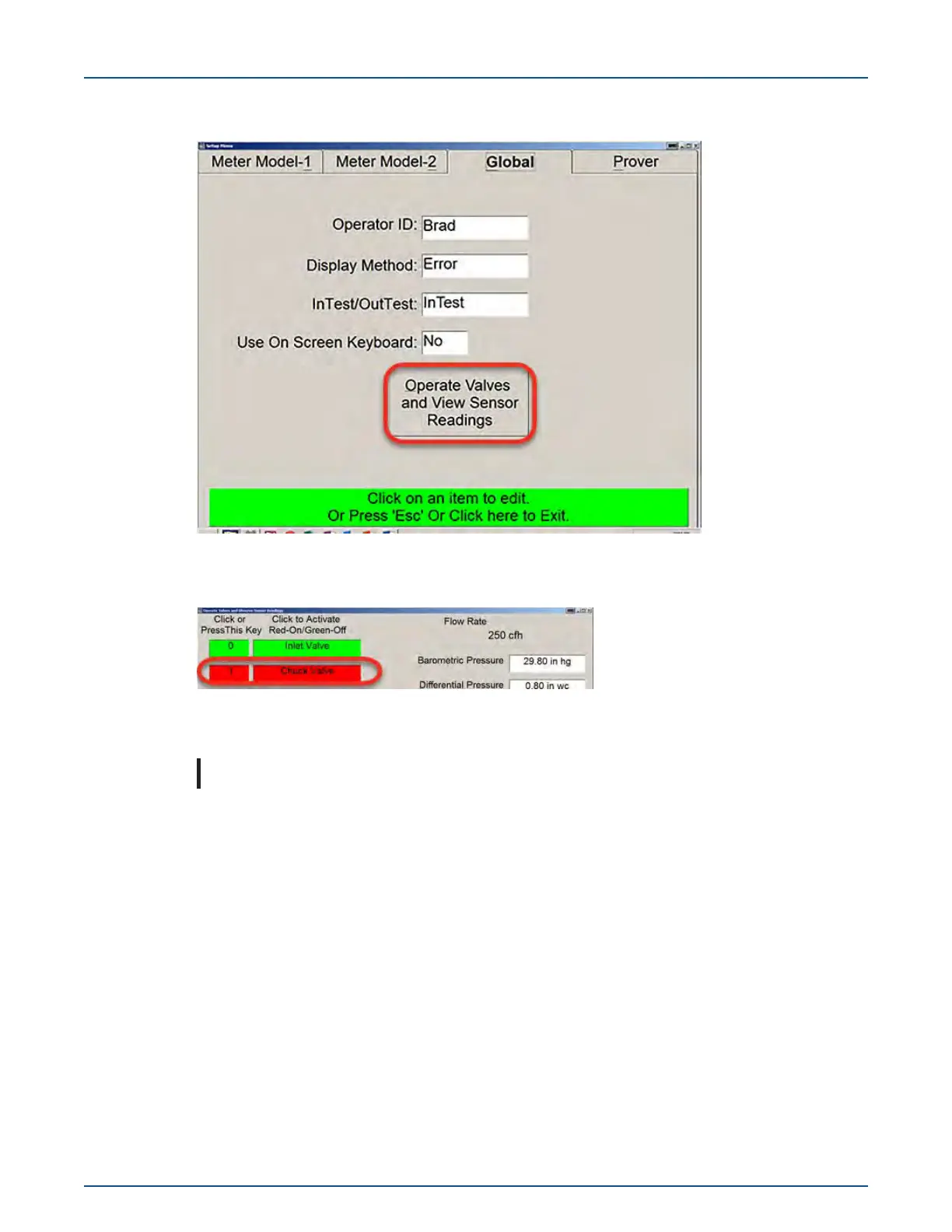
3. Select the Global tab > Operate Valves and View Sensor Readings.
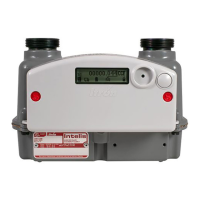
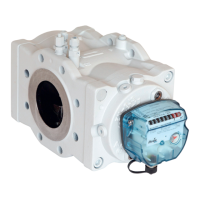
4. From the Operate Valves and Observe Sensor Readings screen, press the 1 key or Chuck
Valve to clamp the meter in place.
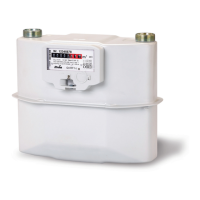
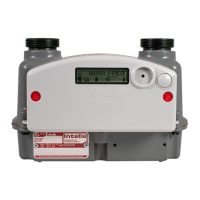
5. After the Intelis Gas Meter is clamped to the prover, turn on the appropriate nozzle in the cen-
ter of the screen to exercise the meter.
Note: Nozzle 6-250 is typically used for the Intelis Gas Meter.
11 December 2019 TDC-1782-005 43
Intelis Gas Meter Installation Guide 5 Proving


 To Next Page