3. Select the Meter Model-1 tab.
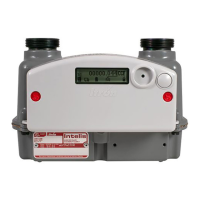
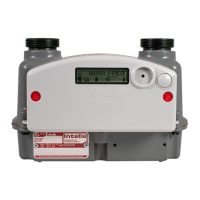
4. Select the meter model. If the Intelis 250 or Intelis 250 TC are set up in the MMS prover, go
to step 10. If the Intelis 250 or Intelis 250 TC is not listed, continue to step 5.
5. Select the Prover tab.
Note: To access the Prover tab, you will be asked for a password. Contact Meas-
urement Systems if you do not have a password.
11 December 2019 TDC-1782-005 45
Intelis Gas Meter Installation Guide 5 Proving


 To Next Page