DP400 Motherboard
○○○○○○○○○○○○○○○○○○○○○○○○○○○○○○○○○○○○○○○○○○○○○○○○○○
User’s Manual
4•4
○○○○○○○○○○○○○○○○○○○○○○○○○○○○○○○○○○○○○○○○○○○○○○○○○○
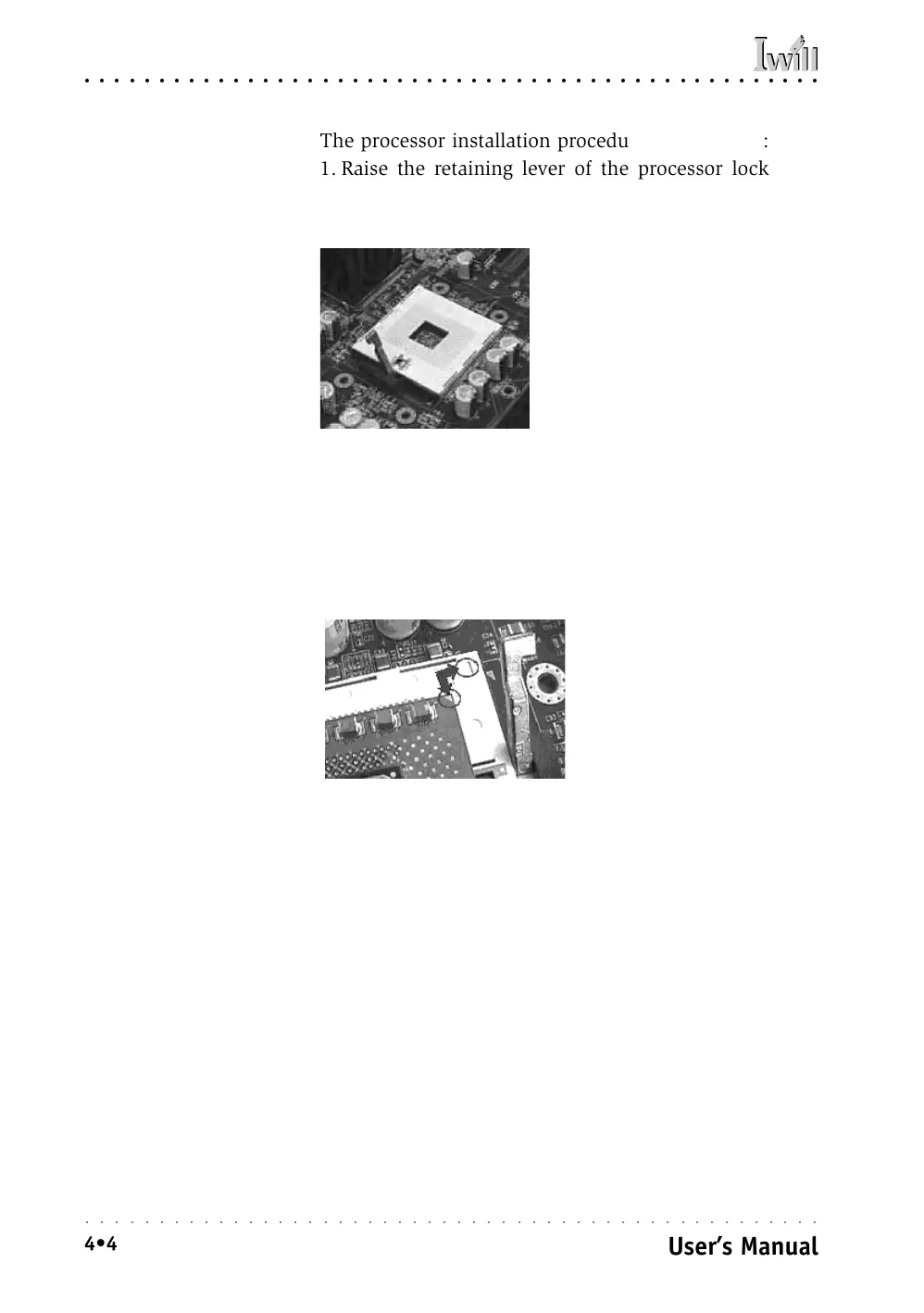
The processor installation procedure is as follows:
1. Raise the retaining lever of the processor locking
mechanism to a perpendicular position.
2. Align the processor to the socket by matching the
Pin 1 corner of the socket (marked with a triangle)
to the Pin 1 corner on the Socket 603 (marked by a
triangular hole in the Pin 1 corner).
Raise the socket lever to the
vertical position
Match the Pin 1 positions on
the socket and the processor
Step 1:
Raise the retaining lever
Step 2:
Align the Pin 1 corners



 To Next Page