4: Installing The Motherboard
○○○○○○○○○○○○○○○○○○○○○○○○○○○○○○○○○○○○○○○○○○○○○○○○○○
User’s Manual
4•3
○○○○○○○○○○○○○○○○○○○○○○○○○○○○○○○○○○○○○○○○○○○○○○○○○○
Installing The Processor
Installing a Xeon processor in the Socket 603 is the sim-
plest part of the procedure. It is very important, how-
ever, to carefully handle the processor by the side edges
and always fully observe precautions against electrostatic
discharge.
Please follow the installation procedure as illustrated on
the next two pages. The illustrations are generic and do
not specifically represent this motherboard.
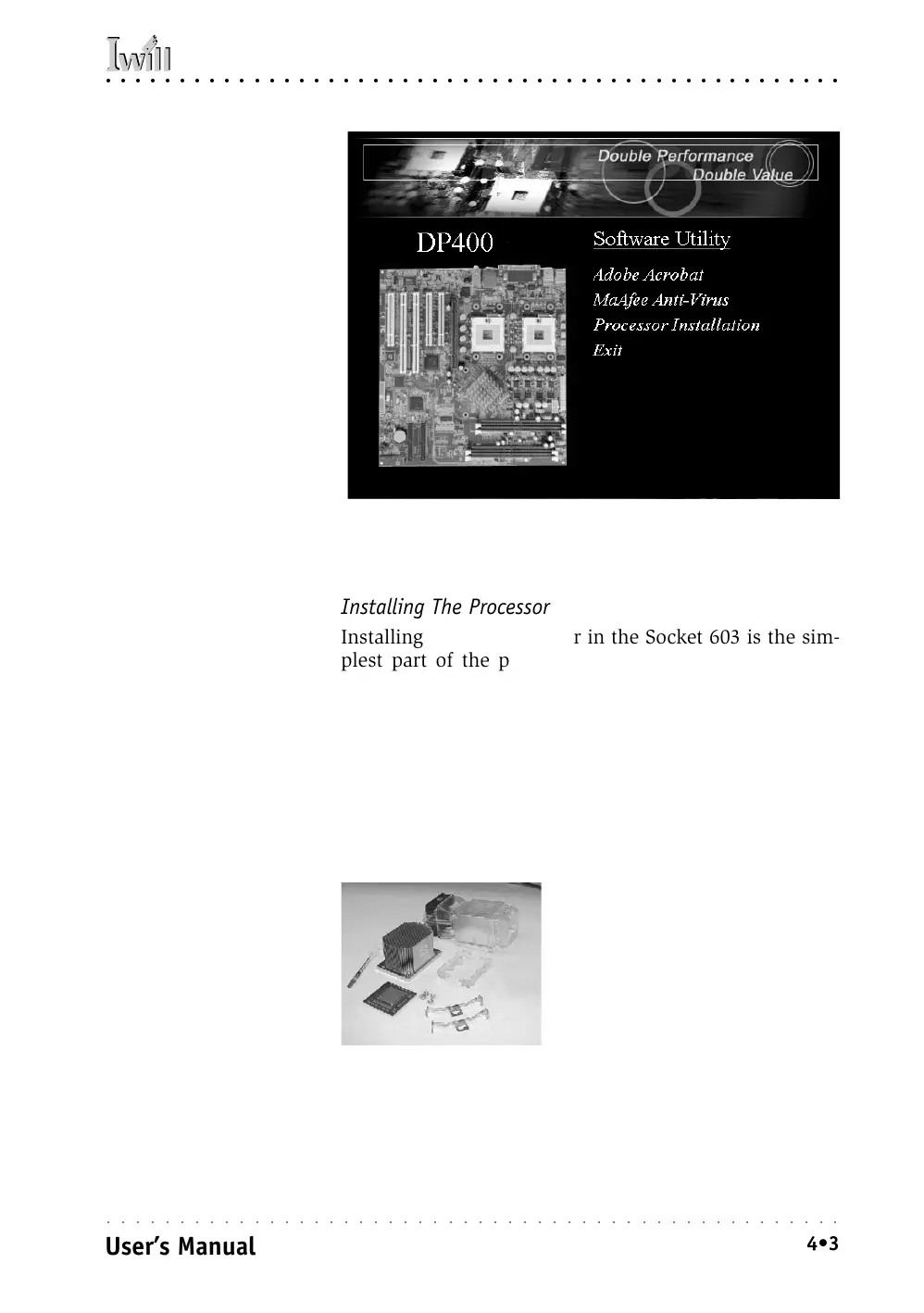
Processor Installation
Video:
There is an instructional
video from Intel on the
Power Installer 2 disc that
fully details the Xeon pro-
cessor installation proce-
dure. You can access the
video in the Software Util-
ity section of the disc in-
terface. The video will play
with any software that
supports the MPEG format.
We suggest viewing it on
another computer before
installing a CPU.
Note:
If you are only installing
one CPU, install it in the
CPU0 socket.
Xeon Processor package
(Clockwise from lower left):
• Xeon processor
• TIM applicator
• Heatsink
• Procesor Wind Tunnel
• Retention Mechanisms
• Heatsink clips
• Mounting screws



 To Next Page