Getting Started XT2 User Manual
Janam Technologies LLC Version 3, April 2017 Getting Started 2—6
Turning the Janam XT2 Rugged Touch Computer off
Note that there are different levels of turning off power to the XT2.
1. To simply put the XT2 display to sleep, just briefly press the Power Key (marked red in its
center). The display will turn off. To turn the XT2 back on from this state of sleep, depress the
Power Key again. The welcome screen will come up, and by swiping up you will return you to
the last used app.
2. To put the XT2 display to sleep and also shut down Android, press and hold the Power Key
(marked red in its center) until the “Power off/Reboot/Airplane Mode/Hot swap” overlay appears.
Tap on Power off and the XT2 will power down. To turn it back on, press the Power Key to reboot
Android.
3. To completely power down the XT2 and reboot it from a cold start, press and
hold the Power Key and keep holding it for about ten seconds. The display
will go black, and in a few seconds the XT2 will reboot automatically.
Touch Screen Navigation
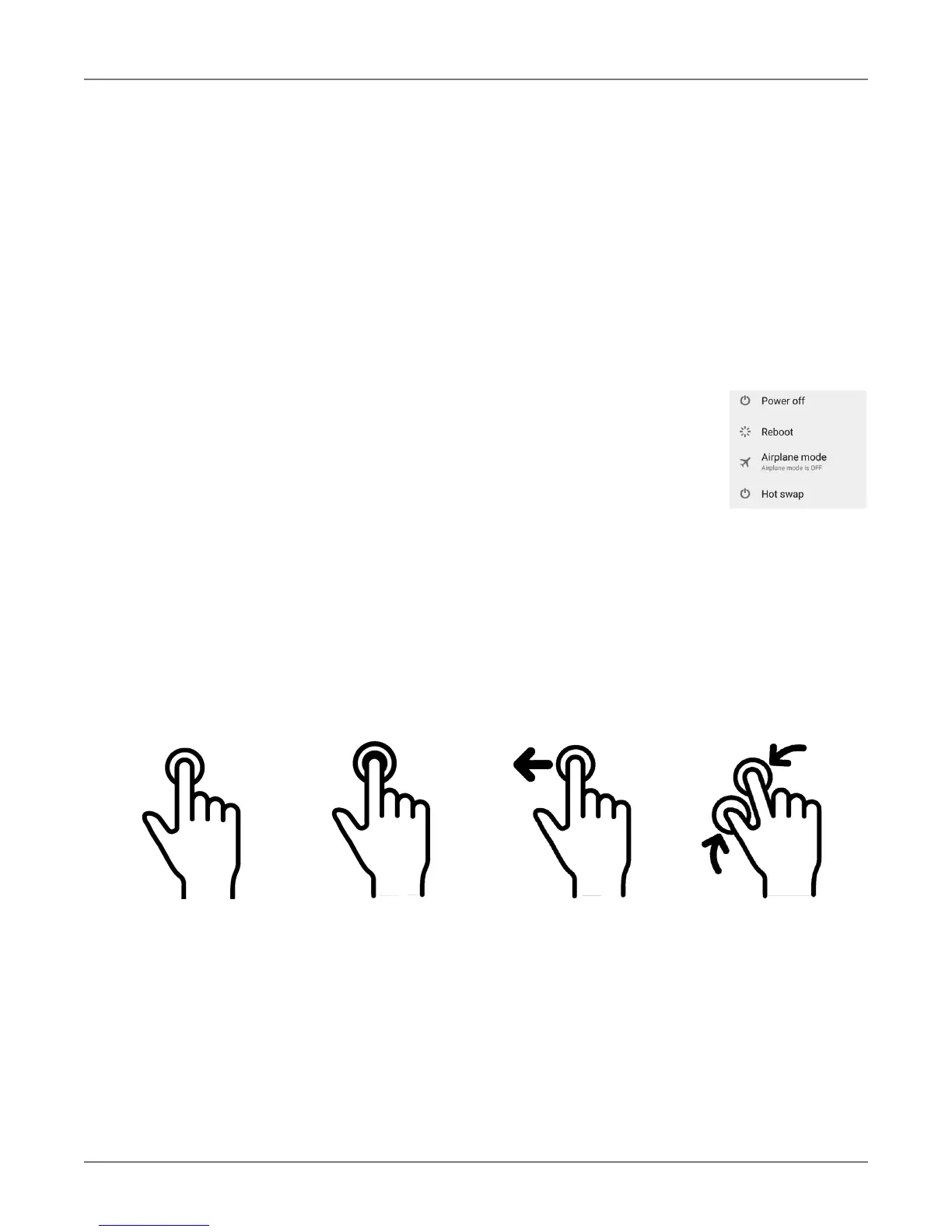
The Janam XT2 uses capacitive multi-touch technology. Almost all of the XT2’s functions can be
accessed and used by tapping, swiping or dragging with one finger. Some operations, such as
zooming in and out, are performed with pinching two fingers together or dragging them farther
apart.
Note that capacitive touch works by sensing your fingers. Never use an actual pen, pencil, or any
sharp object to operate the touch screen. They may damage the touch screen.
Touch
Touch a tile or object
to select or open it.
Touch and hold
Touch and hold a tile
or object to bring up
available options.
Touch and drag
Touch and then drag/
swipe an object to
move it in any direc-
tion.
Pinch and spread
Put two fingers on
the display, then
drag them together
or apart to zoom in
or out.



 To Next Page