Camera XT2 User Manual
Janam Technologies LLC Version 3, April 2017 Camera 6—1
Introduction
The Janam XT2 rugged touch computer features an 8 megapixel CMOS rear-facing autofocus camera
with user-controllable LED flash for capturing crisp still pictures and video clip recording. Both
functions are useful for documentation of inventory locations, product damage, procedures and more.
In addition, the XT2 incorporates a 2.0 megapixel front-facing still picture camera primarily intended
for video conferencing and video calls.
Camera
Programmable button
can launch camera
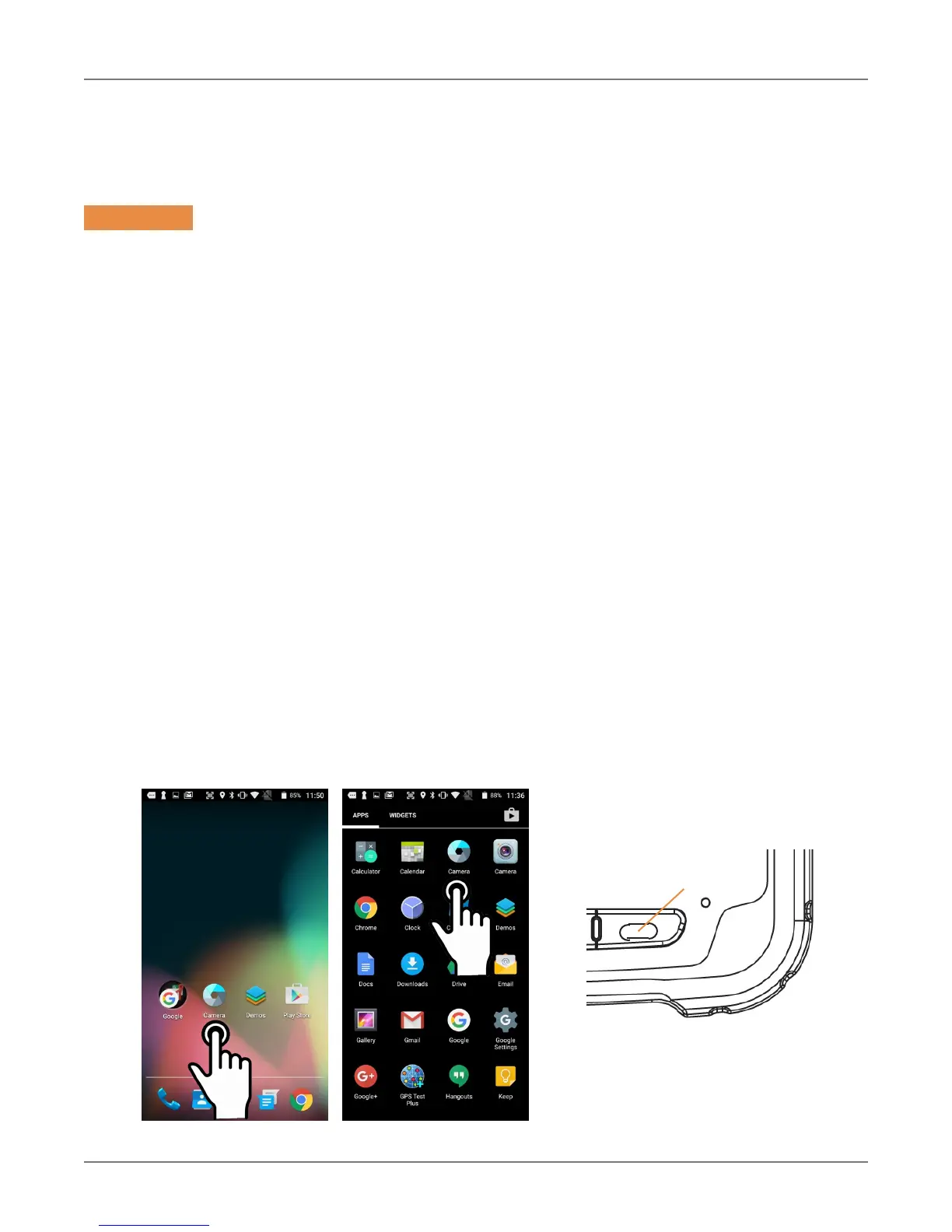
Different ways to activate the camera:
― Tap the Camera icon on the XT2 Apps Screen
― Tap the Camera icon on the XT2 Home Screen
(if you placed a camera shortcut there)
― Tap the All Apps control on the Home Screen
and then tap Camera
― Optional: set programmable hardware button to launch the camera (Use Tools > Program
Buttons to assign launching the camera to the right-most hardware button)
From Start Screen From Action Center
6



 To Next Page