XT2 Setup XT2 User Manual
Janam Technologies LLC Version 3, April 2017 XT2 Setup 3—11
Personal Settings (continued)
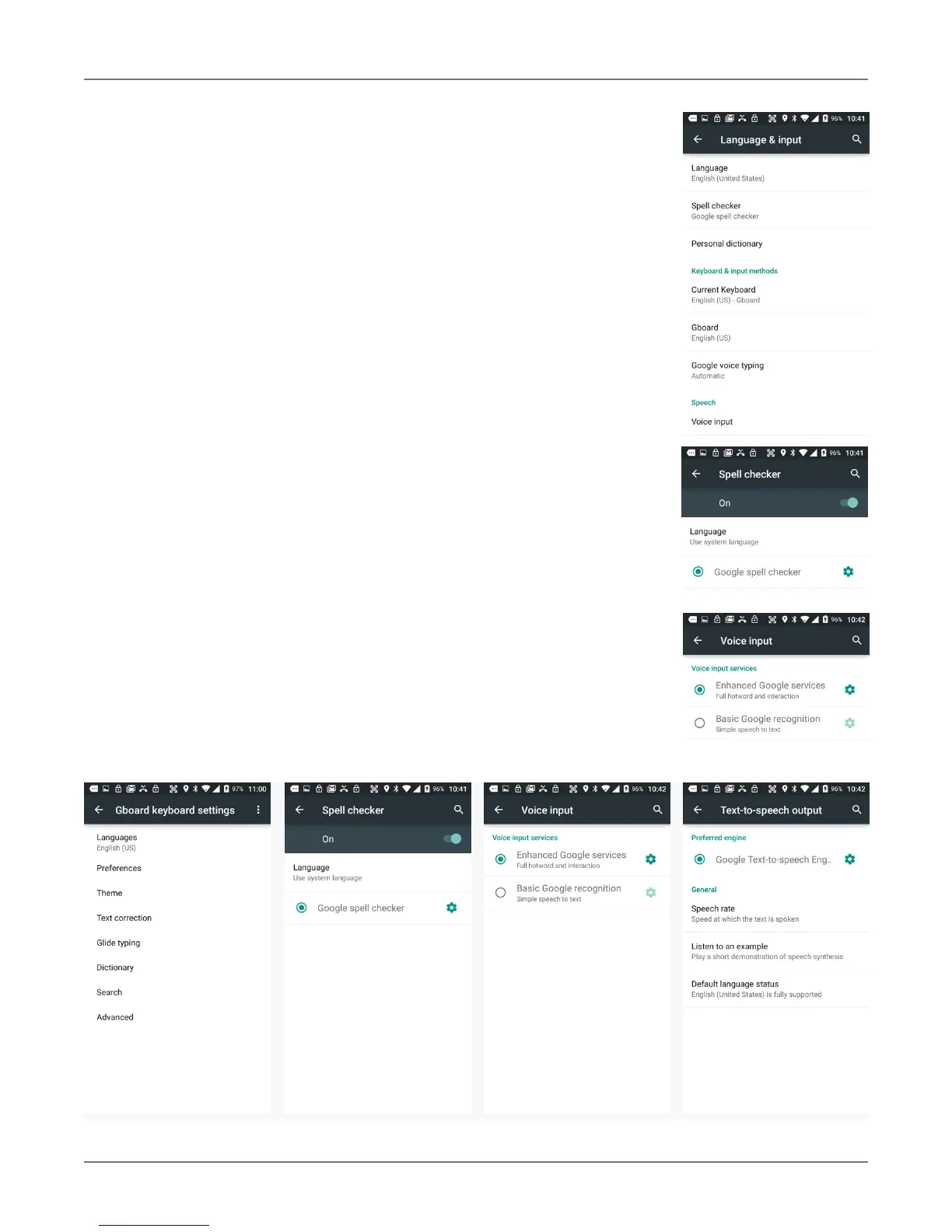
Language & input
T
o configure and customize various language and input settings of
your XT2, go to Settings > Language & input. Here you can set:
! Language: Select from a long list of available languages.
! Spell checker: Turn the Google spell checker on or off, and allow looking up
of names in your contact list.
! Personal Dictionary: Here you can add, edit, or delete words from your
optional personal dictionary.
! Keyboard & Input Methods: By default, the enhanced virtual keyboard
appears when you open an application or select a field that requires text or
numerical input. The content of the keyboard may vary depending on the
selected default, the application in use, and the input field requirements.
To modify the default method for entering text, go to Settings > Language
& input and tap on Current keyboard. Here you can also configure and
customize your keyboard.
! Speech: Select either Enhanced Google Service (includes full hotword and
interaction) or Basic Google (simple speech to text). Each can be configured.
! Mouse/Trackpad: Adjusts the sensitivity and speed of the touch screen
response to your finger swipe.



 To Next Page