4-8
4.3 Measurement
After the basic parameters setting completed, start measurement.
1) After the baseline has been stabilized, press [SHIFT] [1] to display the
CD/UV signal screen.
CDSig:0.000V
UVSig:0.000V
[MONITOR]
[SHIFT] [1]
MonitorScreen
SignalVoltage
NORM291X10
0.0000.000STD
CD
UVSignalVoltage
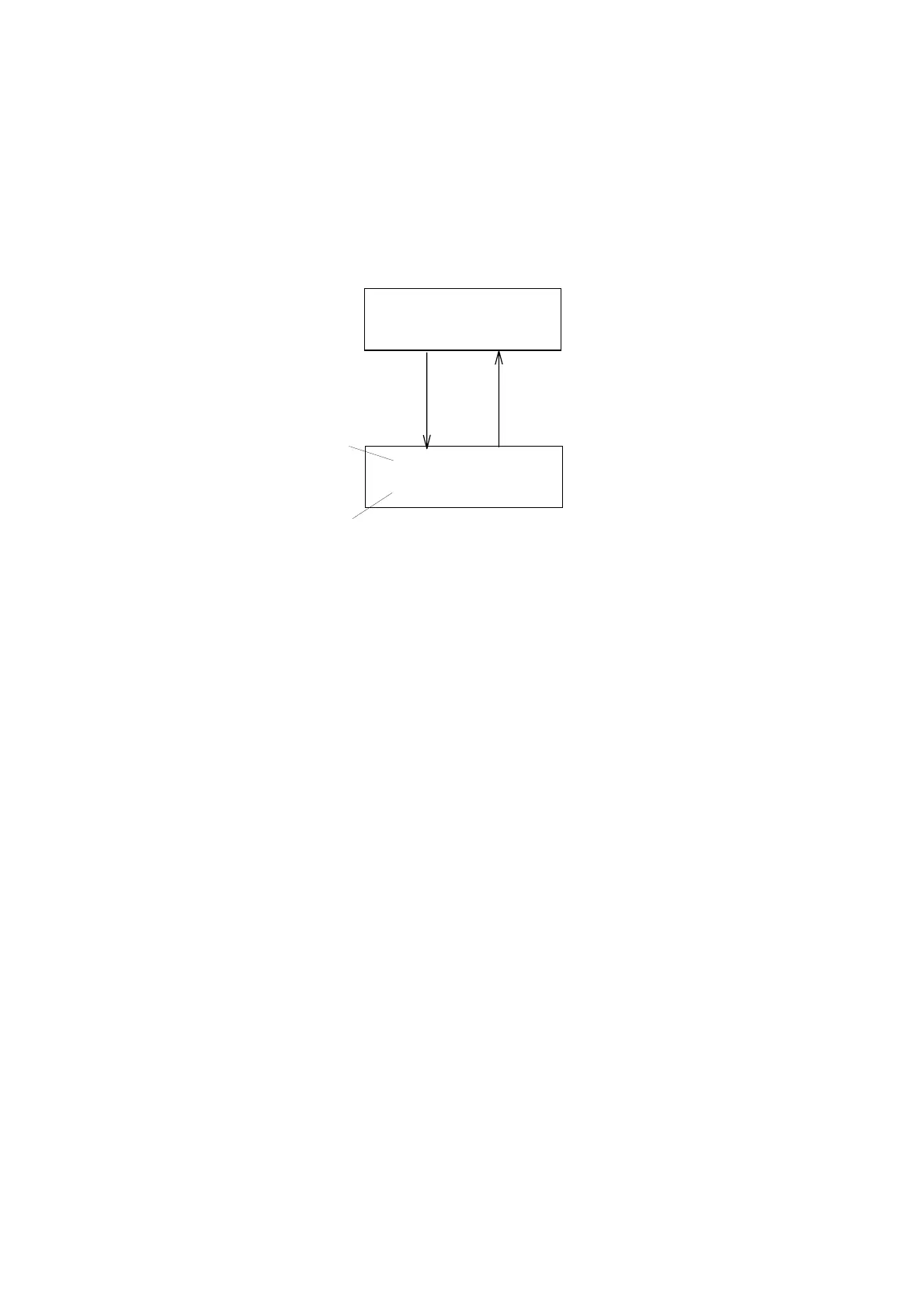
Figure 4.7 Preamplifier Output
2) Turn OPT.CD ZERO knob(see Fig.2.1) to adjust the CD signal voltage to
become within 0±0.03V. After the adjustment finished , press [MONITOR]
to return to the normal mode screen.
3) After confirming the baseline is stable, press [AUTOZERO] key, then
recorder and integrator outputs will be set to zero.
4) Inject the sample and immediately push [MARK] to output the marker
signal to recorder output.
Artisan Technology Group - Quality Instrumentation ... Guaranteed | (888) 88-SOURCE | www.artisantg.com


 To Next Page