6-3
6.4 Editing Programs
6.4.1
Editing initial parameters
Wavelength and Response are set sequentially as initial parameters.
Note: Gain set in the normal operation mode remains in effect while the
instrument is switched to program mode.
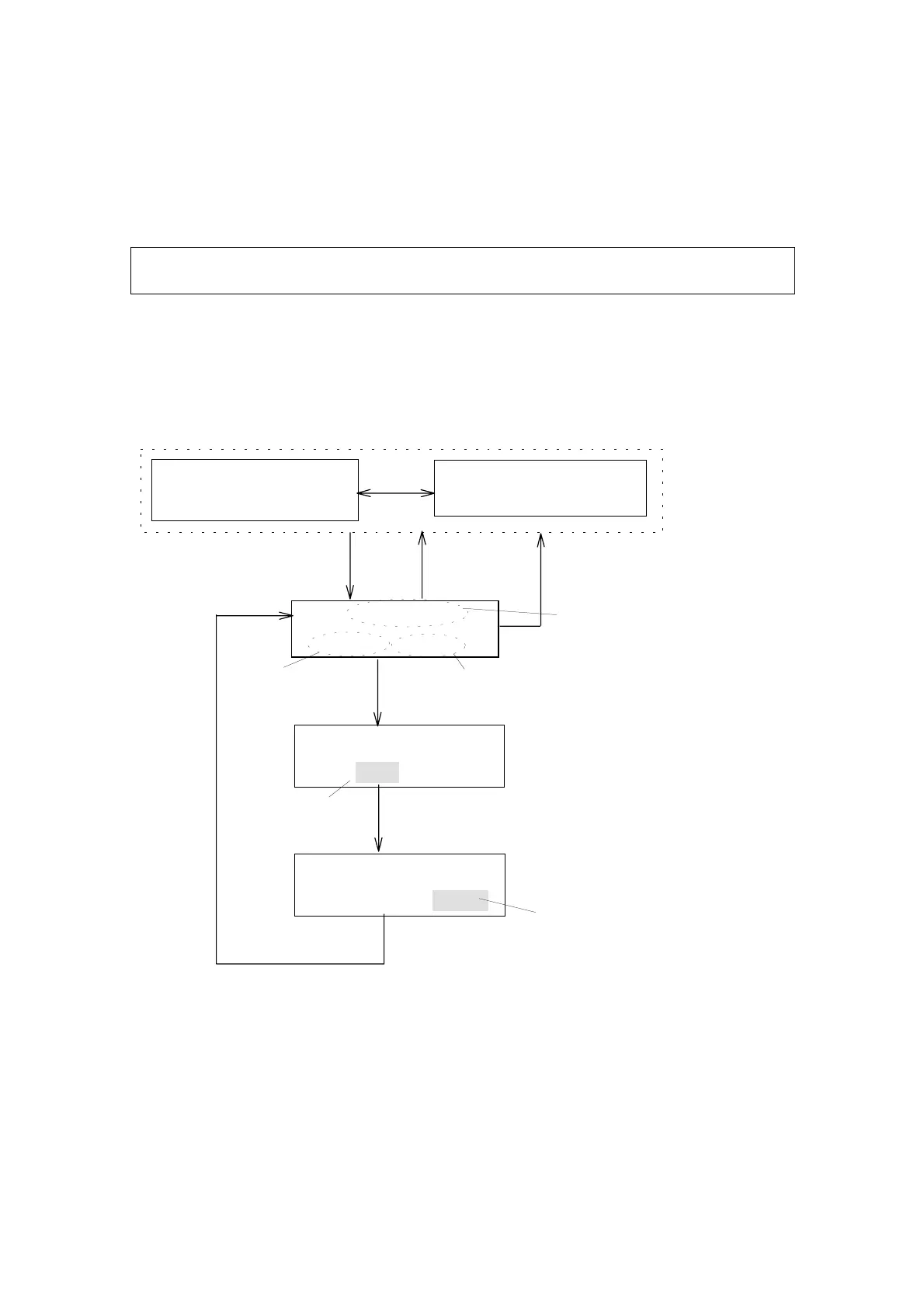
Press [▼] key while the program monitor screen is displayed. The Step 0
screen (Fig. 6.4) will appear. Wavelengths and sensitivity can be changed
from this screen using the procedure described in Fig. 6.4.
PRG5INITIAL
W.L:300RSPN:STD
PRG5INITIAL
W.L:250RSPN:STD
PRG5INITIAL
W.L:250RSPN:STD
[ ]
▼
[ ]
▲
[MONIT]
Step 0
[EDIT/ENTER]
[3][0][0] [EDIT/ENTER]
PRG5T:0.0
W.L:250RSPN:STD
[MONIT]
PRG5250X10
0.00000.000STD
Wavelength
Response
[ ]
▼
[ ]
▲
Blinking
Responseinputscreen
Programmodemonitorscreen
Input300nm
Select"FAST","STD"or"SLOW"
[EDIT/ENTER]
Blinking
Wavelengthinputscreen
Initialparametersdisplayscreen
Figure 6.4 Editing the Initial Parameters
Artisan Technology Group - Quality Instrumentation ... Guaranteed | (888) 88-SOURCE | www.artisantg.com


 To Next Page