6-1
6. Operations in Program Mode
6.1 Description
In the program mode, the parameters shown below can be changed
according to a time program. Time programs can contain up to 64 steps, and
up to 10 program files can be stored in the memory of the instrument.
• wavelength
• Range
• Autozero
• Spectrum measurement
In this chapter, the method for setting and performing time programs using the
above parameters will be explained.
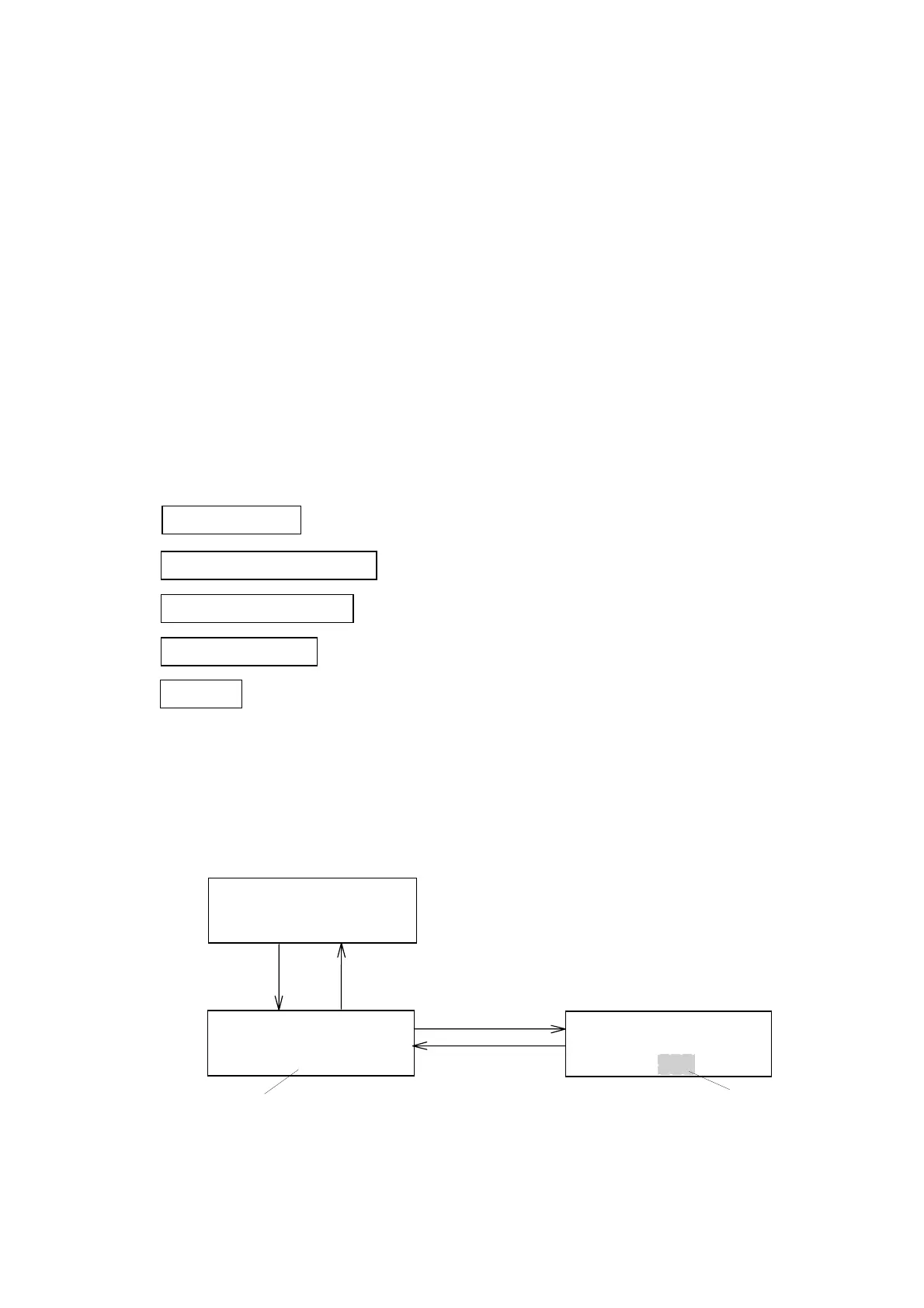
A description of operations in program mode is provided in the flow chart
below.
Set file number See Section 6.2
Switch to program mode See Section 6.3
Edit initial parameters See Section 6.4.1
Edit time program See Section 6.4.2
Execute See Section 6.5
6.2 File Number Setting (File Loading)
Up to 10 files (0 ~ 9) can be used. Follow the procedure described below to
set the file number.
(1) Changing file numbers:Input range: 0 ~ 9
FILENO.
n
FILENO.
n
[SHIFT] [PRGM]
[EDIT/ENTER]
[x][EDIT/ENTER]
Blinking
FileNo.
FileNo.settingscreen
NORM0.32X10
0.000280STD
[MONIT]
Monitorscreen
Figure 6.1 Changing the File Number
Artisan Technology Group - Quality Instrumentation ... Guaranteed | (888) 88-SOURCE | www.artisantg.com


 To Next Page