6-10
6.5 Time Program Operation
6.5.1
Running a time program
Start the program from the program monitor screen.
(1) Starting the time program:
Press the [PRGM RUN] key after the baseline stabilizes. The time program
will start. The [PRGM RUN] key lamp will light, showing that a time program is
currently in progress.
(2) Stopping the time program:
Press the [PRGM RUN] key while a program is in progress. The [PRGM RUN]
key lamp be turned off and the time program will stop.
6.5.2
Changing parameters while a program is running
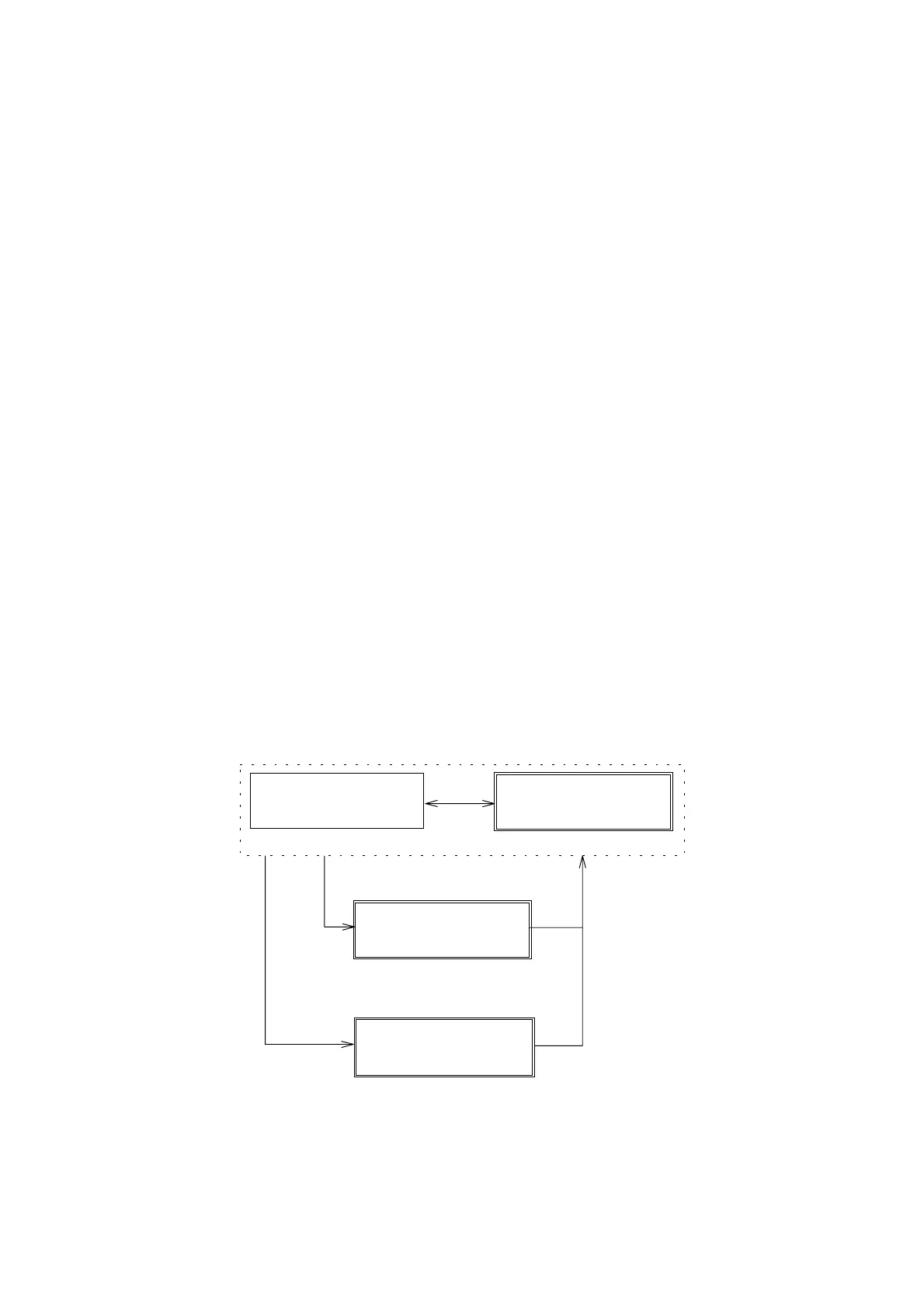
The settings for sensitivity, wavelength, response speed, and lamp off timer
can be changed while a program is running. These changes can be made
from the display screens designated by boxes drawn with double lines in Fig.
6.9. The pre-amplified output can also be displayed.
The settings changes are valid until the program progresses and the next
group of settings are activated.
[MONIT]
LAMPOFFTIMER
2.0H
CD SIG:0.0000 V
UV SIG:1.2740 V
[SHIFT] [ 2]
[SHIFT] [1]
[MONIT]
Lampofftimerscreen
Preampoutputscreen
CD・AUmonitorscreen
Time・Wavelengthmonitorscreen
PRG5T:0.0
W.L:291RSPN:SLOW
PRG5291X10
0.0000.000STD
Figure 6.9 Changing Parameters While Program is Running
Artisan Technology Group - Quality Instrumentation ... Guaranteed | (888) 88-SOURCE | www.artisantg.com


 To Next Page