5-8
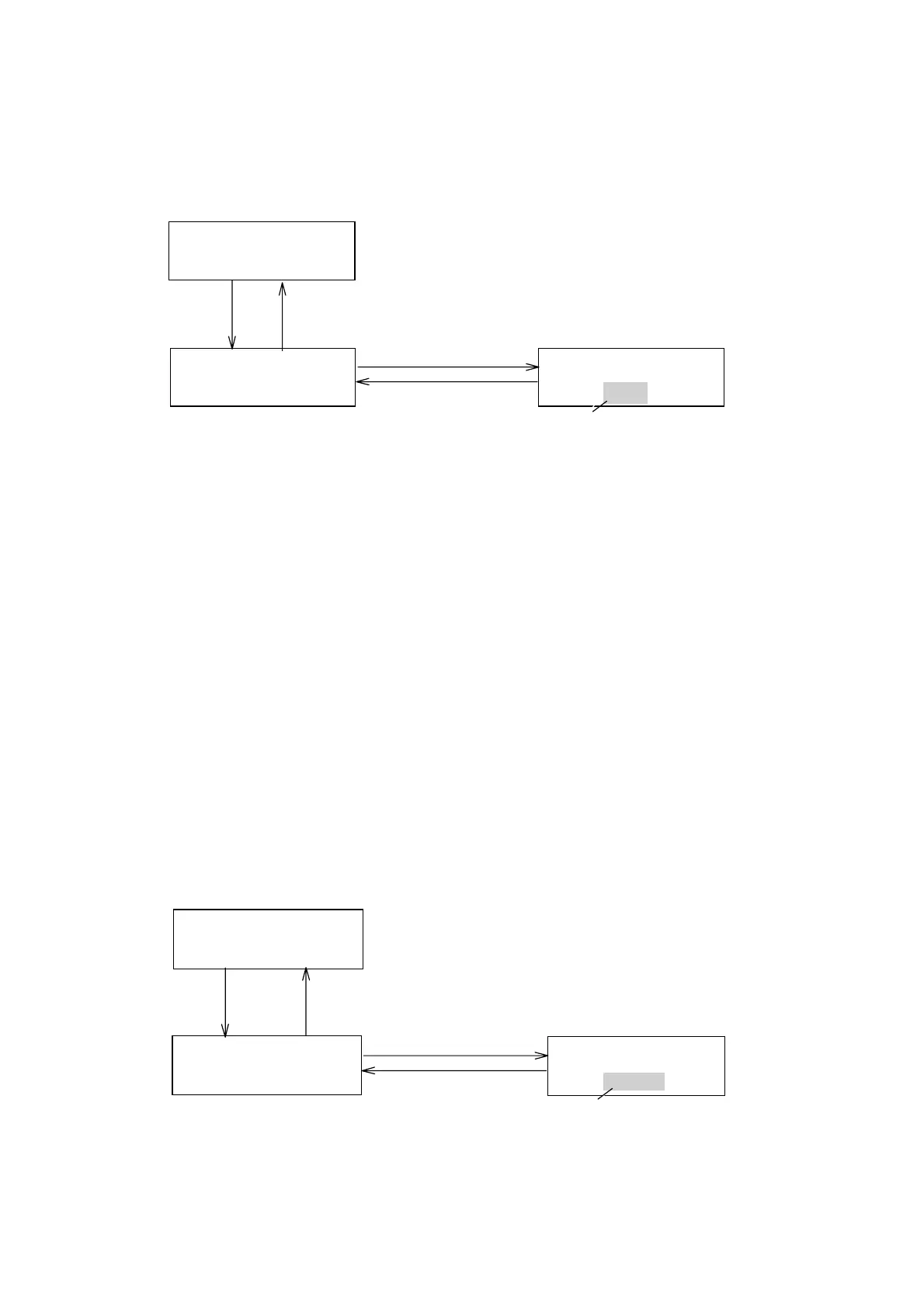
5.9 [SHIFT][7]: Changing Recorder Output Polarity
This function has no effect on the integrator output.
POLARITY
+
POLARITY
+(−)
Settingpolarity
Blinking
Monitorscreen
[EDIT/ENTER]
Polarityhasbeenchangedto(‑).
[ ][ ][EDIT/ENTER]
▲
▼
NORM291X10
0.0000.000STD
[MONITOR]
[SHIFT]
[7]
Figure 5.11 Changing recorder output polarity.
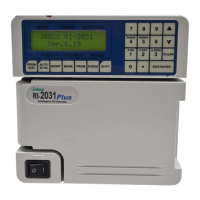
5.10 [SHIFT][8]: Selecting Autozero Mode
This function is used to control autozeroing when wavelength or gain
parameters is changed or when a signal enters the MARKER IN terminal on
the back panel.
AUTO: Autozero is automatically executed and the baseline of the
chromatogram is returned to zero when a wavelength settingis
changed , either in a time program or manually.
When
performing repeated analysis using the autosampler ,
autozero is automatically executed with the addition of a marker on
the recorder output when thr MARKER IN signal is input.
MANUAL: Autozero is not executed when a wavelength is changed or
MARKER IN signal is input
HOLD: The baseline position will not changed when a wavelength is
changed or MARKER IN signal is inputted. Autozero will be
executed , but the baseline position will return immediately to the
previous position .
AUTOZERO
AUTO
AUTOZERO
AUTO(HOLD)
Autozerosellectigscreen
Blinking
[SHIFT] [8]
Monitorscreen
[EDIT/ENTER]
[ ][ ][EDIT/ENTER]
▲
▼
NORM291X10
0.00000.000STD
[MONITOR]
Figure 5.12 Selecting autozero mode
Artisan Technology Group - Quality Instrumentation ... Guaranteed | (888) 88-SOURCE | www.artisantg.com


 To Next Page