6-2
Note 1: If an incorrect value is entered, press [CLEAR] while the parameter
value is blinking, then enter the correct value. Press [EDIT/ENTER] to
enter the value.
Note 2: When the file number of a file that already contains a time program is
designated, the previous program will be loaded. When a time
program is edited after setting the file number, the new file settings
are automatically stored. Time programs are stored in C-MOS RAM
and therefore are not erased when the power is turned off.
Note 3: File numbers cannot be changed from the program mode monitor
screen. If the program mode monitor screen is displayed, press the
[PRGM] key to return to the normal operation mode monitor screen.
6.3 Switching Between Normal Operation Mode and Program Mode
Press the [PRGM] key while the normal operation mode screen is displayed.
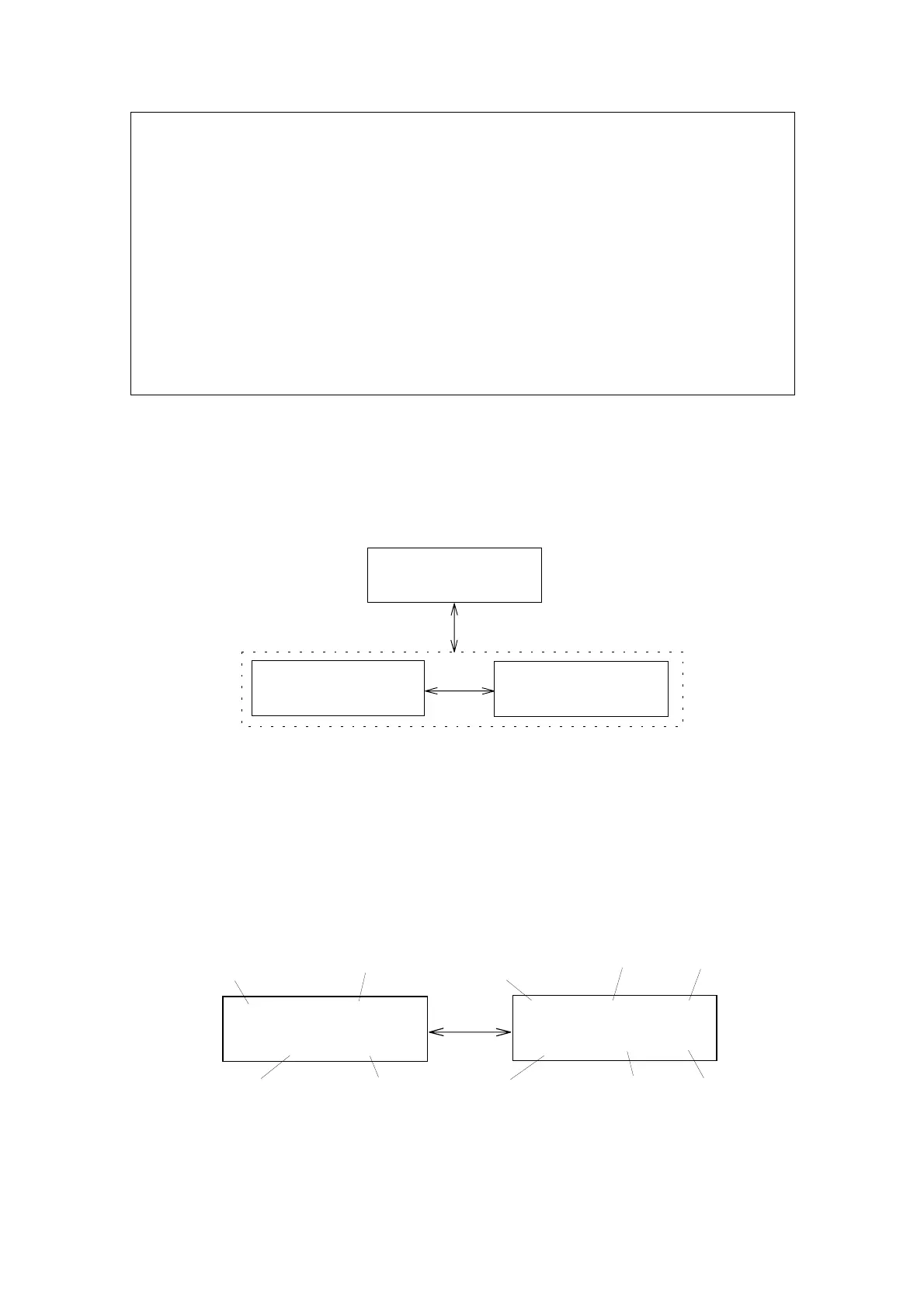
The program mode monitor screen will appear (Fig. 6.2). Press the key again
to return to the previous screen.
PRG5T:0.0
W.L:250RSPN:STD
[MONIT]
[PRGM]
NORM250X10
0.00000.000STD
Monitorscreen
PRG5250X10
0.00000.000STD
Programmodemonitorscreen
Figure 6.2 Switching Between Normal Operation Mode and Program Mode
The program mode monitor screen consists of a time and wavelength screen
and a screen similar to the normal operation mode screen (called the CD
・
Absorbance display screen). Use the [MONITOR] key to alternate between
screens. The various screen areas are described in Fig. 6.3.
[MONIT]
PRG5250X10
0.00010.000STD
GAIN
Wavelength
Response
Currenttime
Programmode
(FileNo.5)
Wavelength
Response
Time・Wavelengthdisplayscreen
Absorbance
CDsignal
PRG5T:0.0
W.L:250RSPN:STD
CD・Absorbancedisplayscreen
Programmode
(FileNo.5)
Figure 6.3 Description of the Program Mode Monitor Screens
Artisan Technology Group - Quality Instrumentation ... Guaranteed | (888) 88-SOURCE | www.artisantg.com


 To Next Page