QUATTRO
Rev. A 2012-09-10 Service manual
14
1
2
3
To change from the preset loading schedule (1) to another, do as
follows:
Turn off the power to the machine (use the switch on the
back).
Wait approx. 5 sec. (until the green LED has extinguished).
Hold in the desired drink button (1-3) for the desired
loadingschedule(gure14).
Turn on the power to the machine withoutlettinggoof
the drink button.
When the red LED light is lit, release the drink button.
The red LED blinks 1 to 3 times to indicate the loading
schedule that has been chosen.
The change of the loading schedule is now complete.
1.
2.
3.
4.
5.
6.
7.
As previously stated, the machine has 3 different loading schedules for 6 different
drinks.Thismeansthatthedrinkstrengthandavourcanbevariedaccordingto
personal preferences.
5.2 Change of loading schedule
Figure 14
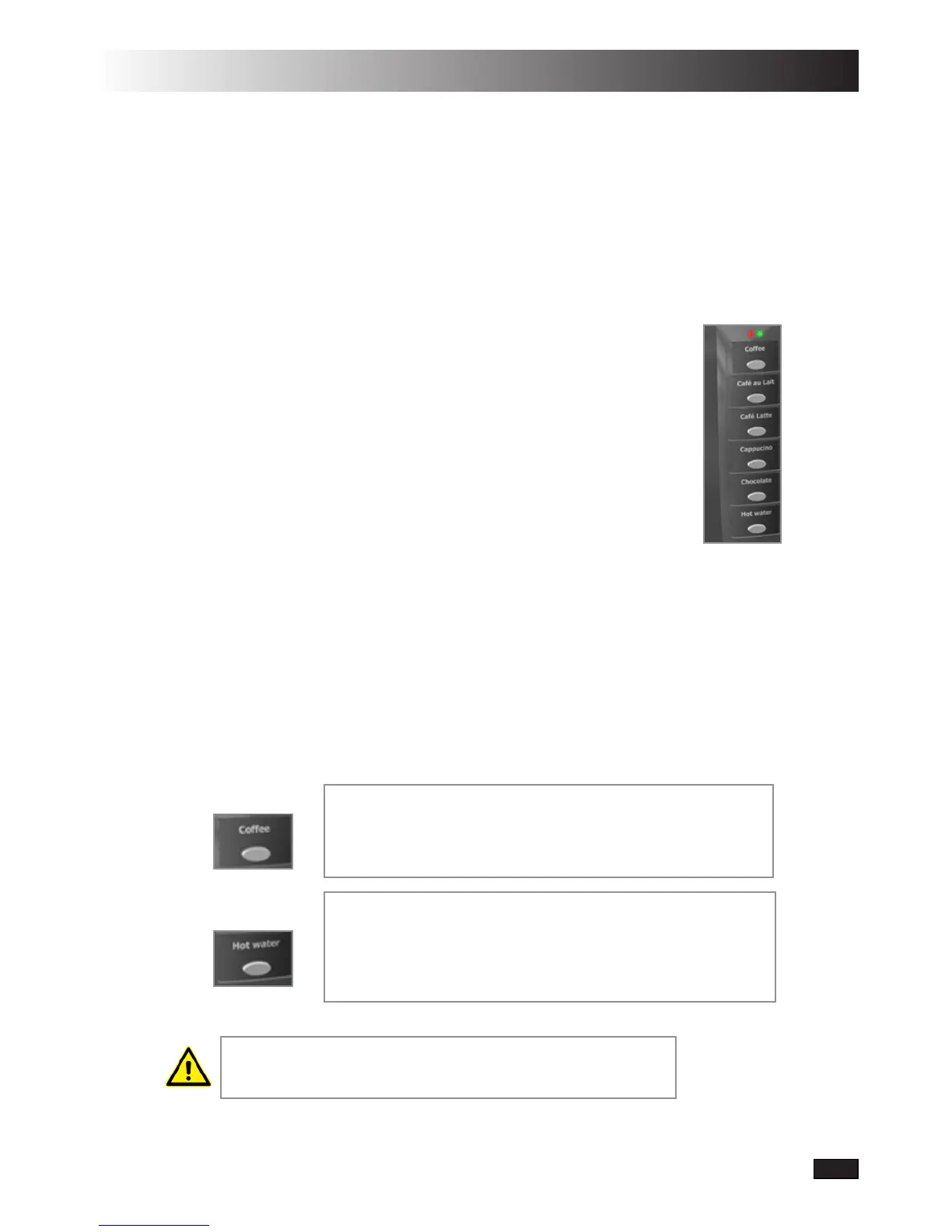
5.3 Menu panel
By holding in buttons 1-5, respectively button 6 (hot water) you can change the
drink’s properties. The green LED blinks quickly during app. 5 seconds, then
slowly. The following apply to these choices:
Buttons 1-5: •
Button 6:•
If the drink button is released directly after pressing, then
the tea water will be dispensed according to the loading
schedule (14 cl.).
If the drink button is kept pressed in then the tea water
is dispensed until the button is released.
Observe that the above choices via menu panel only apply
for one dispensing. The machine returns to the selected
loading schedule after the drink has been delivered.
If any drink button is held in until the green LED blinks
slowlyand is released during this period, then the coffe
strength is reduced for drinks 1-4 and the chocolate’s
strength for drink 5.
ObservethatthegreenLEDrstblinksslowly.


 To Next Page