-9-
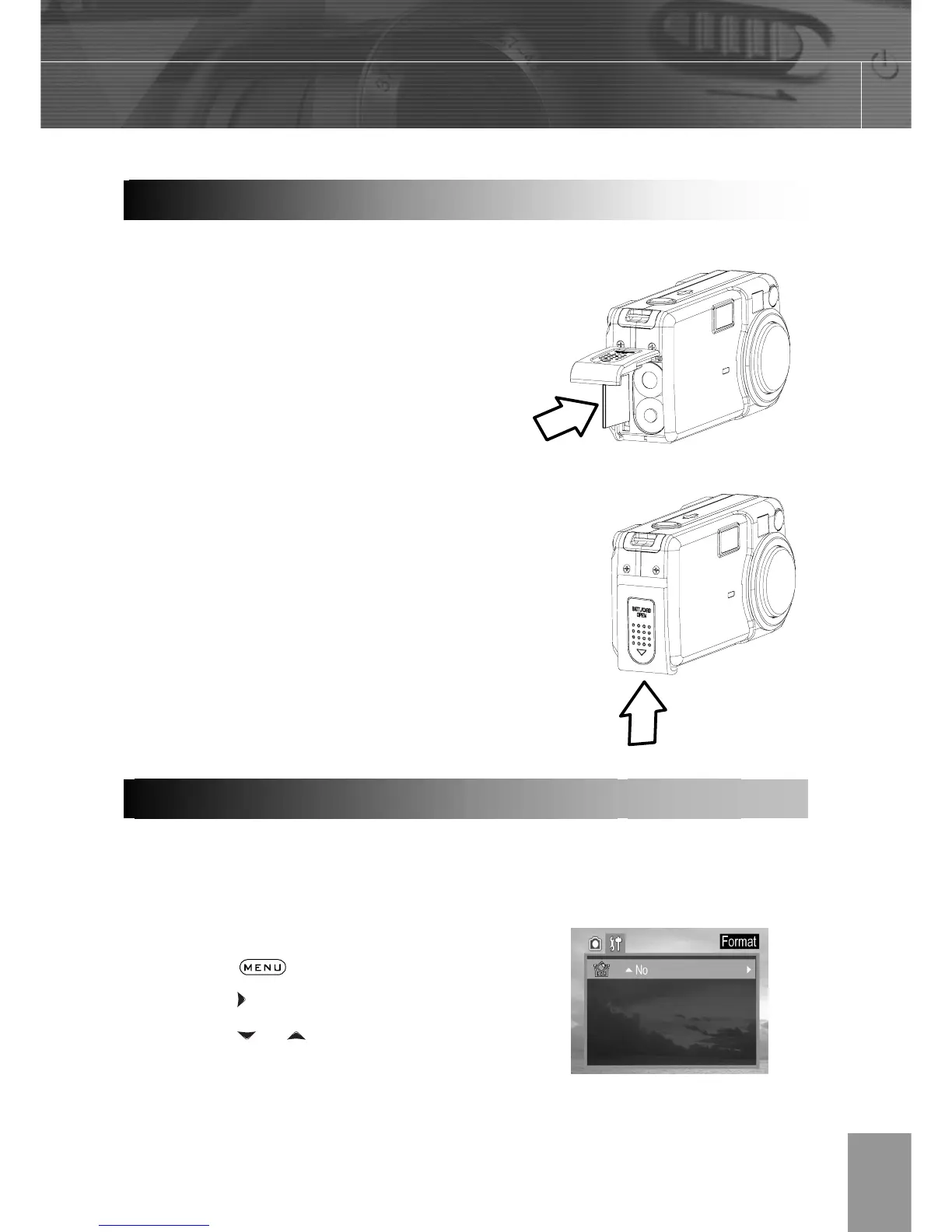
1. Turn off the camera.
2. Slide the SD card slot/battery cover in the
direction of the arrow to open the cover.
3. Insert the SD card with the label facing up
and the arrow pointing in.
To remove the SD card
1. Turn off the camera.
2. Slide the SD card slot/battery cover in the
direction of the arrow to open the cover.
3. Gently press on the edge of the SD card
and release it. Pull the card out and close
the slot/battery cover.
You should format a new SD card or one from which you wish to erase all images and
other data.
1. Turn on the camera.
2. Press the
button.
3. Press the
arrow to select the Setup Menu.
4. Press the
or arrow to select Format
then press the SET button.
Installin



 To Next Page