-13-
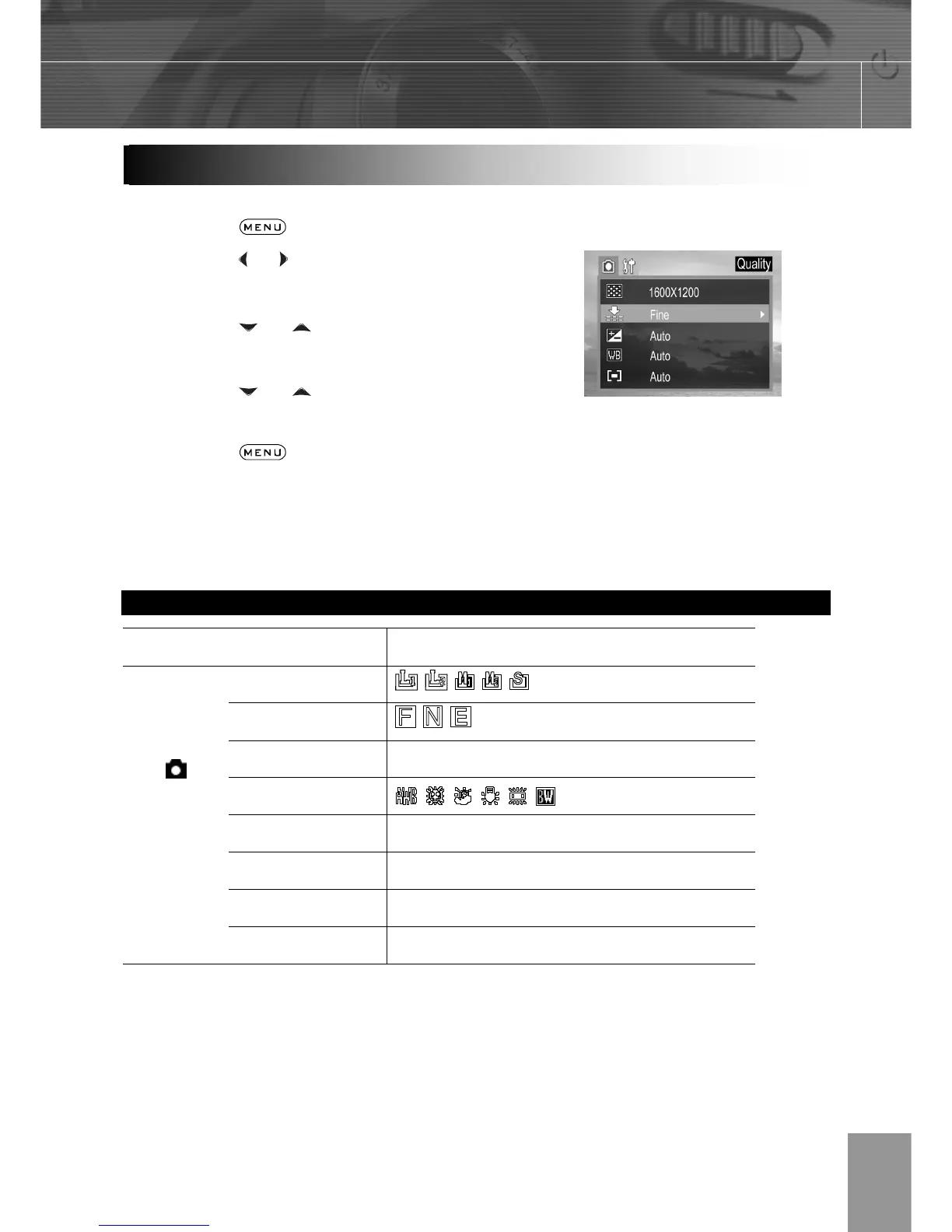
Use the menus as shown below to operate the various shooting and replaying settings.
1. Press the
button.
2. Press the
or arrow to select the REC /
Playback or the Setup Menu.
3. Press the
or arrow to select a
menu item then press the SET button.
4. Press the
or to select the settings
you wish to set then press the SET button.
5. Press the
button to close the menu
window.
This chart shows the options for each menu settings.
Menu Items Selectable with the MENU Button
Menu Item Available Setting
Resolution
Quality
Exposure
+2/+1.7/+1.3/+1.0/+0.7/+0.3/0.0/
-0.3



 To Next Page