-17-
The Zoom can be adjusted from 5.8 ~ 17.4 mm (37 ~ 105 mm when converted to 35 mm
film format).
Telephoto / Wide Angle
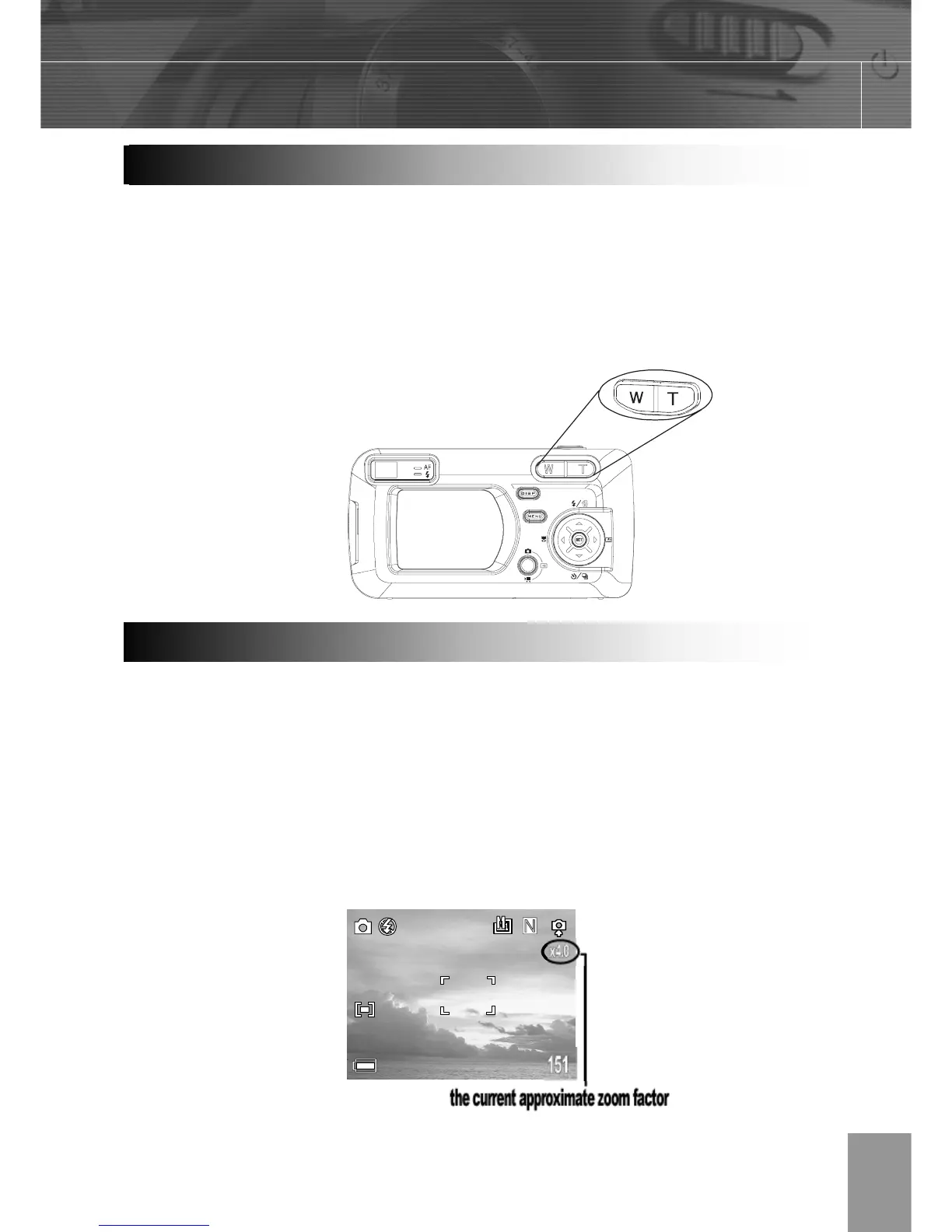
Press W to zoom out for a wide angle shot.
Press T to zoom in for a telephoto shot.
When the LCD monitor is on, you can digitally zoom in on a subject. Images can be
zoomed up to 4 times.
Press T to zoom in.
The lens will zoom to the maximum optical telephoto setting and stop. Release the lever
and press it toward again to further zoom the image digitally. The zoom indicator shows
the current approximate zoom factor.
Usin



 To Next Page