-28-
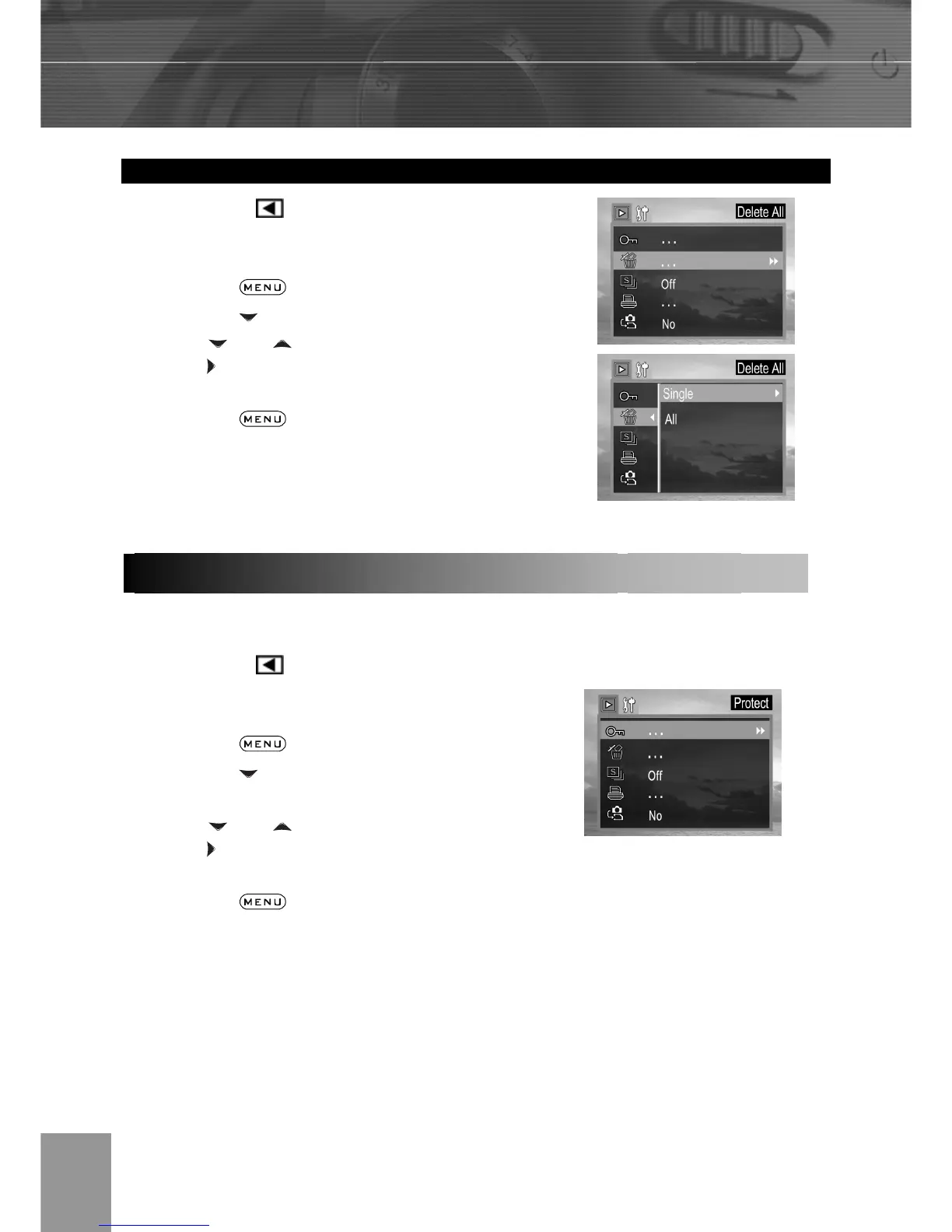
Erasing All Unprotected Images
1. In the PLAY mode.
2. The last recorded image or video clip
appears on the LCD monitor.
3. Press the button.
4. Press the arrow to select Delete
ALL. 5. Press and to select Single or All,
press and then select Yes or No to
confirm the choice.
6. Press the button to close the
menu window.
You can protect important images from accidental erasure.
1. In the PLAY
mode.
2. The last recorded image or video clip
appears on the LCD monitor.
3. Press the
button.
4. Press the arrow to select Protect
then press the SET button.
5. Press
and to select Single or All,
press
and then select Yes or No to
confirm the choice.
6. Press the button to close the
menu window.
Protecting Photos and Video Clips



 To Next Page