-12-
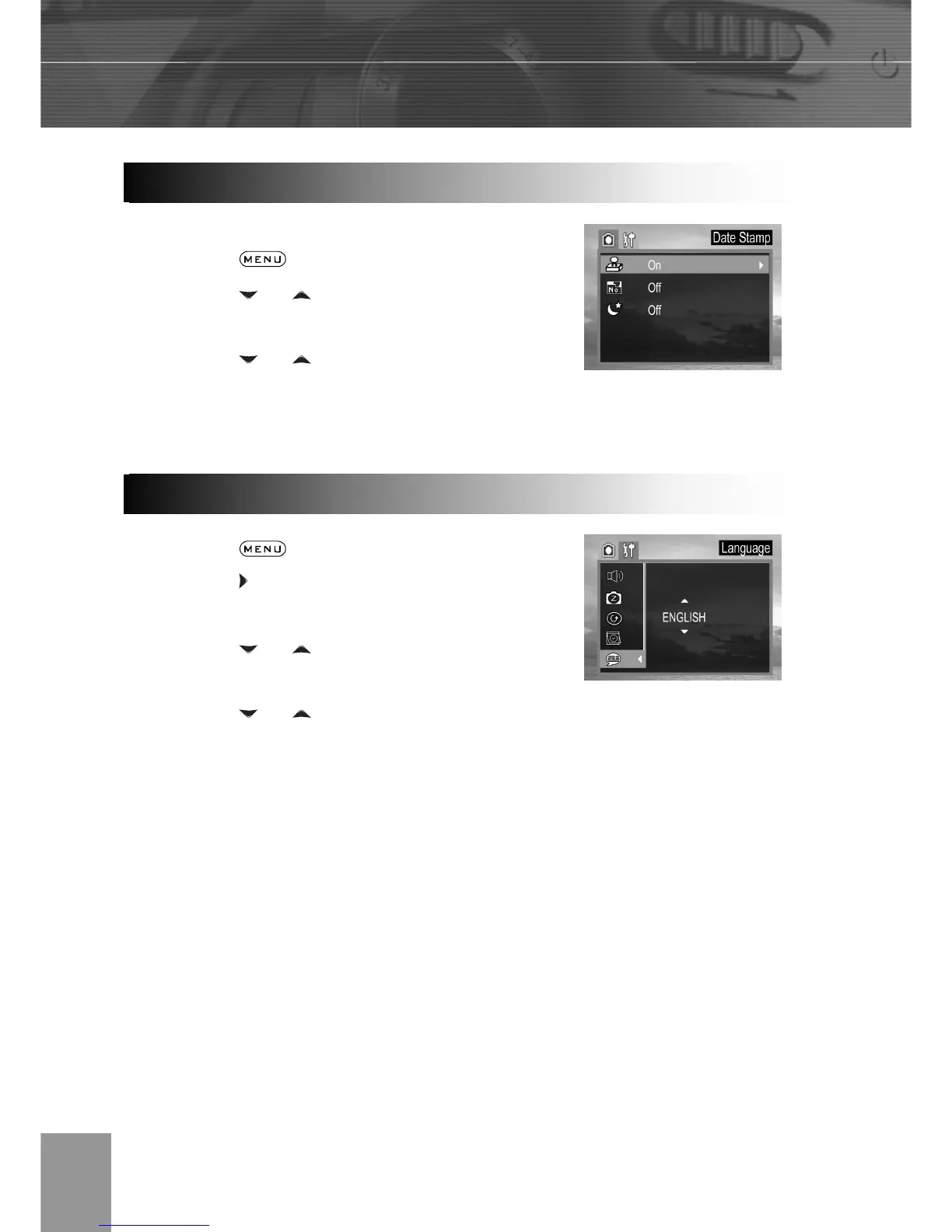
Prints the image’s creation date on the image.
1. Press the button.
2. Press the
or arrow to select Date
Stamp then press the SET button.
3. Press the
or to set Date Stamp
on/off.
4. Press the SET button to close the menu
window.
1. Press the
button.
2. Press the
arrow to select the Setup
Menu.
3. Press the
or arrow to select
Language then press the SET button.
4. Press the
or to select a Language.
5. Press the SET button to close the menu
window.
Date Stam



 To Next Page