-31-
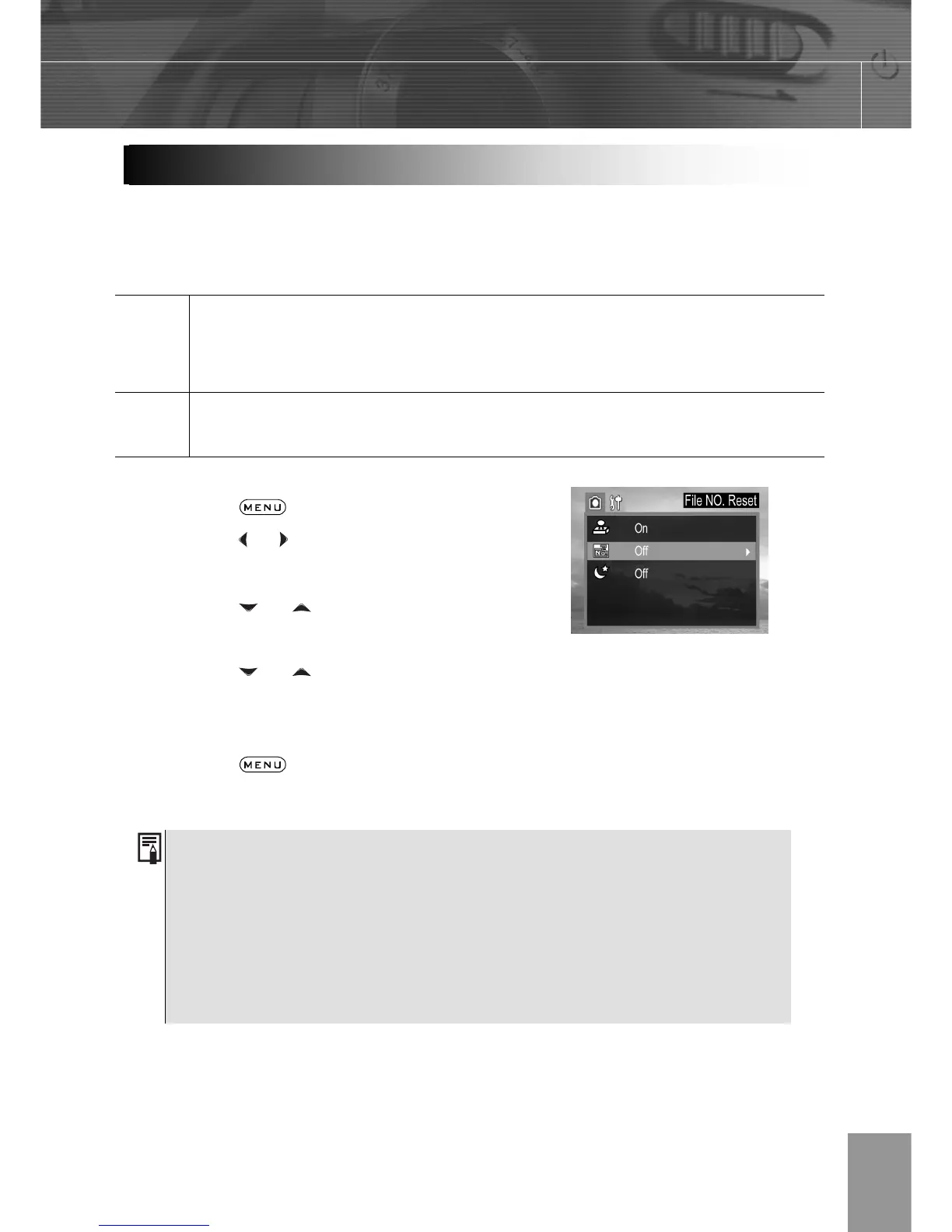
Use File Number Reset if the camera experiences a ““FILE NUMBER OVER” error or if you
want to restart numbering, for example, after erasing all files.
On
The file numbers are reset to the start (0001) each time a new SD card is
inserted. New images recorded on SD cards with existing files are assigned the
next available number.
Off
The file number of the last image to be shot is memorized so that images
recorded to a new SD card start from the next number.
1. Press the
button.
2. Press the
or arrow to select the REC
Menu.
3. Press the
or arrow to select File
NO. Reset then press the SET button.
4. Press the
or to select the
settings you wish to set then press the
SET button.
5. Press the
button to close the
menu window.
1. Setting the File No. Reset to OFF is useful for avoiding file name
duplication when images are downloaded to a computer.
2. If the memory card is formatted, the folder number and the file number
are initialized and the count starts from 100 and 0001. If the file Number
Rest is set to OFF, the numbering starts after format with the last file and
folder number stored in the camera.
File Number Reset



 To Next Page