-23-
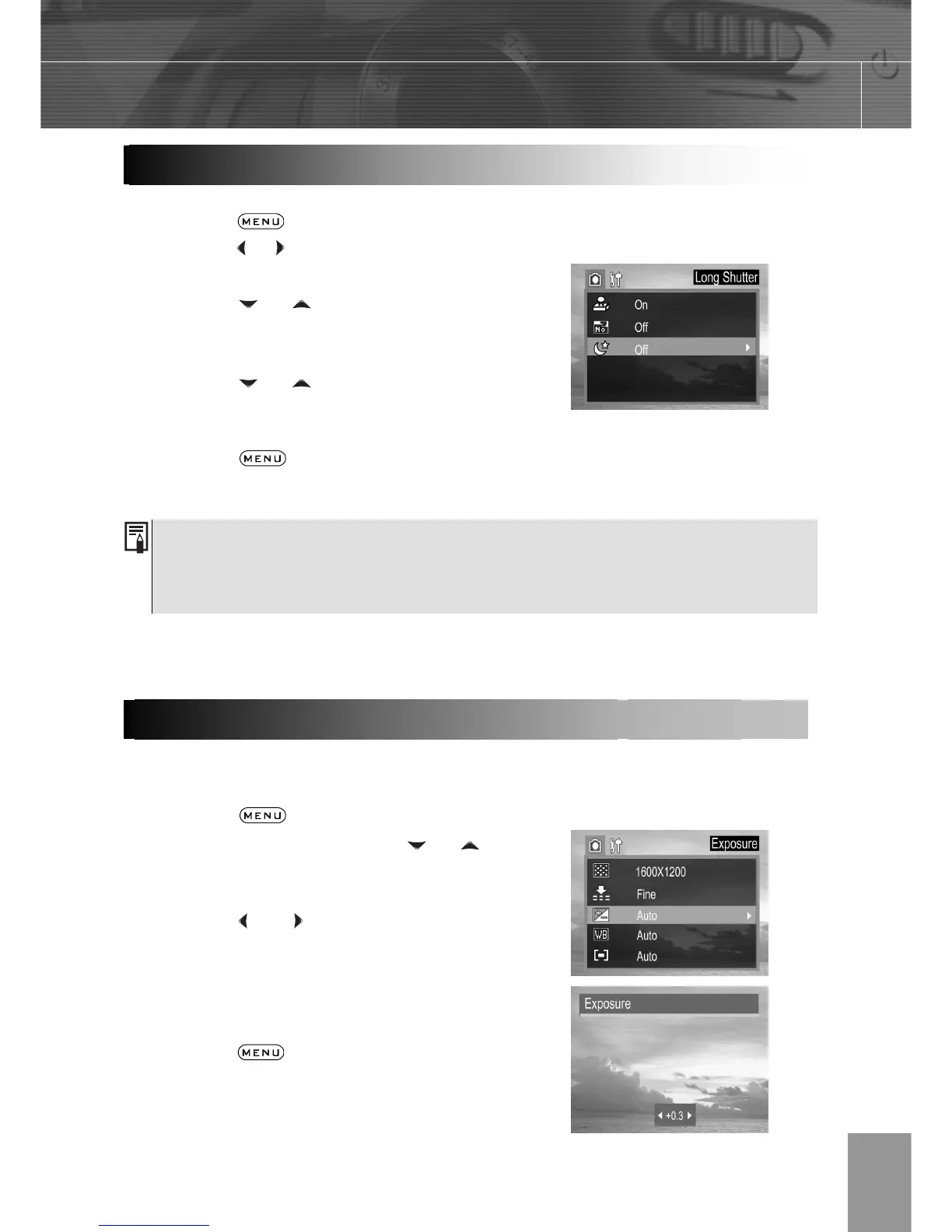
You can set the shutter speed to a slow setting to make dark subjects appear brighter.
1. Press the button.
2. Press the or arrow to select the REC
Menu.
3. Press the or arrow to select
Long Shutter then press the SET
button.
4. Press the or to select the
settings you wish to set then press the
SET button.
5. Press the button to close the
menu window.
Available Shutter Speeds
The following shutter speeds are available:1 sec 2 sec 4 sec 8 sec
Adjust the exposure compensation setting to compensate for certain light conditions
including: backlighting, indirect indoor lighting, and dark backgrounds.
6. Press the
button.
7. In the camera menu, press the or
arrow to select Exposure then press the
SET button..
8. Press the and to set the exposure
compensation value. Available settings
are:-2.0, -1.7, -1.3, -1.0, -0.7, -0.3, 0.0,
+0.3, +0.7, +1.0, +1.3, +1.7, +2.0 then
press the SET button.
9. Press the button to close the
menu window.
10. Shoot the image.



 To Next Page