-26-
5 Replaying Photo & Video Clips
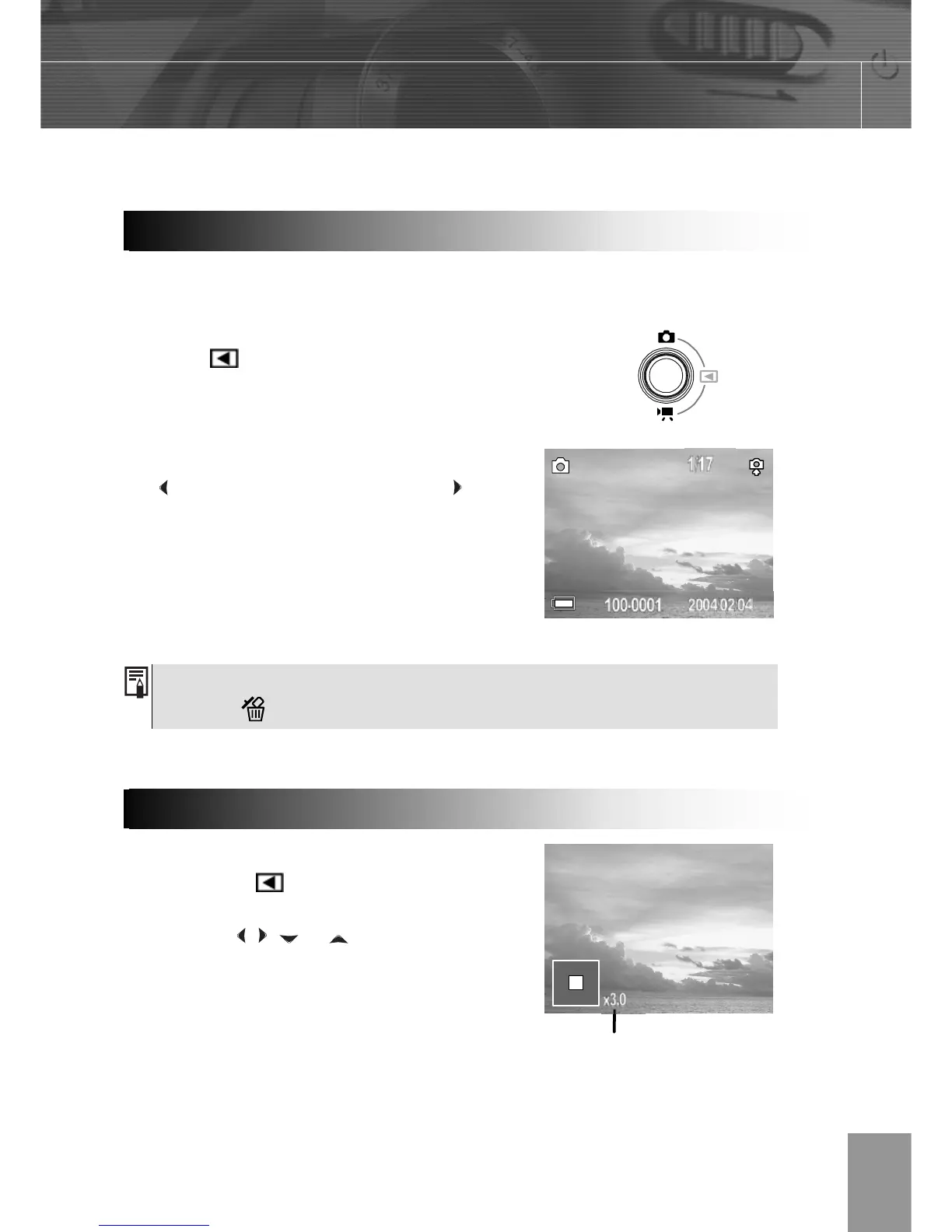
You can view the recorded images and video clips on the LCD monitor.
Press camera mode button, this enters the
play mode
and view the captured photo or
video clip.
The last recorded image or video clip appears
on the LCD monitor.
Use to move to the previous image and to
move to the next image.
Press camera mode button twice, return to
shooting mode.
Images can be magnified up from 1 times to 8 times.
1. In the PLAY
mode.
2. Press T to magnify the image.
3. Press the , , or arrows
to move the magnified area
around the image.
4. Press W to zoom out to the
original full-sized image.
Press the DISP button to show the data for the displayed image.
Press the button to quickly delete the displayed image.
Replaying Pictures
Magnifying Images
The zoom factor is shown



 To Next Page