-39-
8 Installing Software
Install the Software Driver
You must install the camera software drivers if your operating system is Windows 98 or
Windows 98 SE. Once the USB driver is installed, you do not need to install the USB driver
again.
1. Start up your computer, and insert the software installation CD-ROM into the CD-ROM
drive.
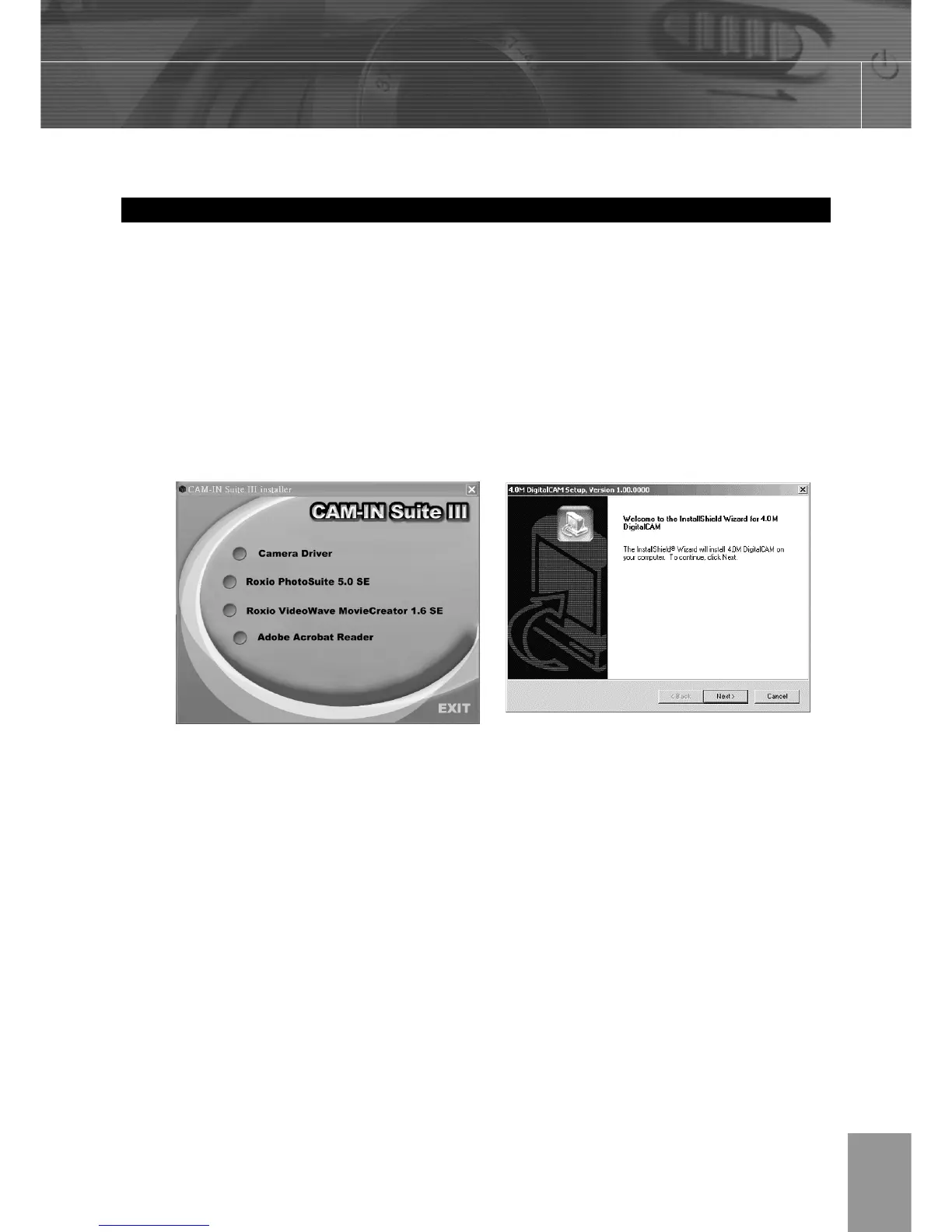
2. The model selection screen appears, If it does not appear, double-click My Computer
and find the CD-ROM drive, then double-click the menu.
3. Click Camera Driver on the model selection screen. The “InstallShield Wizard” screen
appears.
4. Click Next.
The USB driver installation starts. When the installation is completed, the screen
informs you of completion.
5. Click “Yes, I want to restart my computer now” then click “Finish”
Your computer restarts. Then, you can establish USB connection.



 To Next Page