-40-
Installing Roxio PhotoSuite 5.0 SE
Roxio PhotoSuite 5.0 SE is a photo editing application that is included for free in the
software installation CD-ROM. You must use Windows XP/ME/2000/98SE/98 on your
computer to use this software.
1. Start up your computer, and insert the software installation CD-ROM into the CD-ROM
drive.
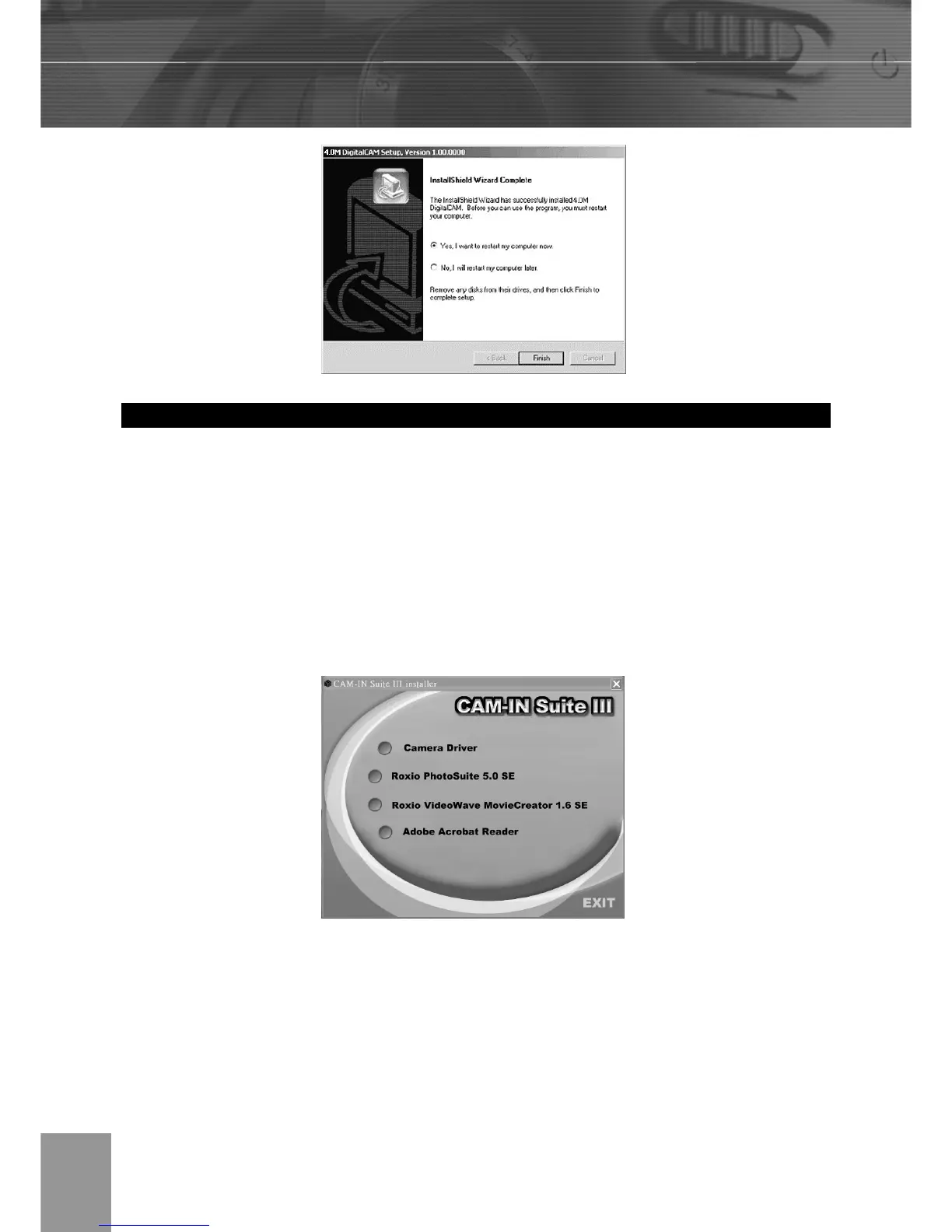
2. The model selection screen appears, If it does not appear, double-click My Computer
and find the CD-ROM drive, then double-click the menu.
3. Click Roxio PhotoSuite 5.0 SE on the model selection screen. Follow the on-screen
instructions to install the software.



 To Next Page