-36-
7 Making Connections
Download images taken with the camera to a computer in one of the following ways:
1. Directly from the SD card.
2. Connect the camera to a computer with the USB cable.
You must install the software and USB driver bundled on the Software Installation
CD-ROM before connecting the camera to the computer.
Downloading Directly from an SD Card
1. Eject the SD card from the camera, and insert it into an SD card reader connected to
the computer.
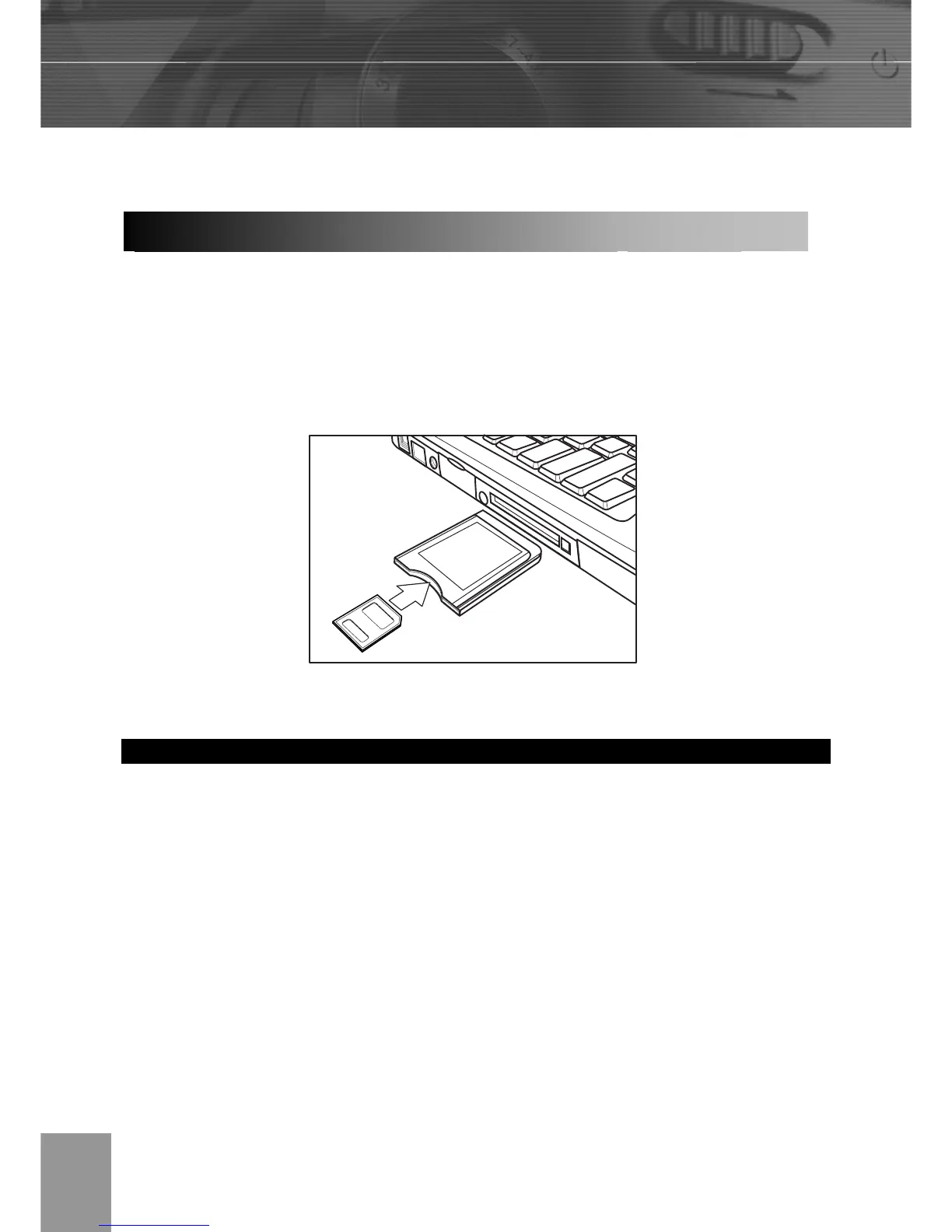
Note: If you are using a PC card reader, first insert the SD card into a PC card reader
adapter (optional), and then insert the PC card adapter into the computer’s PC card
slot.
2. Double-click the icon of the drive with the SD card.
3. Copy images from the card into a folder of your choice on the hard disk.
Downloading Images to a Computer



 To Next Page