-7-
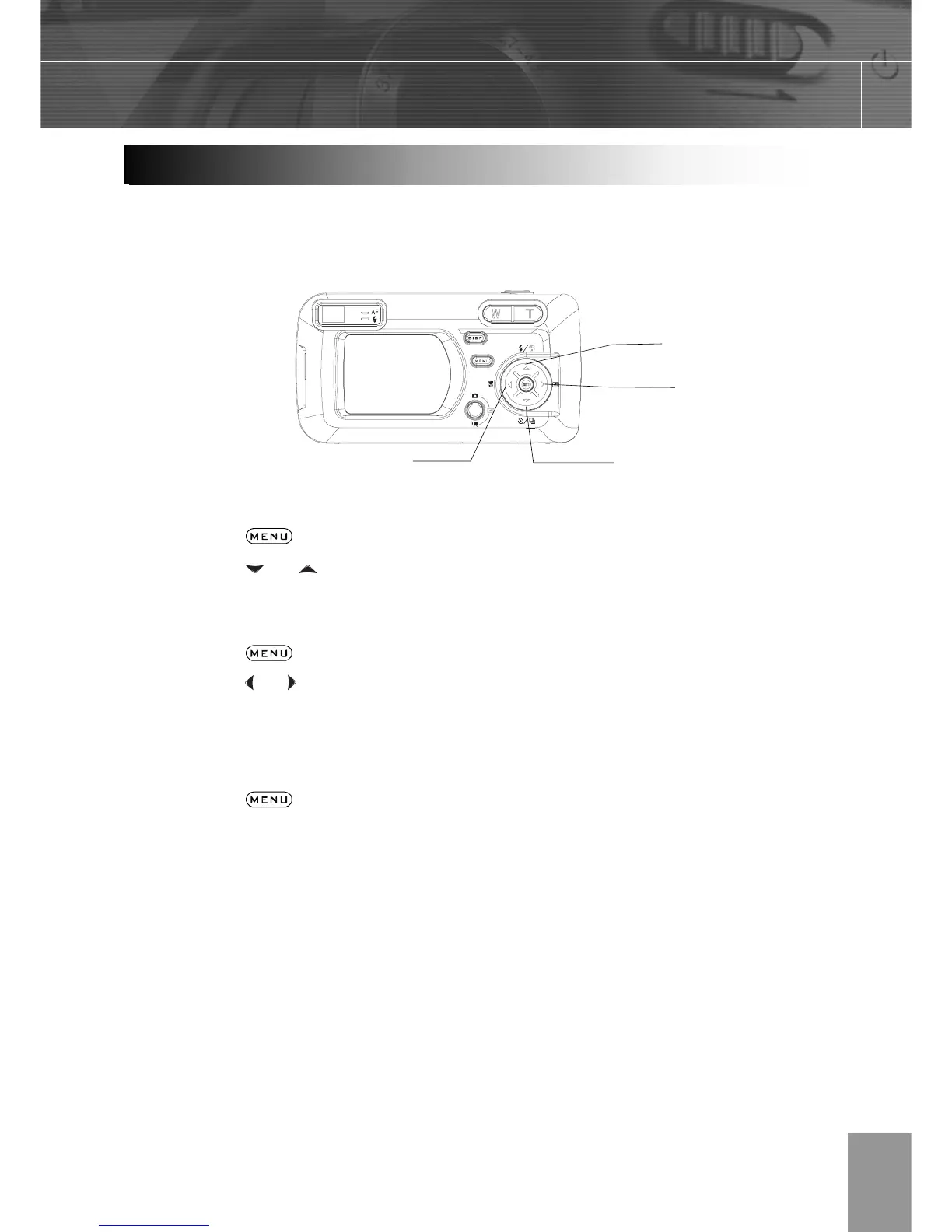
The multi-controller is used to select choices, images and menus on the LCD monitor and
confirm the selection.
Moving the cursor on the LCD monitor up and down.
Press the button.
Press the
or to select a menu item on the LCD monitor.
Moving the cursor on the LCD monitor left and right.
Press the button.
Press the
or to select a menu item on the LCD monitor.
Confirming a menu selection.
Press the SET button.
Press the
button to close the menu window.
O



 To Next Page