-43-
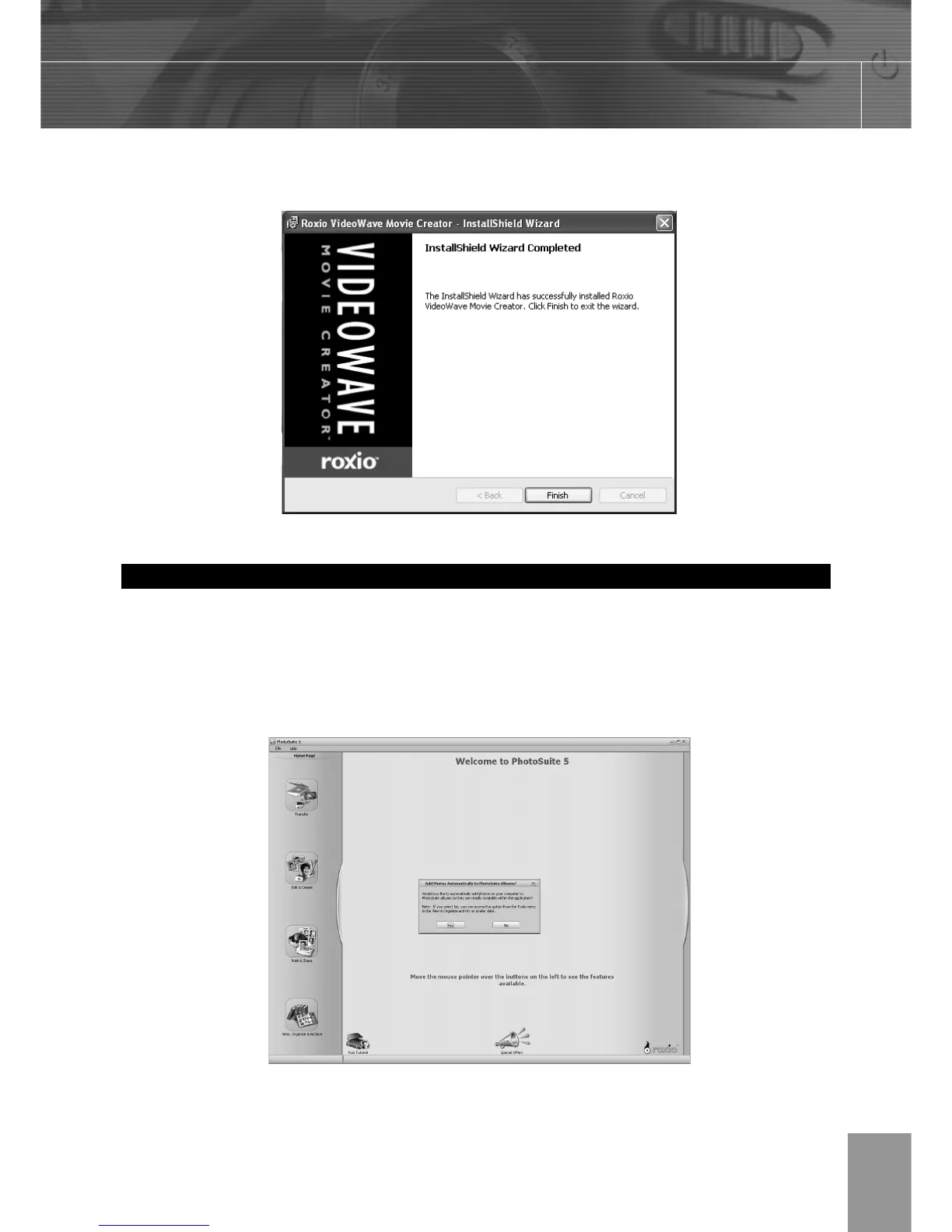
10. When installation is completed, Click Finish to quit the InstallShield Wizard.
Using the Roxio PhotoSuite 5.0 SE
Roxio PhotoSuite 5.0 SE gives you the ability to edit, crop and print the photos you
download to your computer from the digital camera. Refer to the application help
documentation for information on using the software.
To start this program, click Start > Program > Roxio PhotoSuite 5



 To Next Page