-18-
4 Taking Pictures
In this mode, all you have to do is press the shutter button and let the camera do
everything else.
1. Set the camera mode button to .
2. Aim the camera at the subject.
3. Use the zoom level to achieve the desired composition.
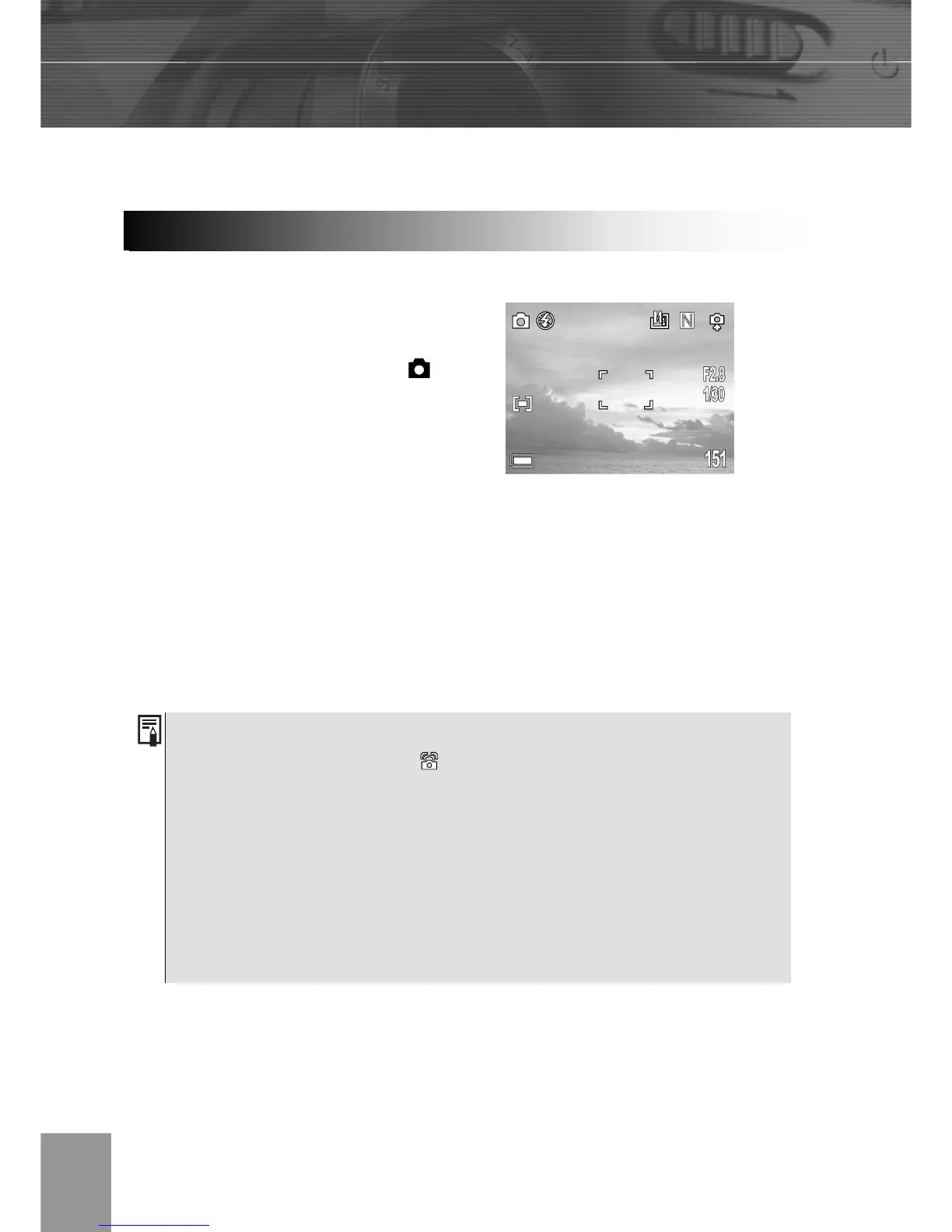
4. Press the shutter button down halfway.
When the camera has finished adjusting its
settings, the auto focus indicator will appear.
5. Press the shutter button all the way.
1. Please note that camera shake becomes a factor at low shutter speeds. If
the camera shake warning appears on the LCD monitor, secure the
camera to a tripod before shooting.
2. When the shutter button is pressed half way down, check the exposure
value that appears on the LCD monitor to make sure it is appropriate for
the current light conditions.
3. The green auto focus indicator appears on the LCD monitor when the
camera has successfully locked the exposure, white balance, and focus.
Basic Still Ima



 To Next Page