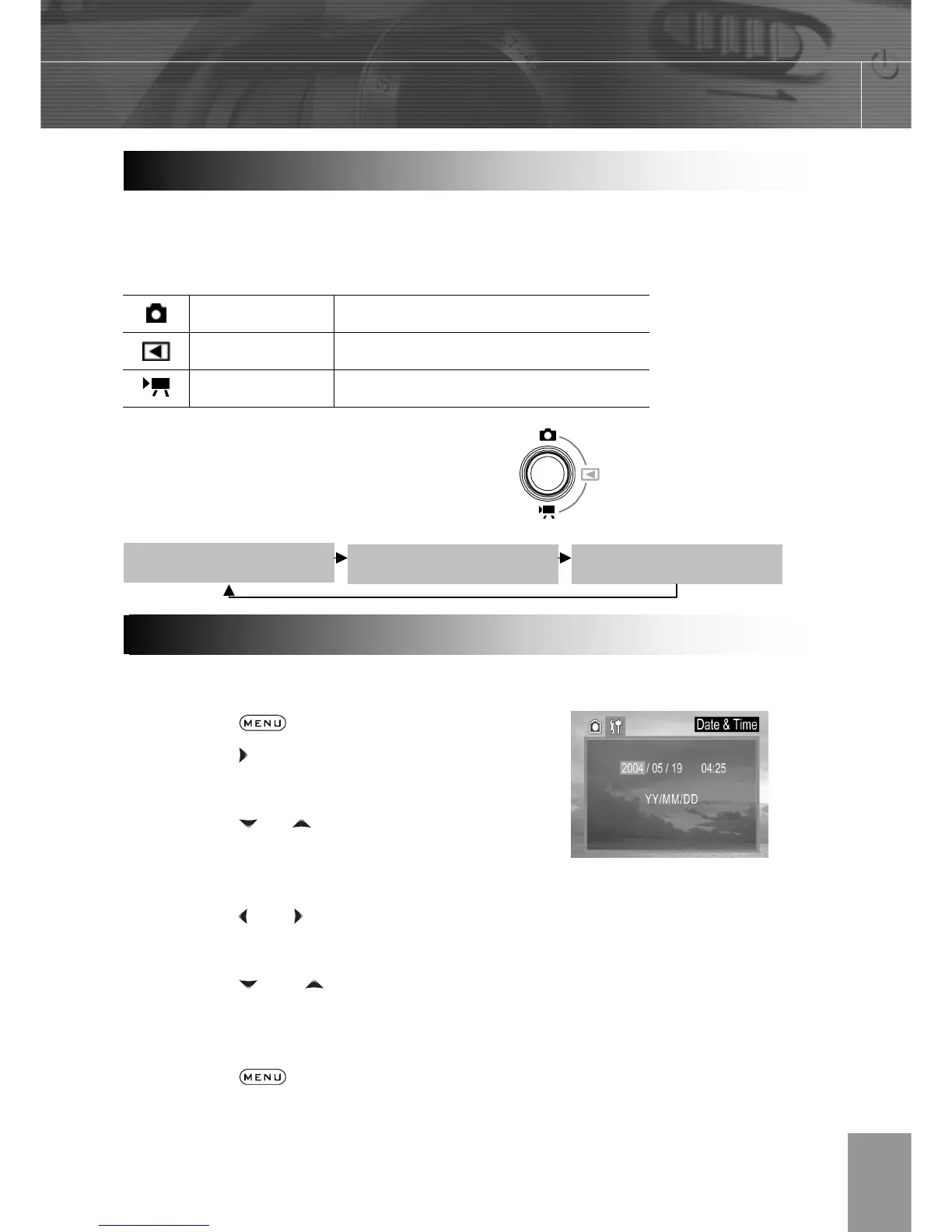
iew recorded images and
movies
Movie Mode For shooting movies
The camera mode changes as shown in the
following diagram when the Camera Mode
button is pressed.
1. Turn on the camera.
2. Press the
button.
3. Press the arrow to select the Setup
Menu.
4. Press the
or arrow to select Date
& Time then press the SET button.
5. Set the date and Time.
6. Press the
and arrow to select a field
to change.
7. Press the and arrow to set the
values.
8. Press the SET button.
9. Press the
button to close the menu
window.
Settin



 To Next Page