-24-
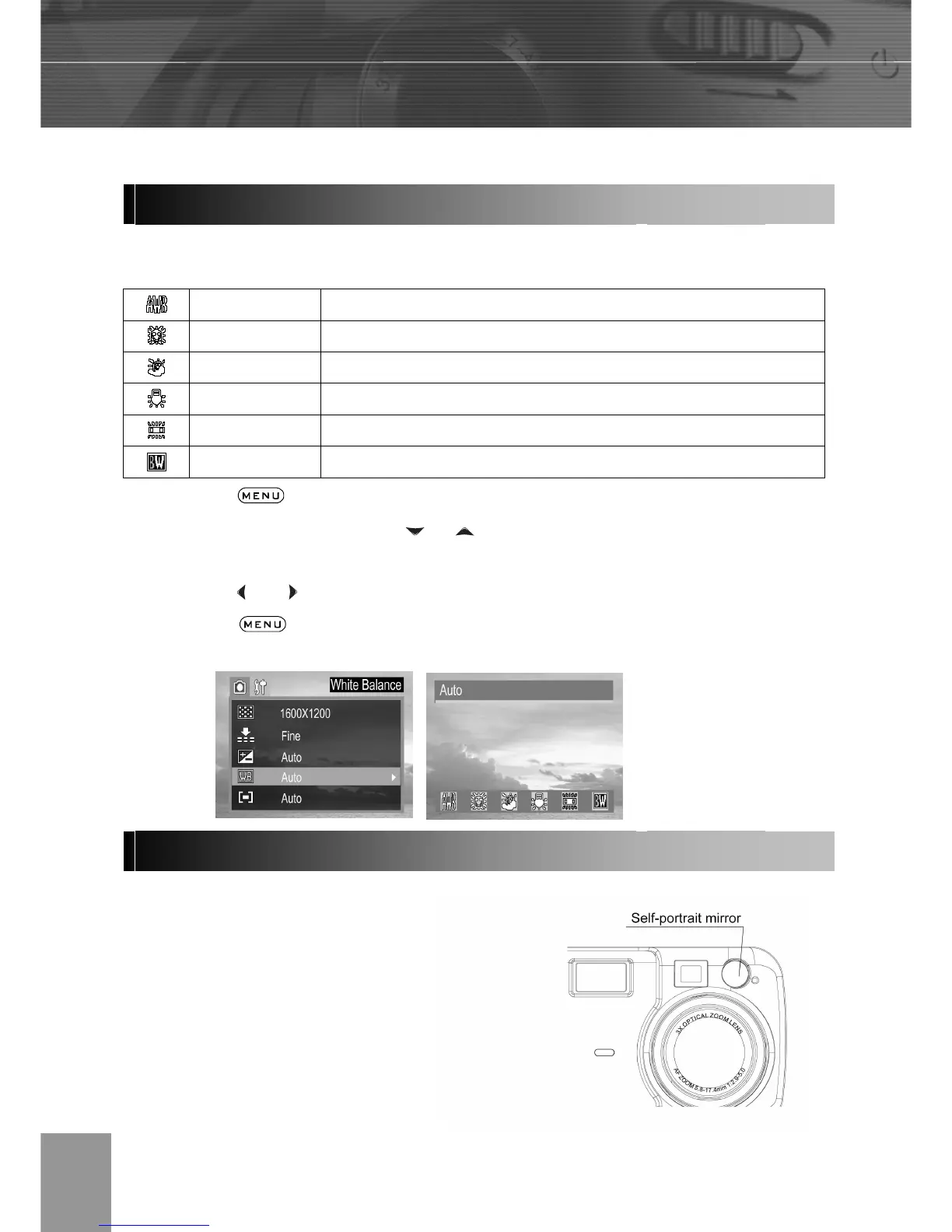
When the white balance mode is set to match the light source, the camera reproduces
colors more accurately.
Auto Settings are automatically set by the camera
Day light For recording outdoors on a bright day
Shade For recording under overcast, shady or twilight skies
Tungsten For recording under tungsten lighting
Fluorescent For recording under fluorescent lighting
Black & white For recording black & white photo
1. Press the button.
2. In the camera menu, press the
or arrow to select white balance then press
the SET button.
3. Press the
and to set the white balance value then press the SET button.
4. Press the button to close the menu window.
Take the self-portraits picture by using the self-portrait mirror on the front of the camera.
1. Look at the self-portrait
mirror on the front of the
camera to confirm the
framing.
2. Press the shutter button
down halfway, the indicator
lamp will glow when the
focus is confirmed.



 To Next Page